Mars 5 Ultra
153.36 × 77.76 × 165 mm Resin
A second documented resin format to compare with the larger Saturn 4 Ultra 16K.
What to check
The cover does not replace a suitable resin workspace. Plan washing, curing and consumables.
Your project comes first
Compare build size, materials and complete configurations. Understand the tradeoffs before you choose.
Manufacturer sources · No hands-on tests claimed

Start with your models, materials and workspace.
Explore ↗Choose a process around the object you want to make.
Explore ↗Compare the printer and feeder as a complete package.
Explore ↗Your 3D printing library
Beginners, resin, multicolor and project-specific choices.
Explore ↗Filament, resin and the complete printing setup.
Explore ↗Find models, check licenses and prepare your files.
Explore ↗Start with the symptom and a documented procedure.
Explore ↗Six starting points. Different questions to ask before choosing a machine.
Learn the process, check your workspace and build a complete budget.
Explore this projectCompare detail, part size and the work required after printing.
Explore this projectAllow for helmets, split parts, assembly and finishing.
Explore this projectStart with the load, material and dimensions of your finished part.
Explore this projectUnderstand feeders, bundles and material changes.
Explore this projectInclude supplies, accessories and delivery in your shortlist.
Explore this projectDocumented specifications, a useful distinction and a limitation for each model.
153.36 × 77.76 × 165 mm Resin
A second documented resin format to compare with the larger Saturn 4 Ultra 16K.
The cover does not replace a suitable resin workspace. Plan washing, curing and consumables.
220 × 220 × 250 mm FDM
An enclosed format with different dimensions from 256 mm printers; manufacturer-specified hotend up to 300°C.
Distinguish the original K1C from K1C 2025. Check accessories and regional delivery before ordering; check the exact bundle in the manufacturer’s US listing.

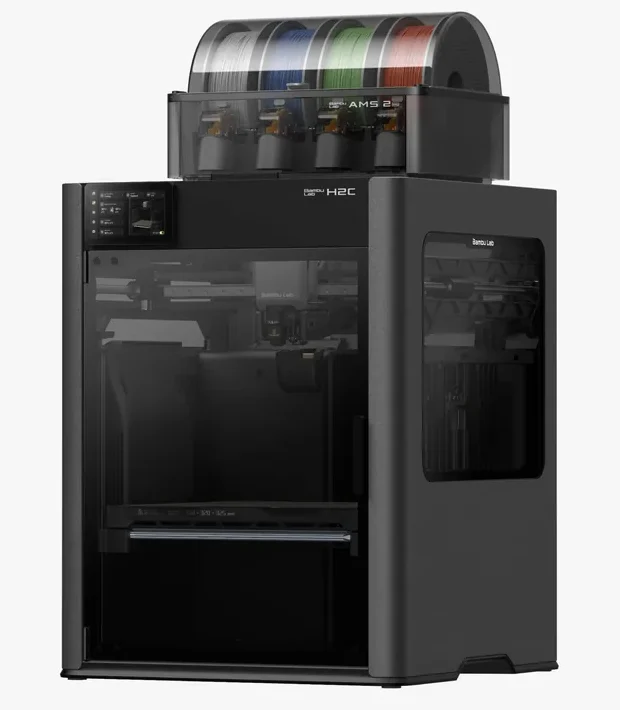
256 × 256 × 256 mm FDM
The enclosed frame, hotend up to 300°C and bed up to 110°C support a broader material discussion than an open-frame machine.
AMS 2 Pro and drying capabilities depend on the package selected. Advertised automation is not a measured reliability score.

250 × 250 × 250 mm FDM
A 320°C hotend and enclosed structure make it a candidate for comparison with other enclosed CoreXY machines.
The printer alone is single-color. TPU 95A compatibility does not extend to multicolor feeding through ACE Pro.

211.68 × 118.37 × 220 mm Resin
Advertised 14 × 19 µm XY pixels and resin-vat heating to 30°C are relevant specifications for fine-detail workflows.
Pixel size is not measured finished-part accuracy. Budget for washing, curing, consumables and an appropriate workspace.

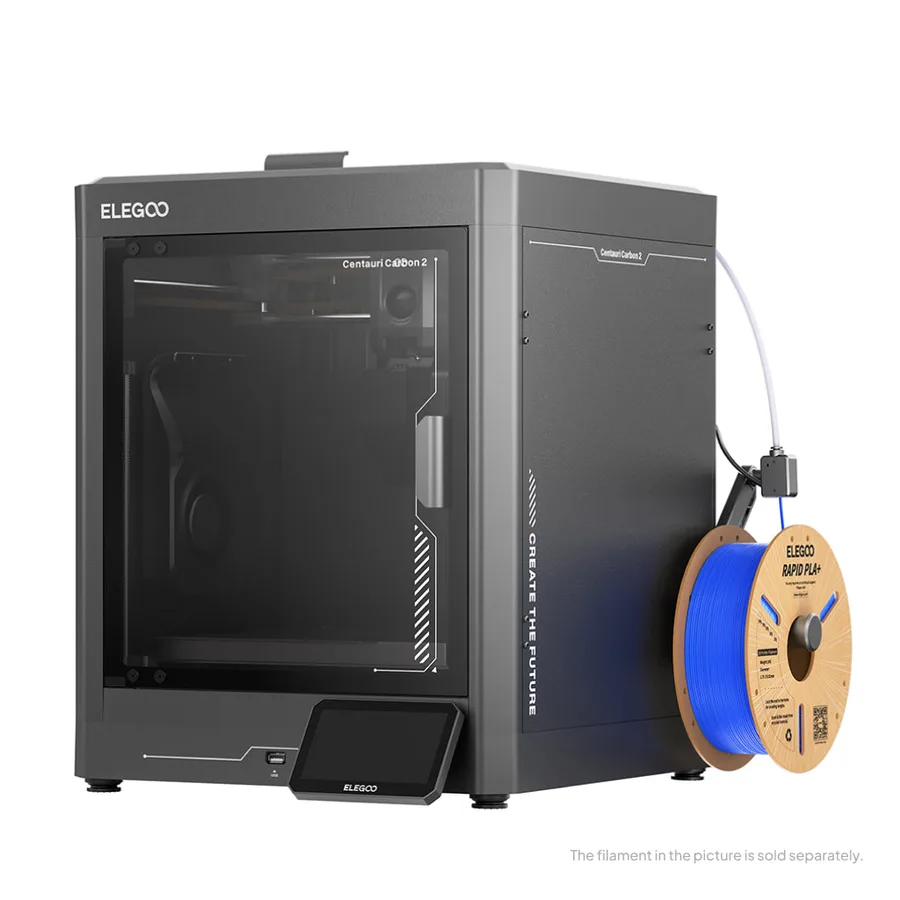
256 × 256 × 256 mm FDM
Manufacturer specifications include a 320°C hotend, 110°C bed and automatic calibration.
Do not confuse the original Carbon with Carbon 2. Confirm the exact model and any CANVAS compatibility with the seller.

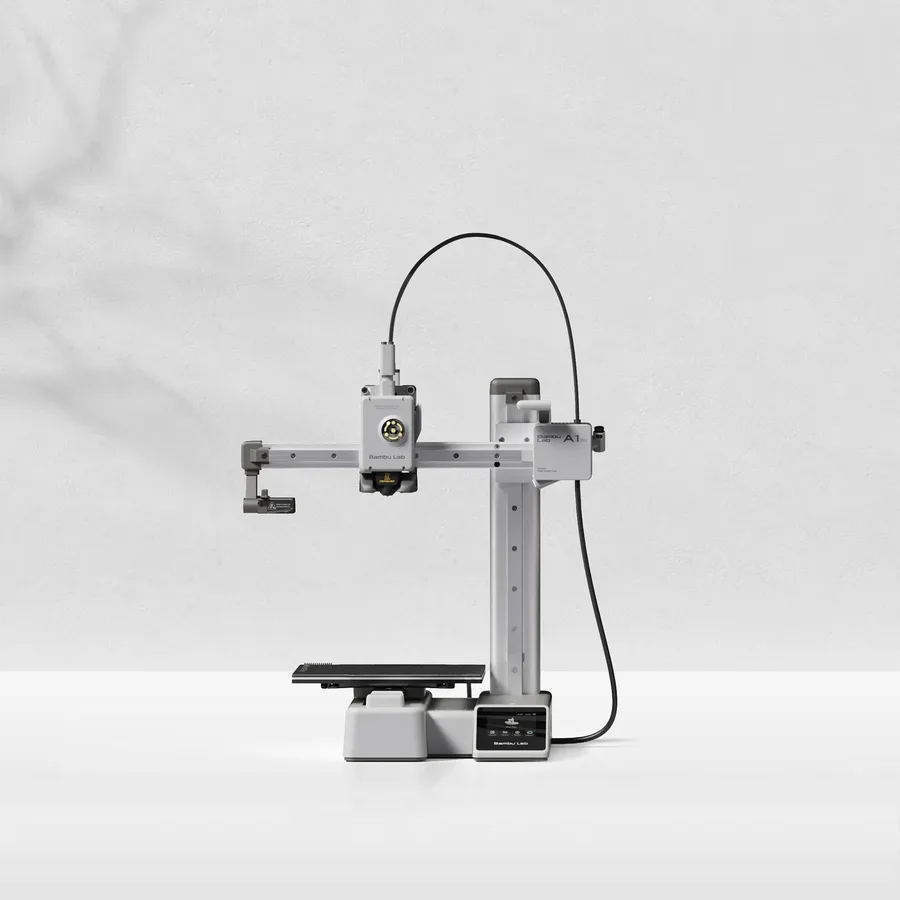
180 × 180 × 180 mm FDM
A candidate when your models fit within an 18 cm cube, allowing room for supports and the selected orientation.
Larger objects may need splitting and assembly. Check moving-bed clearance as well as the printer footprint.

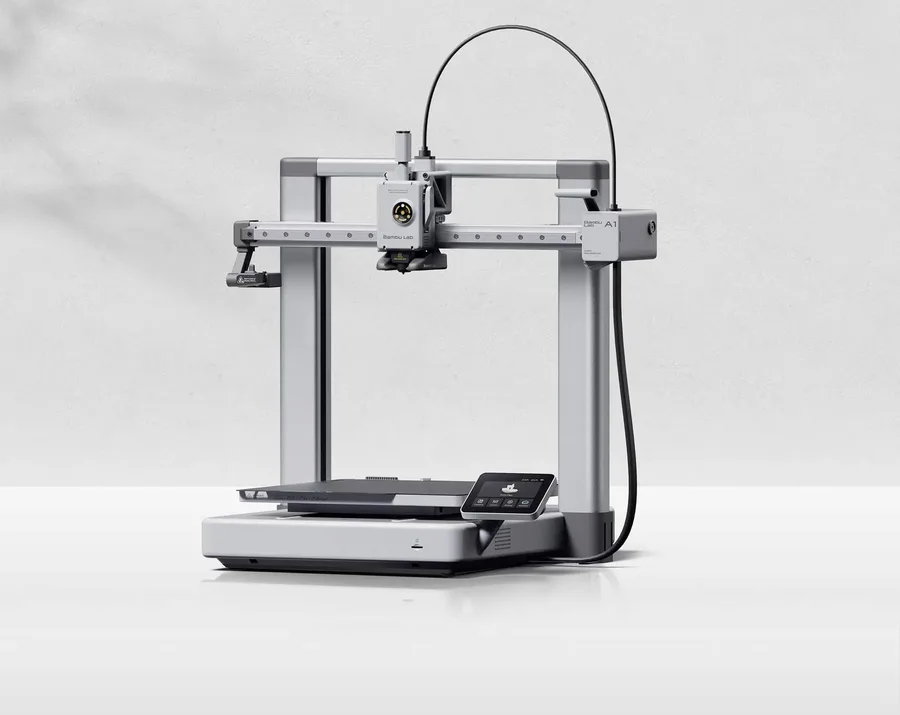
256 × 256 × 256 mm FDM
More space on every axis than the A1 mini, while keeping the A1 family workflow.
An open frame does not provide the same thermal conditions as an enclosed printer. Choose materials accordingly.

256 × 256 × 256 mm FDM
The same nominal volume as the A1, with an enclosure and a different motion system.
Check the precise AMS version, adapters and accessories included. Enclosure alone does not establish material suitability.

256 × 256 × 256 mm FDM
Another manufacturer to compare when you need an enclosed machine in the 256 mm build-volume class.
Carbon, Carbon 2 and Carbon 2 Combo are different listings. Confirm the complete package before comparing prices.
A documented selection, not an exhaustive market inventory or a hands-on ranking.
Start with the differences that affect your project, then compare the complete configuration.
Open the comparison toolTwo processes with different workflows.
PLA or PETG?Choose a material for the finished object.
STL or 3MF?Know what is inside your downloaded file.
A printer is one part of the budget. Include material, accessories and delivery before ordering, then estimate the material and electricity for a specific print.
No. You can start with an existing model, check its license and prepare it in a slicer configured for your printer. Designing becomes useful when you need custom dimensions or a part that does not already exist.
Only if its usable volume suits your projects and the whole machine fits your workspace. Bed movement, access to the spool and maintenance clearance also matter. Splitting a large object is possible, but adds assembly and finishing work.
Yes. Start with process, part dimensions and workspace, then compare the total cost of the resulting configurations. Our budget tool lets you enter current seller prices instead of relying on a stale advertised price.
No. These are documented comparisons based on manufacturer specifications and clearly stated editorial criteria. We do not claim measured speed, noise or print quality. Product pages link to sources and identify limitations.
Use the free buying checklist and budget worksheet before comparing offers.
We organize manufacturer specifications and distinguish documented facts from editorial interpretation. No invented ratings, prices or test results.
Read our methodology