Our selection · updated September 28, 2026
3D Printers for Prototyping and Functional Parts in 2026
For a prototype or a functional part, build volume alone doesn’t decide the choice: the material you need (PETG, ABS, ASA, nylon, polycarbonate, composites), how stable the chamber stays under heat, and whether you need soluble supports or multiple materials matter just as much. Here are seven printers from our catalog picked for these criteria, with manufacturer specifications and the one thing to check before buying.
Documentary selection · No hands-on test, no score
How we chose
- Only printers documented in our catalog, with a manufacturer spec sheet reviewed in September 2026 (material compatibility, nozzle, bed and chamber temperature).
- One pick per prototyping profile rather than a single leaderboard: iterating fast in PLA doesn’t call for the same printer as a nylon or fiber-filled part.
- No scores, no claimed testing, and no promise of mechanical strength: a manufacturer’s listed material compatibility is not a validation of your part.
- For the same use, we favored the most documented and most searched printers, for their profiles and community support.
- Some spec sheets show paid partner offers, labeled “Ad”. A printer without an offer can still make the list.
Define the part before the material
Before comparing printers, write down the part’s function, the loads it needs to handle and the temperatures it will meet in use. A storage bin, a positioning jig and a part under regular load don’t call for the same evidence, even though “functional” gets used for all three. That step should drive your material choice first, and only then your printer choice. If a part failing could hurt someone, a consumer printer manufacturer’s listed material compatibility is not a validation of that application: plan representative testing and, where it matters, a professional opinion in the relevant field.
Repeatability: what manufacturers actually document
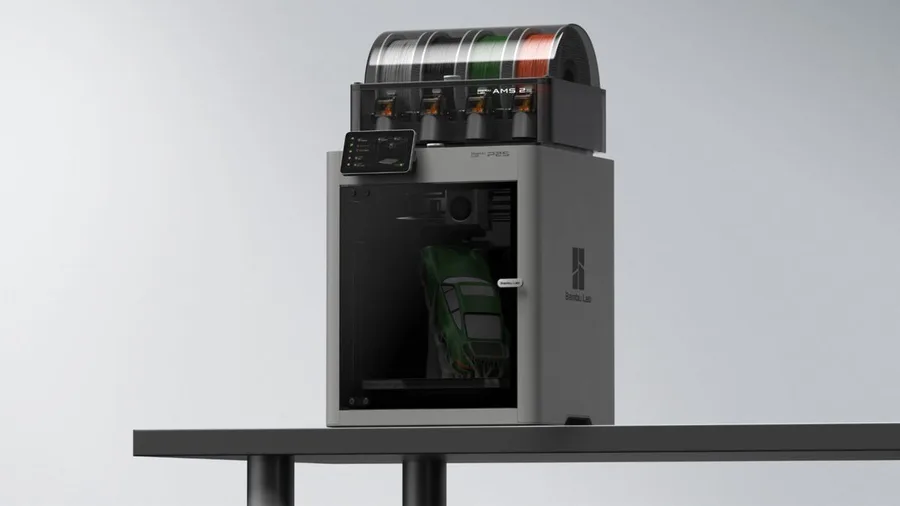
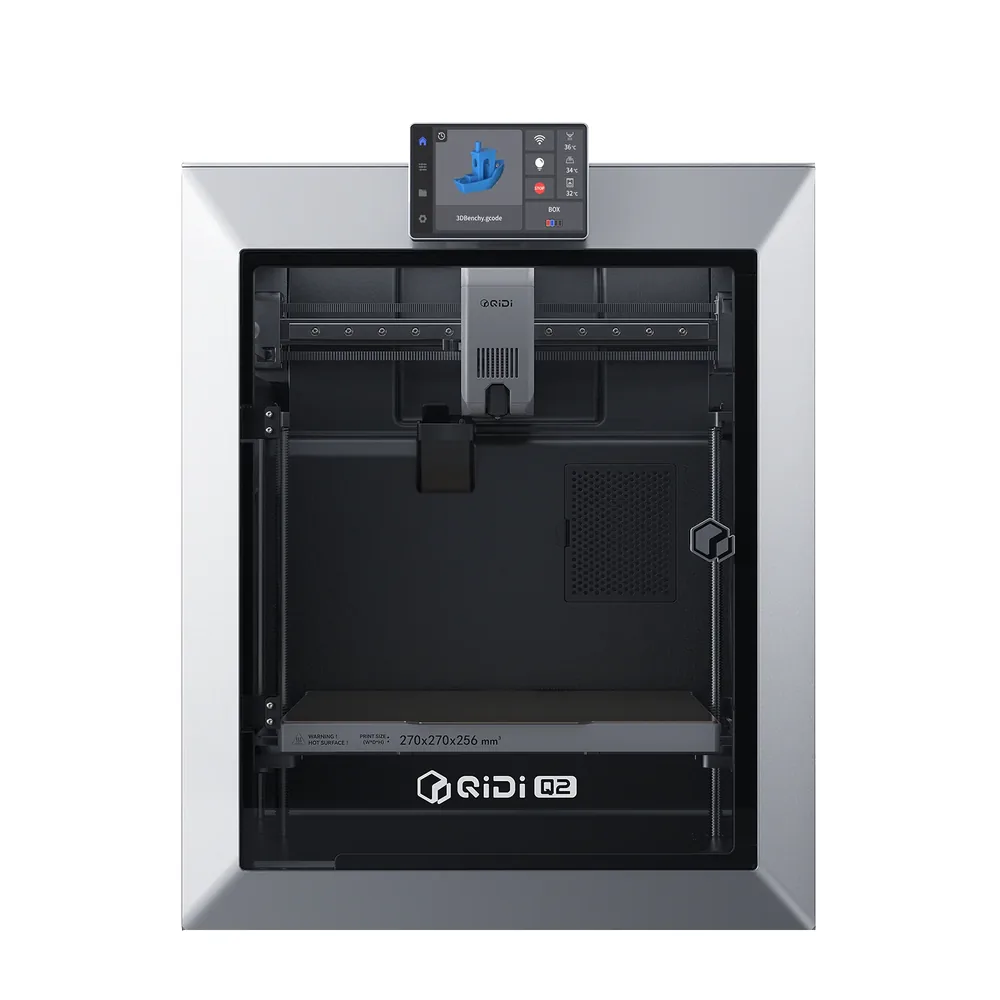
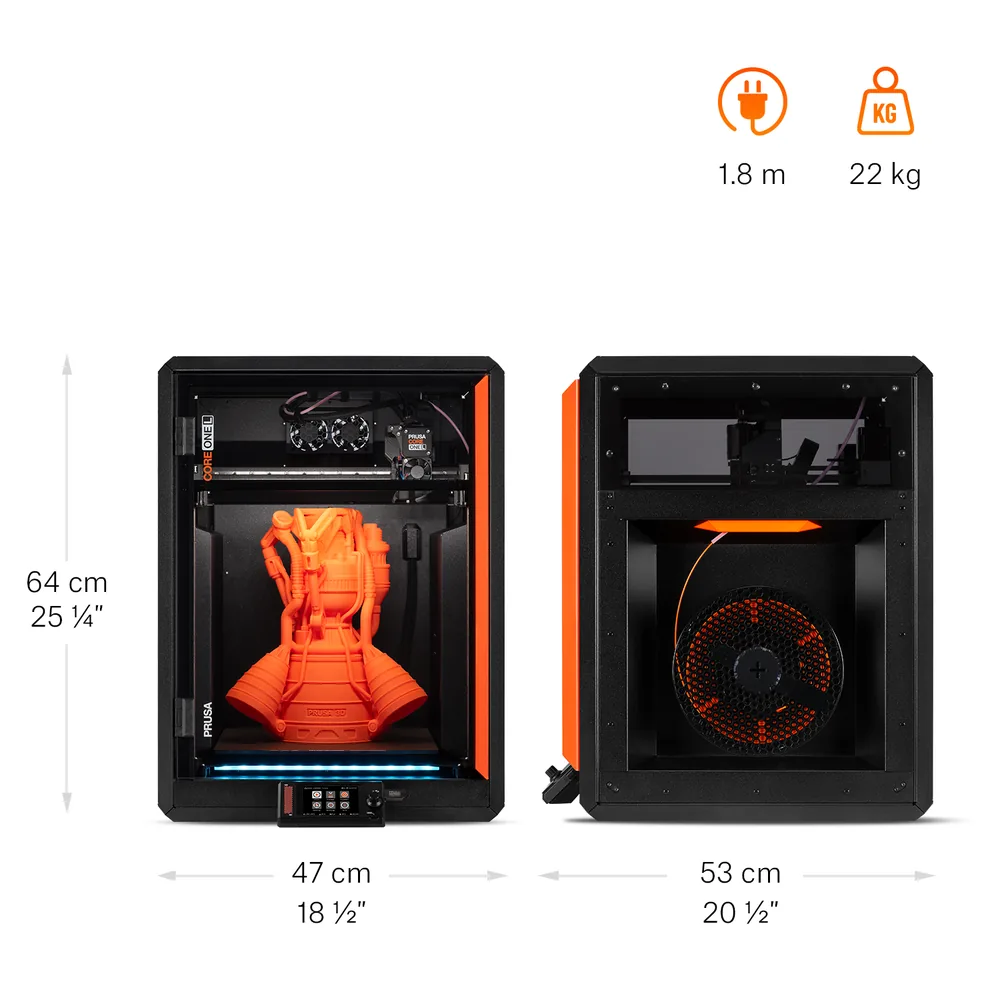
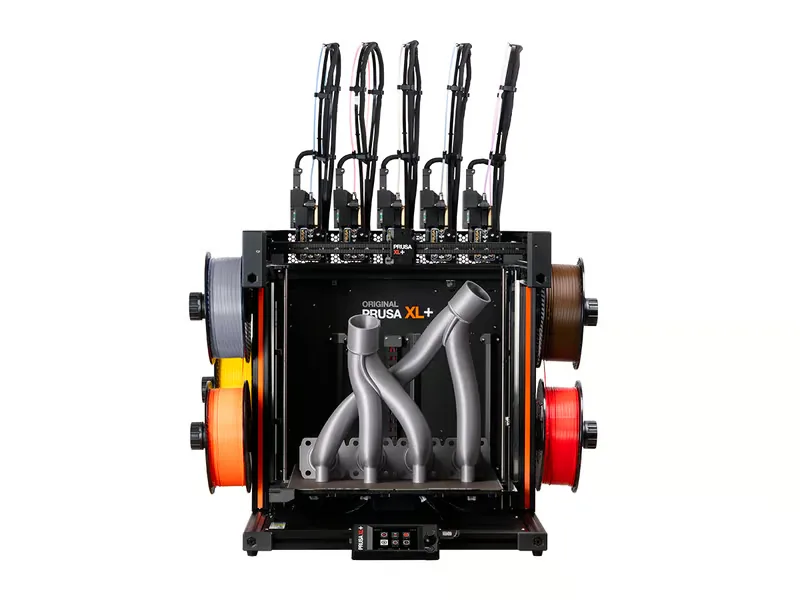
A prototype that needs to come out the same way more than once relies on features manufacturers document unevenly: automatic flow calibration, load-cell bed leveling, a heatbed segmented into zones to limit warping. Bambu Lab describes an automatic flow calibration system for the P2S, QIDI a nozzle-as-sensor leveling system built to remove offsets, and Prusa Research a 16-zone segmented heatbed on the XL+ as well as fully automatic load-cell leveling on the CORE One L+. These features cut down on manual reprints between runs, without being a reliability measurement we’ve verified ourselves.
Engineering materials: what they ask of the printer
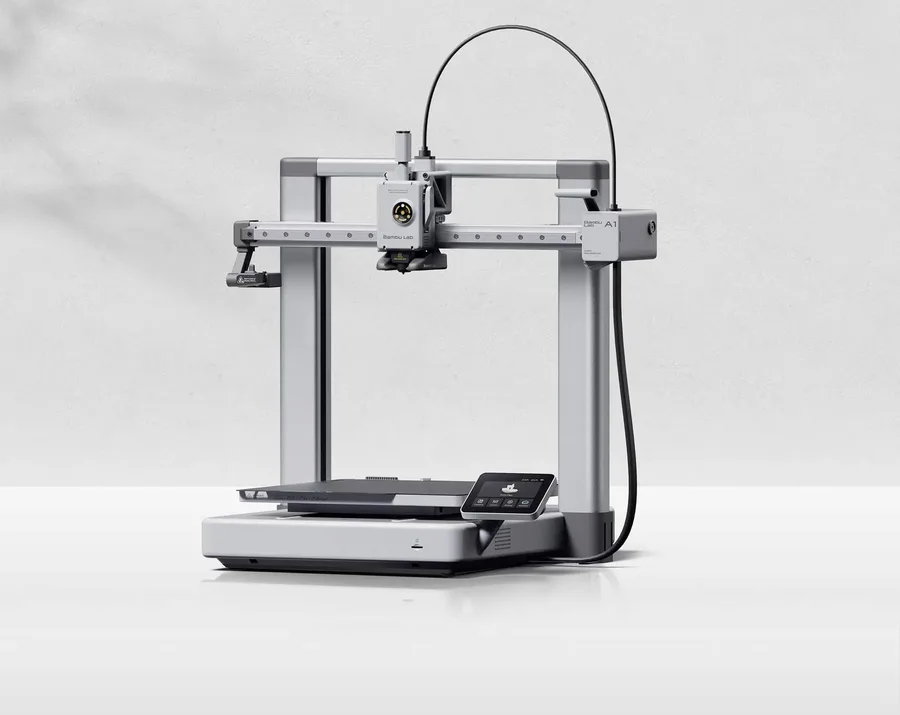
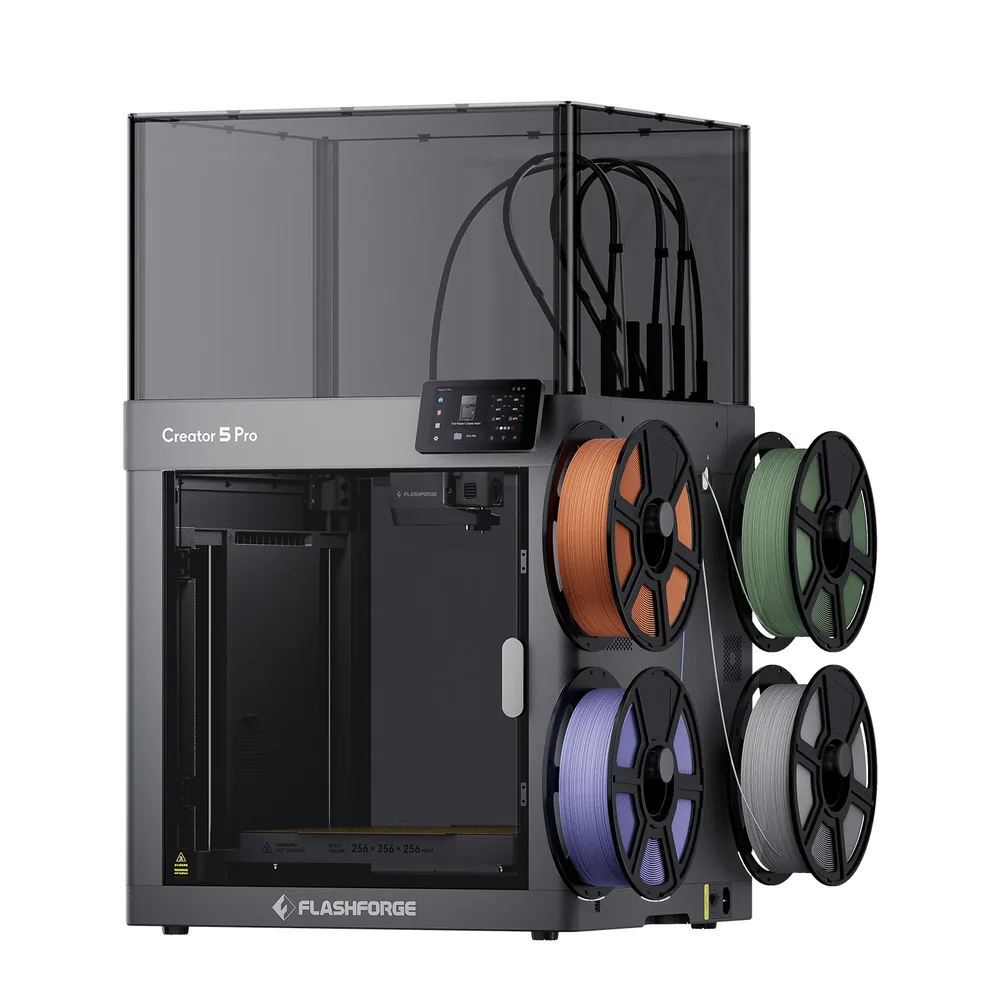
PETG prints fine on an open frame like the A1. ABS and ASA, which shrink while cooling, benefit from an enclosure or even an actively heated chamber, like the Q2’s or the CORE One L+’s. Nylon (PA) and polycarbonate need a hotter nozzle and a stable chamber temperature for the whole print: the K1C 2025, the Q2 and the Creator 5 Pro all list them as compatible, subject to the exact slicer profile used. Glass- or carbon-fiber composites add another requirement, a hardened nozzle, to avoid premature wear. In every case, a manufacturer’s listed material compatibility is neither a strength rating nor a guarantee of mechanical performance for your part.
Dual extrusion, soluble supports and no-purge multi-material
Some prototyping parts need supports that dissolve in water rather than being snapped off by hand, especially on internal geometry you can’t reach: Prusa Research’s XL+ lets you dedicate a toolhead to a soluble filament like PVA. Flashforge’s Creator 5 Pro takes a different approach, combining a rigid filament with a technical one across its four independent toolheads without purging a single nozzle at every change, useful for marking an assembly zone or testing two materials on the same prototype. These setups are more complex than a single-nozzle printer: they pay off when the part’s geometry demands it, not as a default. Our dual extrusion guide covers these tradeoffs.
Dimensional precision: beyond the spec sheet
Few manufacturers publish a per-part dimensional tolerance; instead they document features meant to support it, like automatic flow calibration or load-cell leveling repeated before every print. Before locking in a design, print a sample representative of the real assembly (screws, snap-fits, clearance) and log the file, orientation, material and settings used: that’s what separates a design problem from a simple profile change between iterations. None of the printers in this list has had its tolerances measured by our editorial team.
Budget: count the iterations
A prototype is rarely done in a single print: budget for several versions and validation parts, on top of the printer itself. Engineering filaments (PA, PC, composites) cost more than basic PLA and sometimes need drying before printing. Our startup budget tool helps list these line items before deciding. For regular professional use rather than occasional prototyping, our professional 3D printer guide covers additional criteria (service support, fleet management, workplace safety).
Frequently asked questions
What’s the best 3D printer for functional parts?
It mostly depends on the material: PETG works on an open-frame printer like the A1, ABS and ASA benefit from an enclosed frame like the P2S or the K1C 2025, and PA or PC benefit from an actively heated chamber like the Q2’s or the CORE One L+’s, even though the P2S lists them as compatible without chamber heating.
Do I need an actively heated chamber to prototype in PA or PC?
A passive enclosure already helps, but an actively heated chamber like the Q2’s, the Creator 5 Pro’s or the CORE One L+’s holds temperature more evenly through a long print, which these materials tolerate poorly if there’s a draft.
What are dual extrusion or soluble supports actually useful for in prototyping?
They let you remove an internal support without breaking it off by hand on complex geometry, like on Prusa Research’s XL+, or combine two materials on the same prototype without purging a single nozzle, like on Flashforge’s Creator 5 Pro.
Can a consumer 3D printer produce a reliable functional part?
A manufacturer’s listed material compatibility is not a validation of your part. Print a sample representative of the real assembly and define acceptance criteria; if a failure could hurt someone, a hobbyist printer alone isn’t enough to validate that application.
How do I budget for prototyping across several iterations?
Count several design versions and validation parts on top of the printer itself, with engineering filaments often costing more than PLA. Our startup budget tool helps list these line items before deciding.
Sources
- Bambu Lab — A1 specifications (bambulab.com)
- Bambu Lab — P2S specifications (bambulab.com)
- Creality — K1C 2025 user manual (wiki.creality.com)
- QIDI Tech — Q2 specifications (us.qidi3d.com)
- Prusa Research — CORE One L+ specifications (prusa3d.com)
- Flashforge — Creator 5 Pro specifications (flashforge.com)
- Prusa Research — XL+ specifications (prusa3d.com)
- Our methodology