How we chose
- Only printers documented in our catalog, with a manufacturer spec sheet reviewed in September 2026 (open or enclosed frame, leveling, camera, nozzle and bed temperature).
- Picks chosen for family safety and everyday ease of use rather than a general leaderboard: out-of-reach placement, a physical barrier, automatic leveling, and remote monitoring.
- No scores and no claimed testing: we have not tested these printers, and every reason relies on each manufacturer's own published specifications.
- Resin is excluded from this lineup: it stays liquid and irritating before curing and isn't suited to direct use by kids, whatever the model.
- Some spec sheets show paid partner offers, labeled "Ad".
What age, and what level of supervision?
There is no official minimum age for using an FDM 3D printer at home, but the main risk is physical and concrete: the nozzle typically runs between roughly 190 and 250°C or higher depending on the material, more than enough to cause a serious burn on contact. On top of that, moving mechanical parts (axes, belts, the bed) travel throughout the print, sometimes for hours at a stretch.
For a young child, direct supervision is the simplest rule: start the print together, place the machine out of reach while it runs, and never let a child touch the nozzle area, hot or not, without checking first. As a child gets older and understands "we don't touch it while it's printing," involvement can grow gradually to picking the model, choosing the filament color, or checking progress from the app.
Print duration matters too: a small object that finishes in an hour is easy to watch start to finish, while a bigger part running overnight or for a full day means the machine's placement needs to stay out of reach for that whole stretch, not just for the few minutes an adult is around at the start.
Why resin is not a good fit for kids
Unlike FDM filament, the photopolymer resin used in MSLA printers stays liquid and chemically irritating until it cures under UV light. Handling it calls for gloves, a ventilated room, and eye protection while filling the vat, removing parts, and post-processing (solvent washing, curing), steps that are not suited to a child without an adult trained in those precautions staying close by.
For a first machine at home with kids, FDM is therefore the more sensible starting point: filament that is solid at room temperature removes the risk of contact with an irritating liquid, even though nozzle heat still demands its own precautions. The resin buying guide covers what that process actually requires for anyone who wants to try it later, without kids in the room during handling.
Frame, leveling, and monitoring: what matters day to day
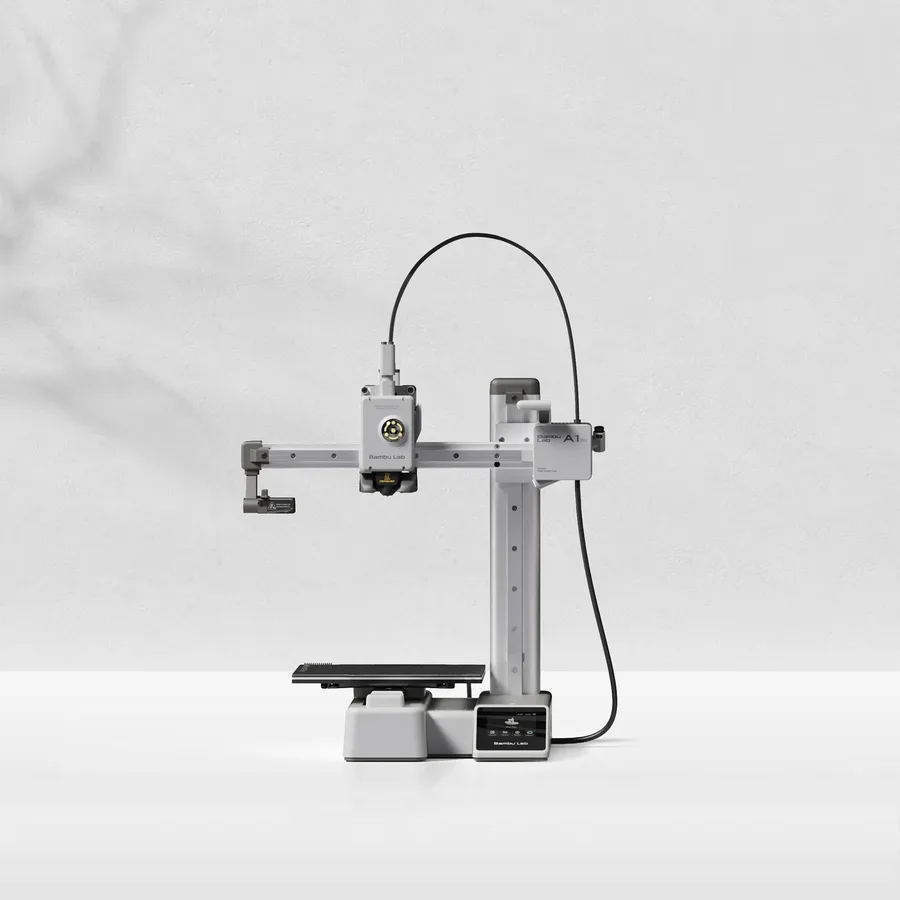
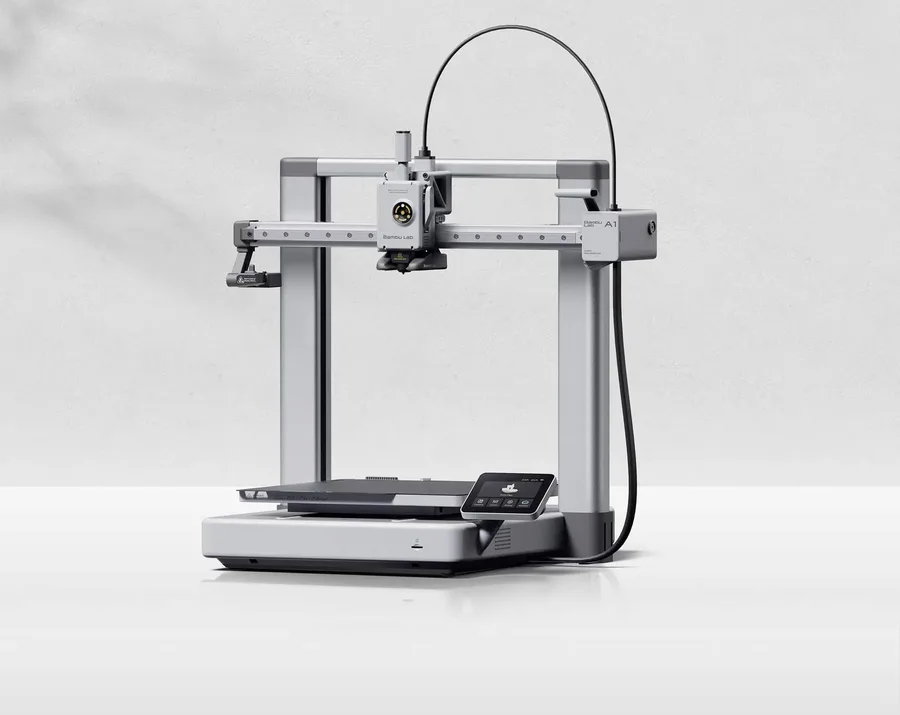
An open-frame machine, like the Bambu Lab A1 mini or the A1 in this lineup, leaves the nozzle and bed exposed on every side while printing: it is a common, affordable format, but it needs a spot out of reach of young kids and pets, a high shelf rather than a coffee table.
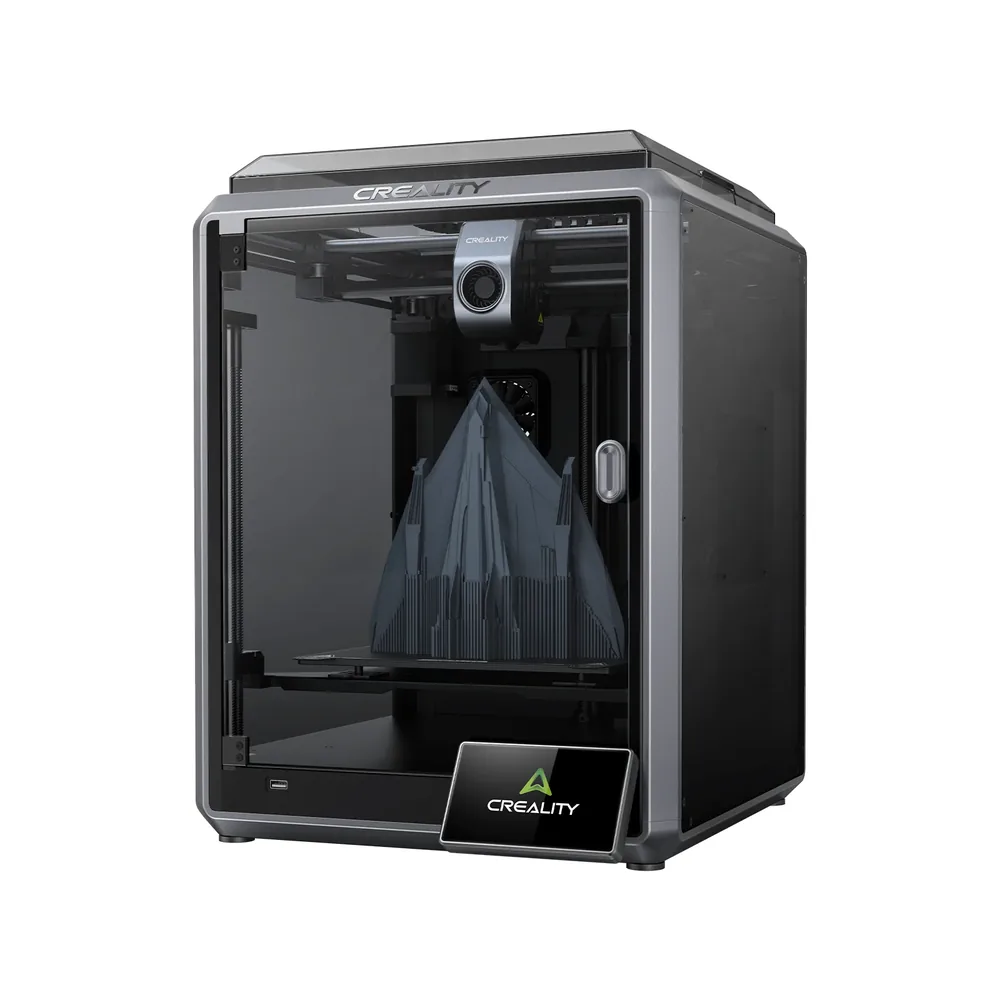
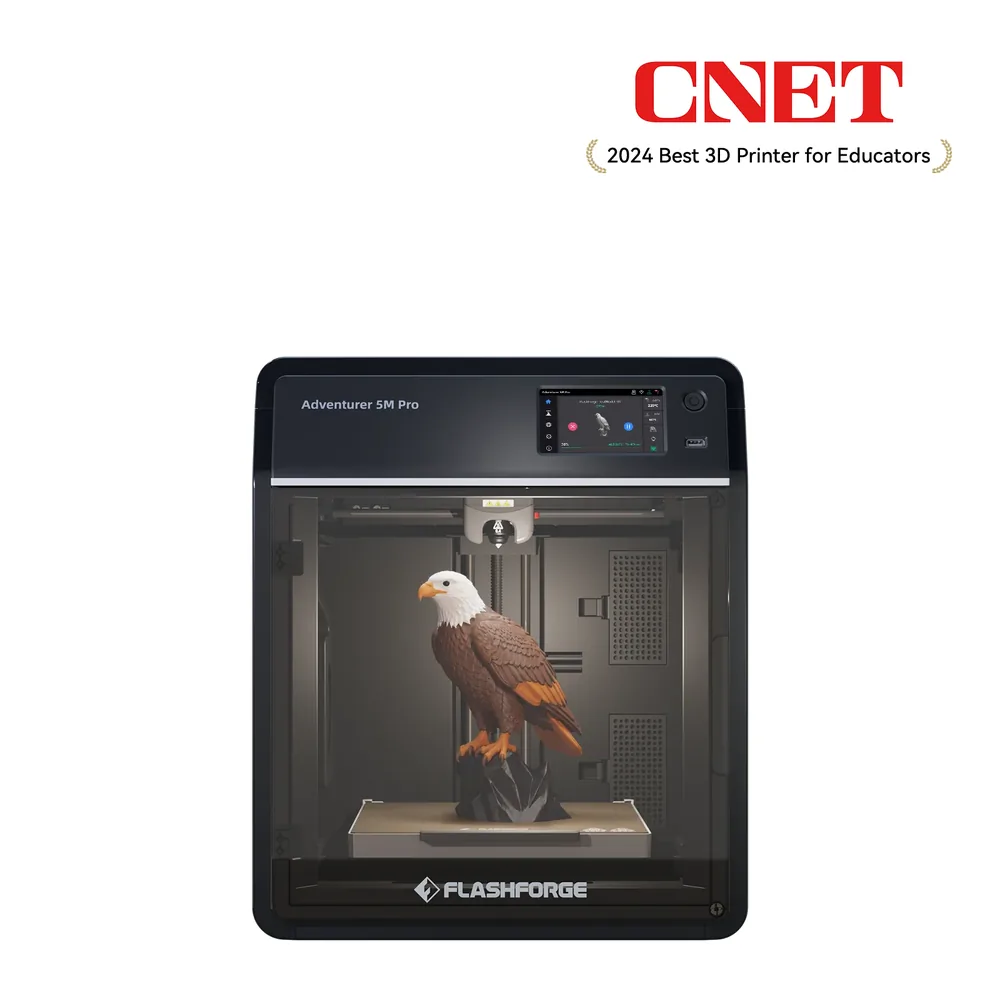
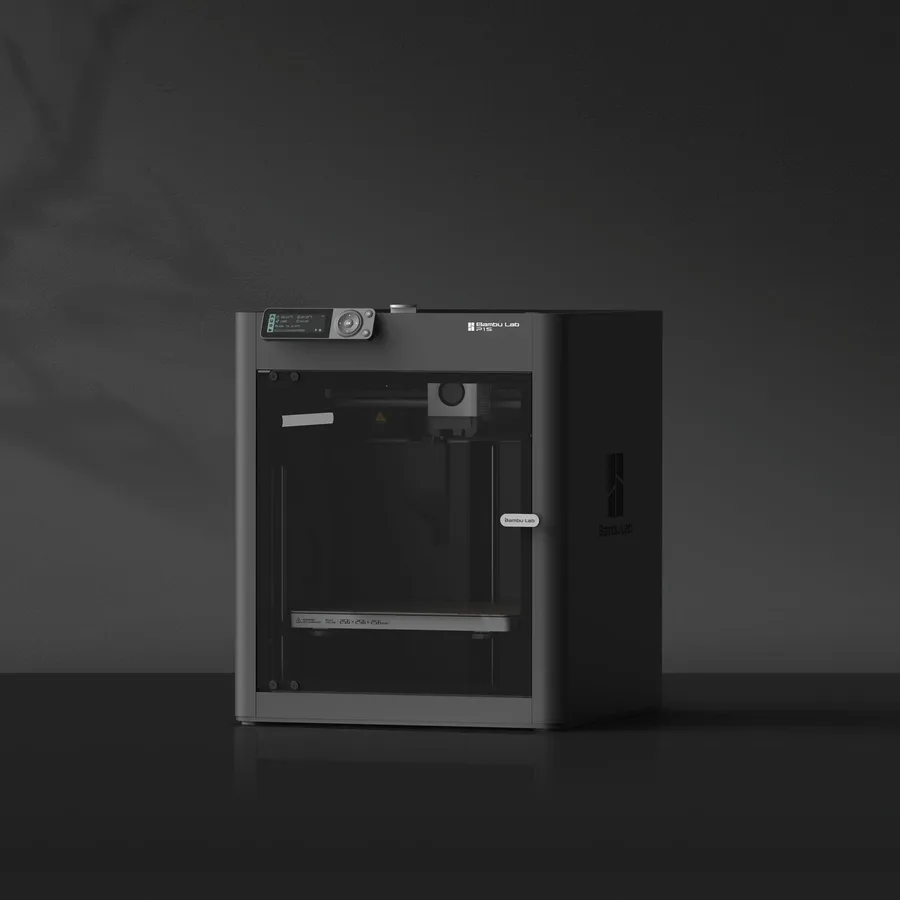
An enclosed machine adds a physical barrier between the hot zone and the outside, which cuts the risk of accidental contact and also tones down noise and any odor from materials that produce one. The Creality K1, Flashforge's Adventurer 5M Pro, and the Bambu Lab P1S in this lineup show three ways to get that enclosure, with or without extra air filtration. The enclosed 3D printer guide breaks this down machine by machine for anyone specifically looking for that extra layer of protection.
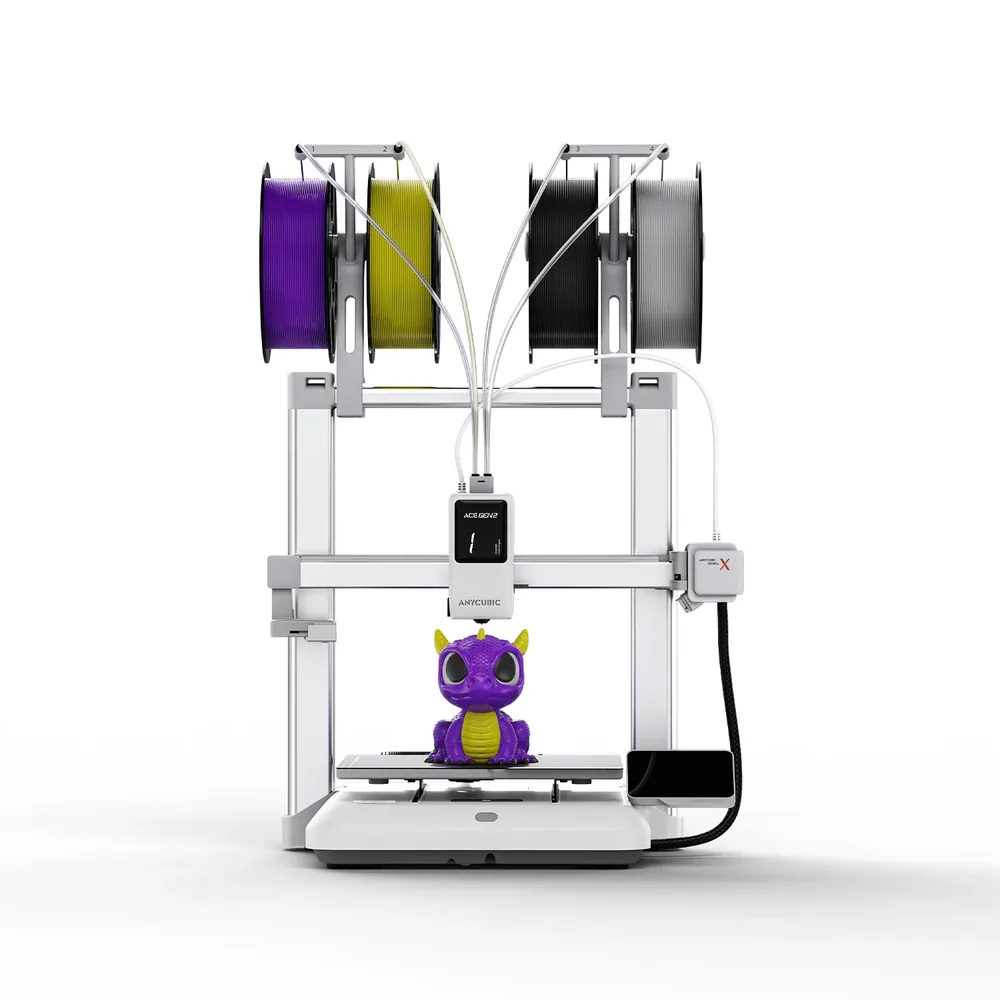
For family use, ease of use matters as much as physical safety: automatic bed leveling, listed for the K1, the Adventurer 5M Pro, and the Kobra X per their spec sheets, removes the need to manually set the nozzle-to-bed distance before every print, a fiddly task poorly suited to a child and tedious even for a beginner adult.
A mobile app or software that shows print progress and sends an alert if something goes wrong adds a useful layer of control when a kid wants to check on "their" print without having to physically sit next to the machine while it runs hot. A filament run-out sensor, listed on all six printers in this lineup per their spec sheets, also cuts down on the surprises that would otherwise send an adult rushing to intervene near a hot nozzle mid-session.
What a "toy" machine like Toybox adds over a standard printer
Makers like Toybox target the family market specifically: per the manufacturer's own description on its site, the device runs through a dedicated app rather than a traditional slicer, with a catalog of ready-to-print models and no technical settings to tweak, which shortens the learning curve for a kid who wants to pick a toy and start the print alone, with an adult supervising the actual start.
A standard compact machine like the Bambu Lab A1 mini, run from a regular slicer, needs more involvement from an adult to prepare a file before printing, but it also opens up a far larger catalog of models than a machine built specifically for kids, and it stays useful well past the age where a "toy" machine stops fitting the use case. The choice mostly comes down to who in the family actually prepares the files.
What software and first projects work for a family getting started?
For a kid who wants to design their own models rather than print ready-made files, Tinkercad is a common starting point: a free, browser-based 3D modeling tool built to be picked up without prior technical knowledge, working with basic shapes to combine rather than professional-grade design software.
For first projects, start with simple models the community has already tested rather than something ambitious: figurines, small desk organizers, custom keychains, or small game accessories generally print well with default settings. The free STL files page points to sources for that kind of file before moving on to original designs.
Budget for the full picture, not just the printer's price
The printer's sticker price does not cover real-world use: also factor in replacement filament spools, possibly a replacement bed adhesion surface, and the time spent watching the first few prints. For regular family use, this consumables budget outweighs the machine's upfront cost over time.
The startup budget tool helps map out these costs before buying rather than after, avoiding the unpleasant surprise of needing a new filament spool within the first few weeks of heavy family use.
What to check before setting up a 3D printer with kids
| What to check | Why it matters | What to plan for |
|---|
| Frame type (open or enclosed) | Whether the nozzle stays exposed during printing | Out-of-reach placement for an open-frame machine |
|---|
| Process (FDM or resin) | Liquid resin is irritating before it cures | Rule out resin for direct use by young kids |
|---|
| Bed leveling | Manual leveling is a fiddly, technical task | Favor automatic bed leveling |
|---|
| Interface (slicer or dedicated app) | Changes who actually prepares the files | Regular slicer for an involved adult, simplified app otherwise |
|---|
| Remote monitoring | Lets you keep an eye on it without staying close by | Check the app and the alerts it offers |
|---|
| Consumables budget | Outweighs the purchase price over time | Filament, adhesion surface, supervision time |
|---|
Frequently asked questions
At what age can a kid use a 3D printer?
There is no official threshold, but the nozzle heats enough to burn on contact and some parts move during printing. A young child needs direct adult supervision, with involvement growing gradually (picking the model, checking the app) as the child gets older.
Is a resin printer suitable for kids?
No: resin stays liquid and irritating before it cures, and handling it calls for gloves, ventilation, and eye protection. FDM, with filament that is solid at room temperature, is a better starting point for family use.
Should you favor an enclosed machine for family use?
An enclosed machine like the K1, the Adventurer 5M Pro, or the P1S in this lineup adds a physical barrier between the hot zone and the outside, cutting the risk of accidental contact compared with an open-frame machine. An open machine like the A1 still works for families as long as it sits out of reach and is watched while printing.
What does a machine like Toybox add over a standard printer?
Per the manufacturer's own description, Toybox runs through a dedicated app with a catalog of ready-to-print models rather than a traditional slicer, cutting down on technical prep. A standard machine needs more adult involvement to prepare files, but opens up a far larger model catalog.
What software lets a kid design their own models?
Tinkercad is a common starting point: a free, browser-based modeling tool built to be picked up without prior technical knowledge. It suits simple shapes well before moving on to more complete design software.
What budget should you plan beyond the printer's price?
Factor in replacement filament spools, possibly a replacement bed adhesion surface, and the time spent supervising the first prints. The startup budget tool helps list these costs before buying rather than discovering them afterward.
Sources
- Bambu Lab — A1 mini Combo Quick Start Guide (cdn1.bambulab.com)
- Bambu Lab Store — A1 (eu.store.bambulab.com)
- Toybox (make.toys) (make.toys)
- Creality — K1 specifications (creality.com)
- Flashforge — Adventurer 5M Pro specifications (flashforge.com)
- Anycubic — Kobra X specifications (store.anycubic.com)
- Bambu Lab — P1S specifications (eu.store.bambulab.com)
- Our methodology