Detailed miniatures and tabletop terrain do not call for the same printer: resin targets fine detail on small parts, while FDM suits larger terrain and storage pieces. Here are six models chosen from the 100+ printers in our catalog, with verified manufacturer specifications and the one thing to check before buying.
Documentary selection · No hands-on test, no score
A 10-inch monochrome 16K screen, XY pixels advertised at 14 × 19 µm and auto leveling per Elegoo: the finest resolution in this list for faces, fabric folds or detailed armor.
Worth knowing
The small usable volume means laying out miniatures on the plate carefully. Plan for washing and curing.
A monochrome 9K screen and a 153.36 × 77.76 × 165 mm build volume: a more compact format than the Saturn 4 Ultra 16K, useful for a tight desk or a modest batch of miniatures.
Worth knowing
Pixels advertised at 18 µm, coarser than the Saturn 4 Ultra 16K. The cover does not replace a proper resin workspace.
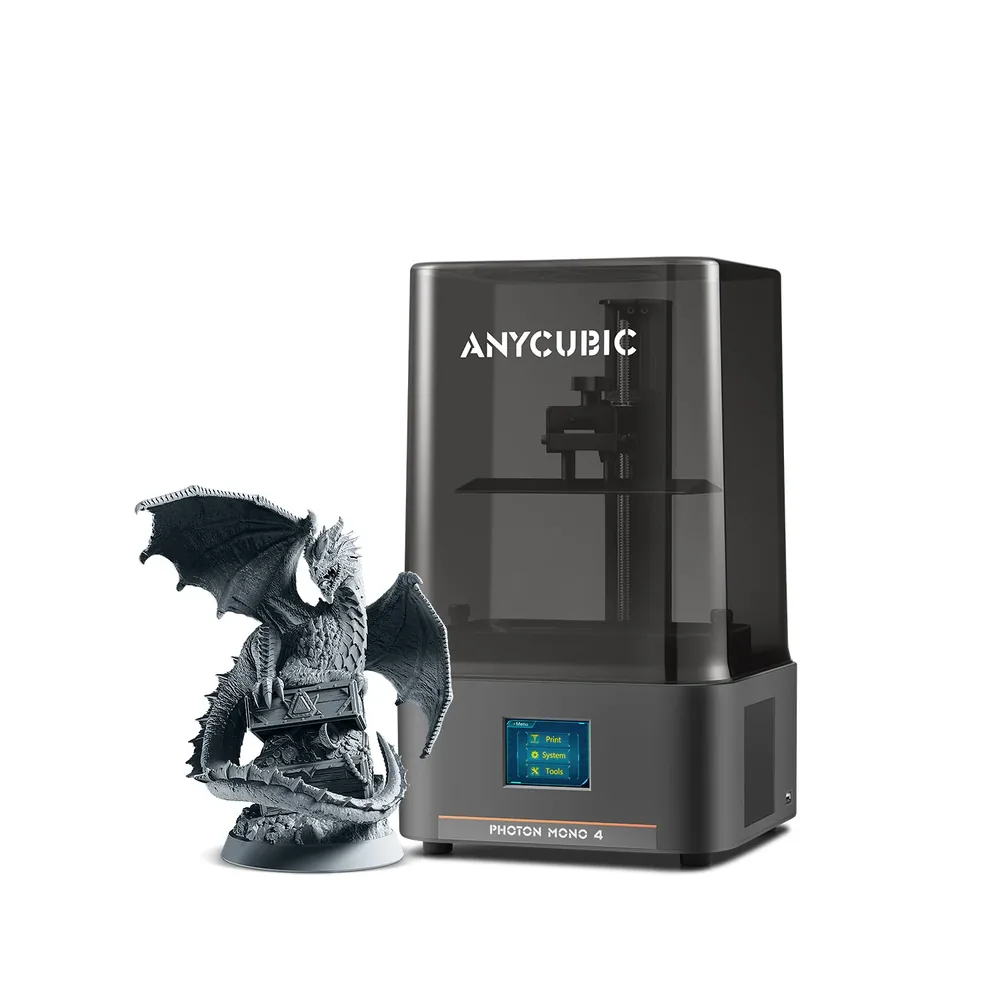
A 10K screen at 9024 × 5120 px with 17 × 17 µm pixels, a built-in cover and 4-point leveling advertised as simplified, in a compact volume per Anycubic: a resin entry point built for small detailed parts.
Worth knowing
Leveling is manual, not automatic. A compact 2.2 L volume does not suit large miniatures.
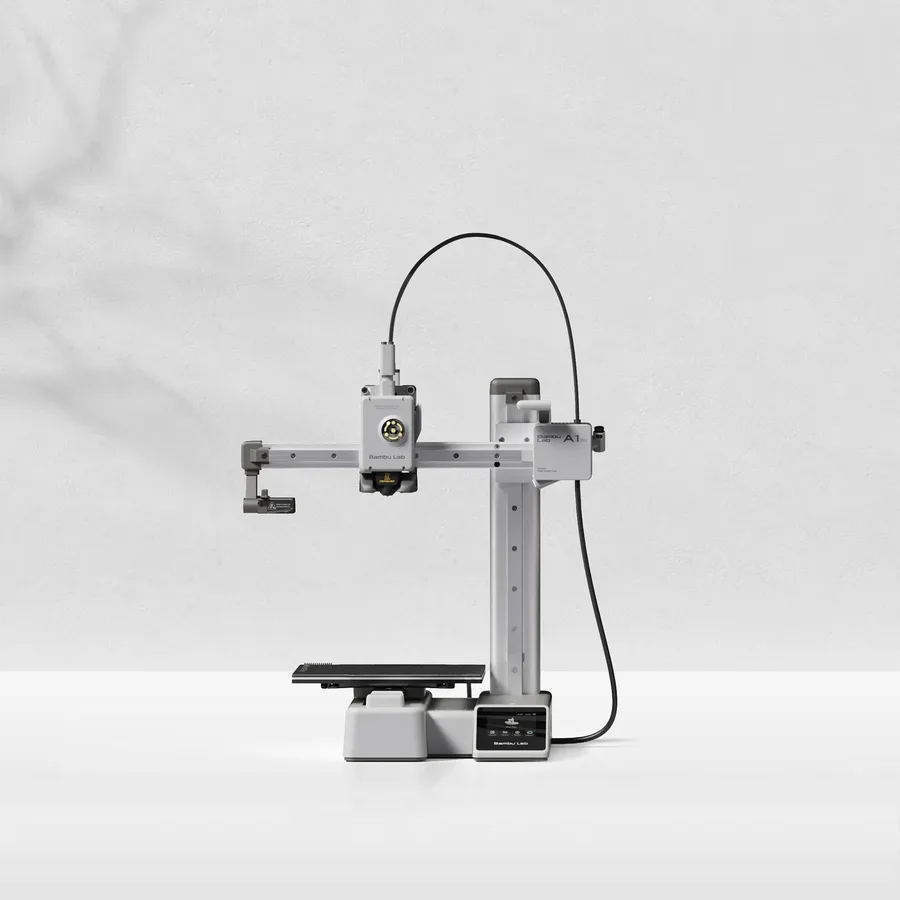
A 180 mm class build volume at 5.5 kg per Bambu Lab: enough for bases, accessories or small terrain pieces in FDM, without resin's post-processing steps.
Worth knowing
Terrain over 18 cm on one axis needs splitting and gluing. The bed tops out at 80°C, so keep it for PLA and PETG.
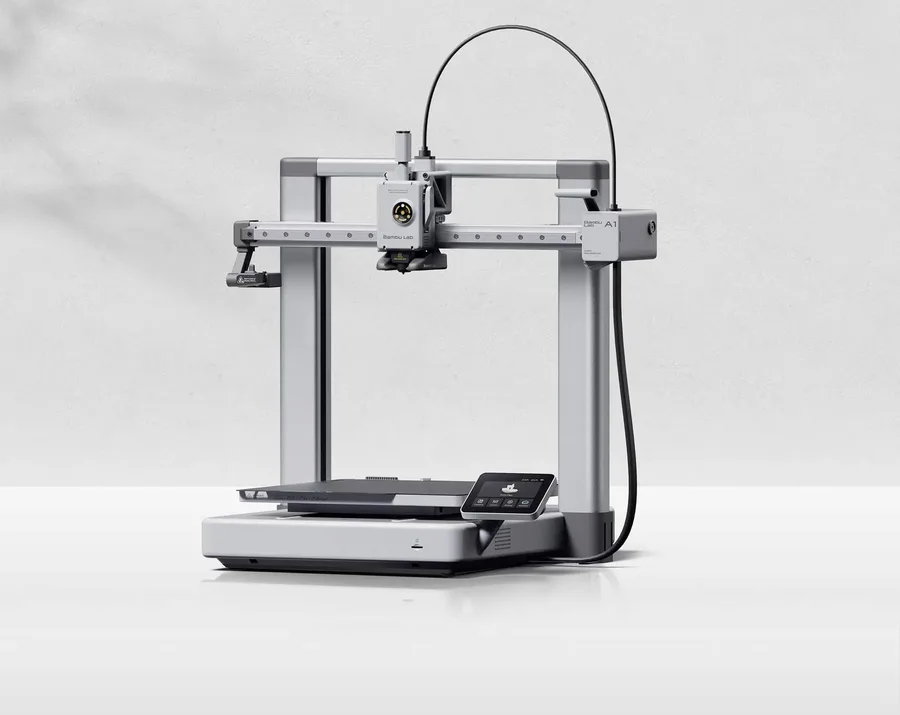
A 256 mm class build volume, more room than the A1 mini for buildings, game trays or storage boxes printed in one piece, once you have checked the dimensions in your slicer.
Worth knowing
Open frame: suits PLA and PETG, not regular ABS use for terrain exposed to heat.
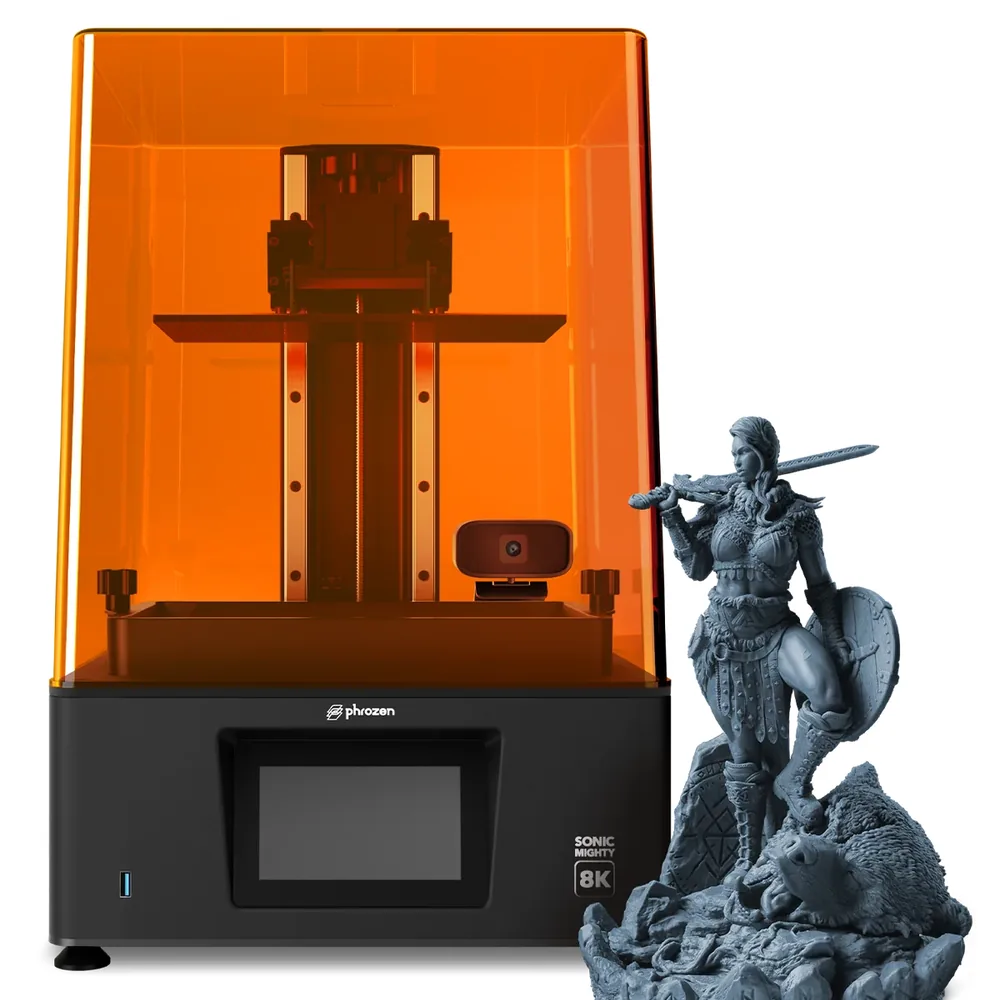
A 10.1-inch monochrome 8K screen and a 223 × 126 × 235 mm build volume per Phrozen: room to print several miniatures in one run, useful for a batch destined for a group or a club.
Worth knowing
A moderate advertised speed, around 70 mm/h at its peak per Phrozen. Plan the time and washing consumables for a full batch.
Only printers documented in our catalog, with a manufacturer spec sheet reviewed in September 2026.
A list that separates small detailed miniatures (resin) from larger terrain and storage pieces (FDM), rather than a single ranking.
No scores and no claimed testing: we have not printed miniatures on these machines ourselves, and every reason relies on manufacturer specifications.
For the same use, we favored the most searched or most documented models.
Some spec sheets show paid partner offers, labeled "Ad". A printer without an offer can still make the list when it remains relevant to the use case.
Small figures and fine surface detail
Resin is the process to examine for small pieces with fine detail: faces, fabric folds, armor. Our catalog documents several high-resolution screens, with no miniature print test performed by our team, so this list is not a measured quality ranking. Plan the washing, curing and handling steps the resin manufacturer prescribes.
Terrain and storage: measure before you choose
For a building, a game tray or a storage box, check the size in your slicer before picking a printer. The A1 mini advertises 180 mm per axis, the A1 256 mm: add margin for orientation and supports. Splitting a model into sections can avoid buying a larger printer, at the cost of glued joints and extra finishing time.
A larger vat for a batch of miniatures
For a group or a club printing several miniatures at once, a more generous resin vat like the Sonic Mighty 8K's cuts the number of washing and curing cycles compared with several smaller plates run one after another. The tradeoff is the advertised speed and the storage space a larger resin supply needs.
Check the model's license before you sell
A downloadable or free file does not automatically clear you to sell the prints. Keep the original page, the designer's name and the model's specific license terms before offering a printed miniature for sale.
Where to go next
Still unsure between resin and FDM for your miniatures? Our FDM vs resin guide covers the criteria for your projects, and our best resin 3D printer page widens this list to other screen formats. To check your project's dimensions before buying, use the printer finder.
A high-resolution resin printer like the Saturn 4 Ultra 16K (pixels advertised at 14 × 19 µm) suits the most detailed miniatures. Plan for washing and curing equipment regardless of which model you choose.
Should miniatures use resin or FDM?
Resin suits small, highly detailed miniatures better thanks to finer screen resolution. FDM, with the A1 mini or the A1, remains a good fit for larger terrain, bases or game pieces, without resin's washing and curing steps.
What build size do you need for tabletop terrain?
Check the exact size in your slicer before choosing: the A1 mini advertises 180 mm per axis, the A1 256 mm. A larger building can be split into glued sections, often cheaper than buying a bigger printer for a single project.
Can you sell miniatures printed from a downloaded file?
Not automatically: a free file does not always include the right to sell the prints. Check the specific model's license on its original page before offering a printed miniature for sale.
Why is there no score out of 10 for these miniature picks?
Because we have not printed miniatures on these machines ourselves. Each pick relies on verified manufacturer specifications (screen, volume, resolution) and one thing to watch, not a test performed by our team.