
Head-to-head comparison
Bambu Lab A1 vs A1 mini: which build volume do you need?
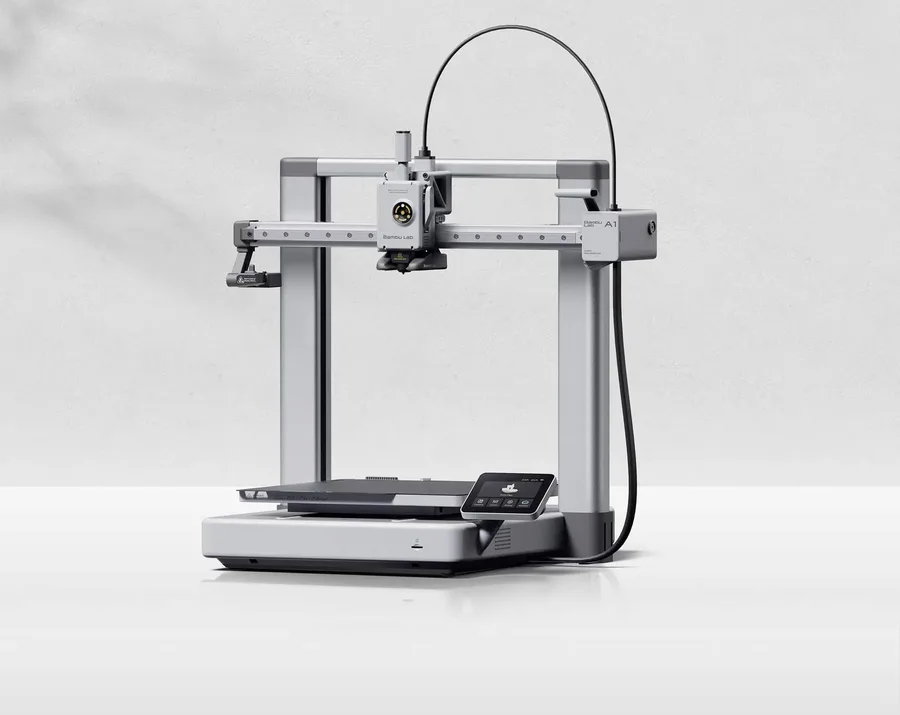
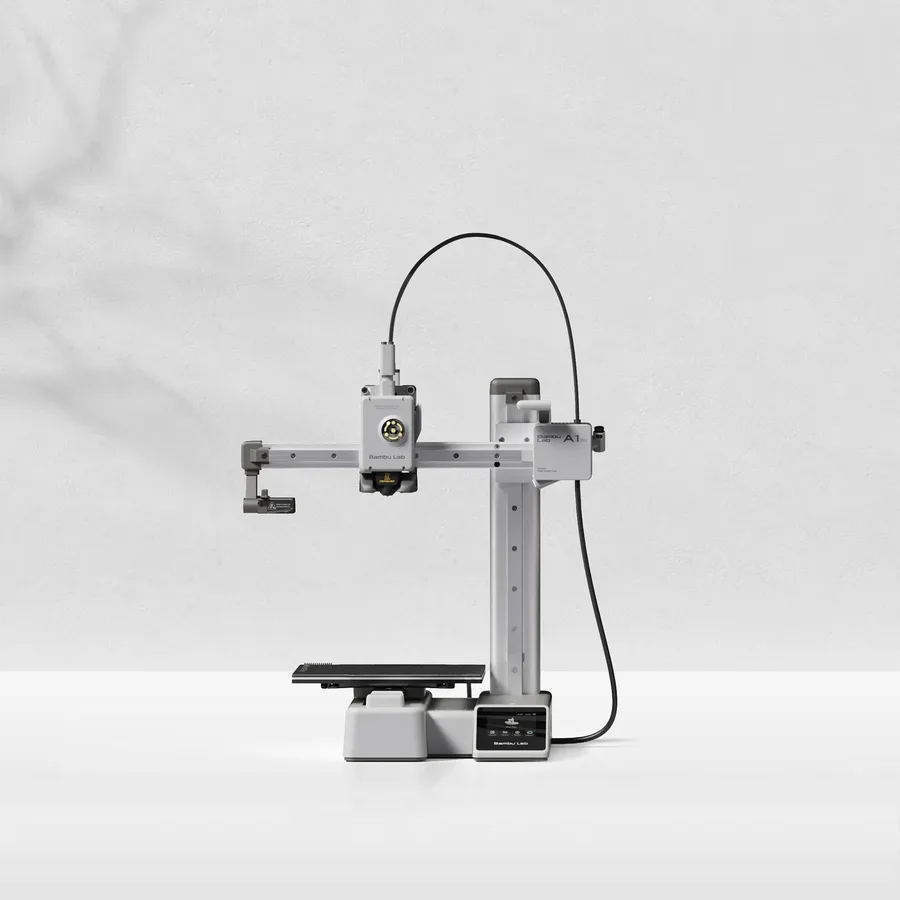
The short answer
Pick the A1 mini for a light (5.5 kg), compact first printer if your projects stay small objects and accessories. Pick the A1 for a 256 × 256 × 256 mm nominal volume, nearly 2.9 times larger than the A1 mini, and a bed advertised at 100°C versus 80°C, useful for tighter PETG profiles.
Documentary comparison of manufacturer specifications. Not personally tested.
Choose the Bambu Lab A1 if…
- A 256 × 256 × 256 mm nominal volume, versus 180 × 180 × 180 mm for the A1 mini: nearly 2.9 times more space.
- A bed heated up to 100°C versus 80°C on the A1 mini, a useful margin for PETG.
- A 3.5-inch touchscreen versus 2.4 inches on the A1 mini.
Choose the Bambu Lab A1 mini if…
- The lighter of the two, 5.5 kg versus 8.3 kg for the A1, easier to carry or store.
- A smaller floor footprint, 347 × 315 × 365 mm versus 465 × 410 × 430 mm for the A1.
- The same top speed and acceleration advertised as the A1, with no mechanical compromise on small parts.
Specifications side by side
| Specification | Bambu Lab A1 | Bambu Lab A1 mini |
|---|---|---|
| Technology | Filament (FDM) | Filament (FDM) |
| Build volume | 256 × 256 × 256 mm (10.1 × 10.1 × 10.1 in) | 180 × 180 × 180 mm (7.1 × 7.1 × 7.1 in) |
| Printer dimensions | 465 × 410 × 430 mm (18.3 × 16.1 × 16.9 in) | 347 × 315 × 365 mm (13.7 × 12.4 × 14.4 in) |
| Weight | 8.3 kg (18.3 lb) | 5.5 kg (12.1 lb) |
| Enclosure | Open frame | Open frame |
| Claimed top speed | 500 mm/s | 500 mm/s |
| Claimed acceleration | 10,000 mm/s² | 10,000 mm/s² |
| Max nozzle temperature | 300 °C (572 °F) | 300 °C (572 °F) |
| Max bed temperature | 100 °C (212 °F) | 80 °C (176 °F) |
| Multicolor | AMS lite; check the exact bundle. | AMS lite; check whether the selected bundle includes it. |
| Materials | PLA and PETG with manufacturer profiles. | PLA and PETG with manufacturer profiles. |
| Screen | 3.5-inch touchscreen | 2.4-inch touchscreen |
| Built-in camera | Yes | Yes |
| Connectivity | Wi-Fi, microSD card | Wi-Fi, microSD card |
| Listed features | Filament runout sensor, filament cutter | Filament runout sensor, filament cutter |
— : not listed by the manufacturer on the pages we reviewed.
Build volume and footprint
The main gap between the two machines is nominal build volume: 256 × 256 × 256 mm for the A1 versus 180 × 180 × 180 mm for the A1 mini, nearly 2.9 times more space in cubic terms. An object larger than about 18 cm on any axis generally needs splitting and assembling on the A1 mini, which isn't the case for the A1 within that same limit.
Floor footprint follows the same pattern: 465 × 410 × 430 mm for the A1 versus 347 × 315 × 365 mm for the A1 mini, at an advertised weight of 8.3 kg versus 5.5 kg. On a small desk, the A1 mini stays the easier one to fit.
Materials and temperatures
Both machines print PLA and PETG per the same manufacturer profiles, with a nozzle advertised up to 300°C on both models. The heated bed differs, though: 100°C for the A1 versus 80°C for the A1 mini, a margin Bambu Lab reserves for the A1 for tighter PETG profiles.
Neither sheet documents ABS or ASA among compatible materials: the open frame shared by both machines doesn't offer the same thermal conditions as an enclosed printer like the P1S.
Multicolor and everyday features
On both machines, the AMS lite stays an optional accessory, not included by default: whether it's in your chosen bundle should be checked before buying. A camera, Wi-Fi and microSD connectivity, a filament sensor, and a filament cutter appear identically on both sheets.
The visible day-to-day difference is the screen: 3.5 inches for the A1 versus 2.4 inches for the A1 mini. The rest of the interface and firmware stays comparable between the two machines per Bambu Lab.
What to check before buying
The choice largely comes down to the size of the parts you're targeting: storage pieces and everyday-size objects for the A1, accessories and small figurines for the A1 mini. The budget buying guide helps place both machines within a wider price range before deciding.
Also check the exact bundle a retailer lists, especially whether the AMS lite is included or sold separately, rather than relying on the product photo alone.
Sources
- Bambu Lab — fiche technique A1 (bambulab.com)
- Bambu Lab — fiche technique A1 mini (bambulab.com)
- How we compare printers
Published 2026-09-28, updated 2026-09-28.