How we chose
- Only printers documented in our catalog, with a manufacturer spec sheet reviewed in September 2026 (advertised speed and acceleration, frame design, nozzle and chamber temperature).
- A spec sheet's top speed is only a starting point: we also cover what limits it in practice (material flow, cooling, tuning) before comparing printers against each other.
- No scores and no claimed testing: we have not tested these printers, and every reason relies on each manufacturer's own published specifications.
- Printers chosen for different angles on speed rather than one single leaderboard: a raw figure, large format, budget, a compact footprint, or flow consistency over an isolated number.
- Some spec sheets show paid partner offers, labeled "Ad". A printer without a verified offer yet can still make the list, like the H2D.
What "fast 3D printer" actually means
A spec sheet often lists a maximum speed in mm/s and an acceleration figure in mm/s squared, sometimes an eye-catching one. Those numbers describe the machine's mechanical capability, not the real time a specific part will take to print, which also depends on its geometry, the chosen layer height, and the cooling profile used.
Elegoo lists a print speed up to 500 mm/s for the Centauri Carbon 2, with a recommended speed of 250 mm/s and a maximum acceleration of 20,000 mm/s squared, against a default acceleration of 10,000 mm/s squared. That gap between the maximum and the recommended figure makes the point well: the biggest number on a spec sheet isn't necessarily the one used day to day.
The same model can also post different speeds depending on the tuning profile used in the slicer: a "quality" profile favors precision over time, a "speed" profile does the opposite. The maximum figure on a spec sheet rarely matches the profile used by default.
Volumetric flow rate and material: the real limit
A nozzle can move fast without the material keeping up: past a certain flow rate, molten filament can't come out fast enough to fill the path the nozzle just traveled, which shows up as visible under-extrusion on the surface. That's why an advertised top speed usually comes paired with a hardened nozzle rated for higher temperatures, a requirement for pushing more material per second.
The 2025 manual for the Creality K1C 2025 lists a hardened nozzle rated up to 300°C, a spec aimed precisely at sustaining higher flow on engineering materials rather than just posting a travel-speed number. The material itself remains the ultimate limit: standard PLA and a carbon-fiber-filled filament don't tolerate the same flow rate before showing defects.
CoreXY or bed slinger: the frame design changes everything
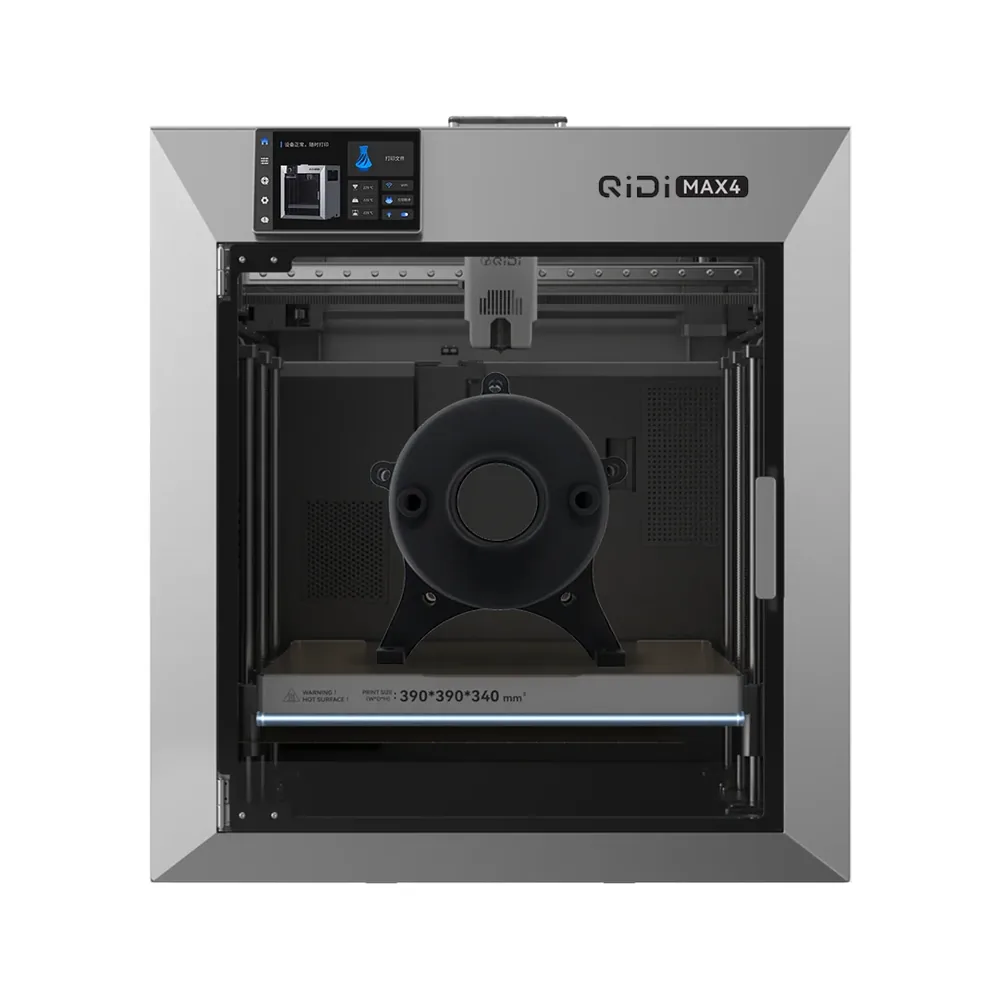
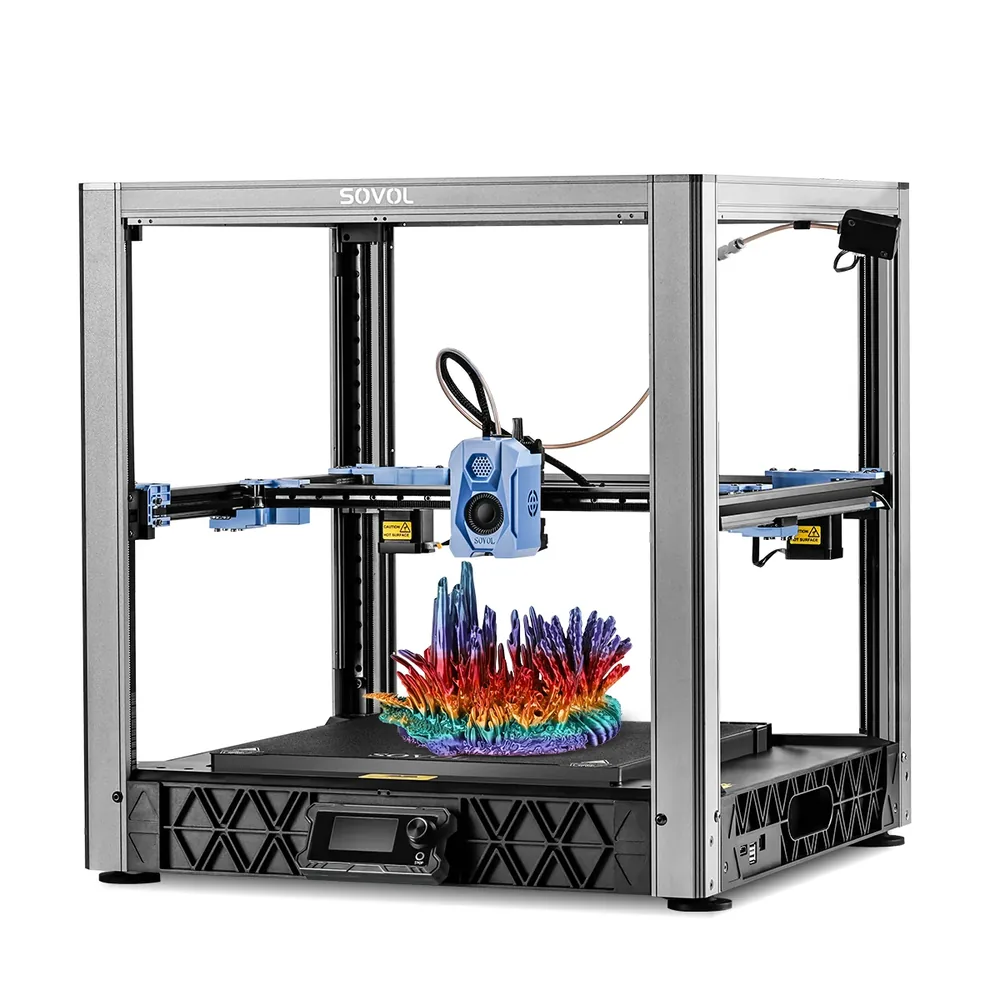
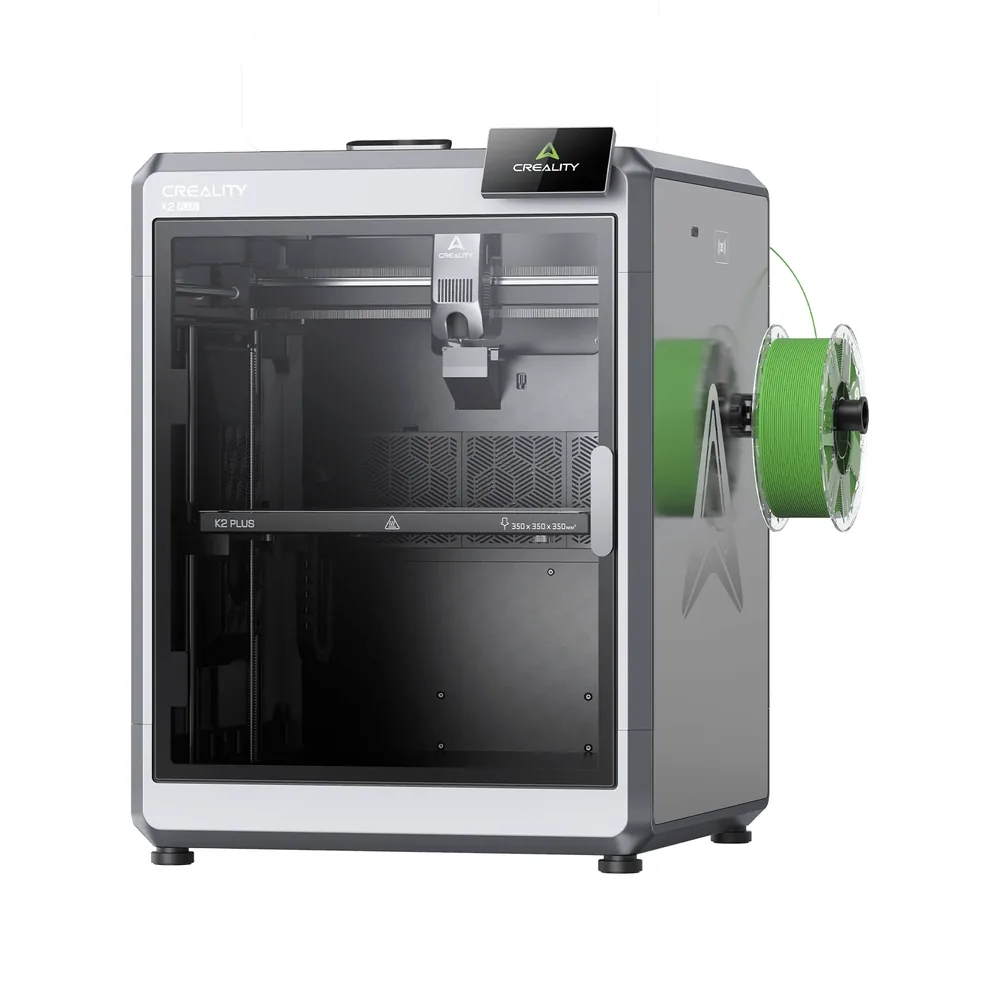
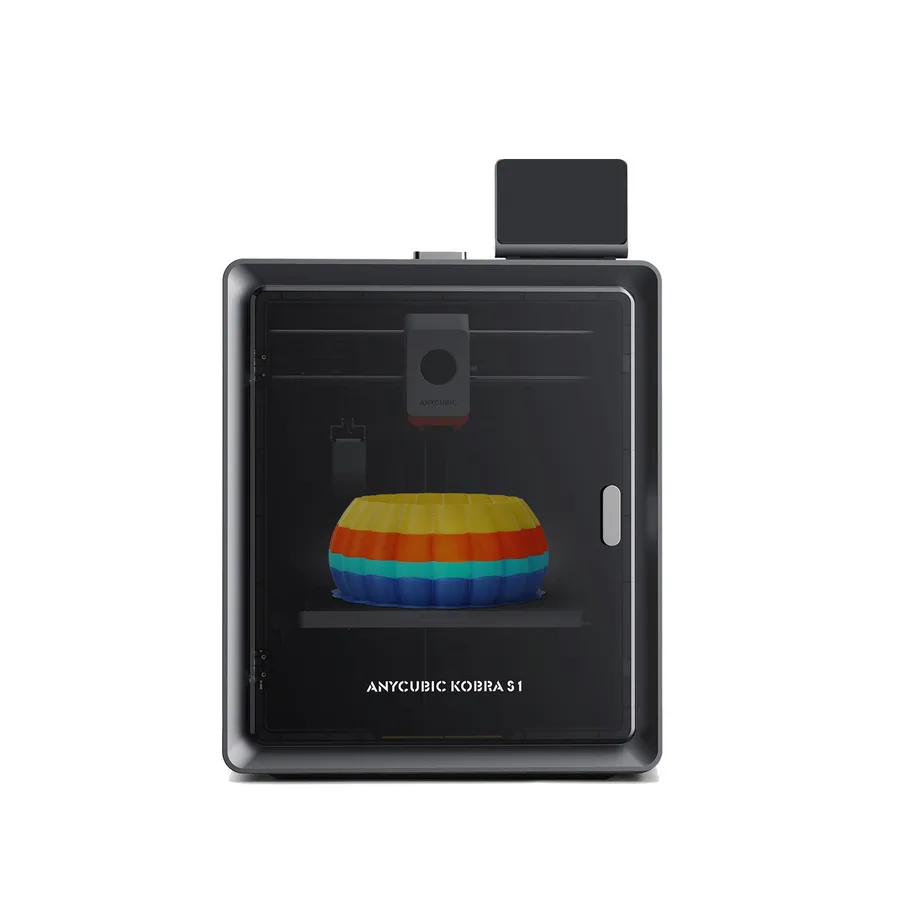
On a CoreXY frame, used by the P2S, the K2 Plus, the Kobra S1, and the SV08 in this lineup, the print head moves on the X and Y axes while the bed only moves vertically. The mass being accelerated stays limited to the head and its belts, which allows quicker direction changes without shaking the whole frame.
On a bed slinger, where the bed itself moves along a horizontal axis, there's more mass in motion on every acceleration, which in practice caps the achievable speed without hurting quality. That's not a flaw by itself: a simpler frame still makes sense for a use case that isn't chasing maximum speed.
Frame design isn't the only factor either: a lightweight print head, stiff rails, and well-tensioned belts all matter as much as the CoreXY layout itself. A poorly maintained CoreXY machine with loose belts can underperform a well-tuned bed slinger on real prints, even though the architecture itself favors higher speeds on paper.
Printing faster without losing quality
Input shaping compensates for the mechanical vibration caused by fast head acceleration and deceleration, a defect that shows up visually as ringing or wavy patterns on vertical walls. The OrcaSlicer wiki documents this as one of the advanced calibrations to run after the basic settings, alongside pressure advance.
Pressure advance compensates for the lag between the extrusion command and the material actually leaving the nozzle, according to Bambu Lab's documentation: without it, a sudden acceleration causes temporary under-extrusion, while deceleration causes a slight excess of material at corners.
Pushing print speed without adjusting anything else usually hurts surface quality before it hurts geometry: layers that fuse together less cleanly, insufficient cooling on small details, less crisp bridges. A thicker layer height cuts down the number of passes needed and often allows a faster print without deepening that trade-off, at the cost of a more visible layer texture. Slicer presets labeled "fast" or "sport" bundle several of these trade-offs together, but they don't always disclose which layer height or cooling settings they assume; checking a preset's actual parameters, not just its name, avoids a surprise drop in surface quality on a print that matters.
What manufacturers actually document for these machines
The printers in this lineup show very different approaches to speed. Bambu Lab posts a raw 1000 mm/s figure for the H2D, while the P2S instead highlights a DynaSense extruder and Auto Flow Dynamics Calibration with no single number front and center. QIDI documents 800 mm/s for the Max4 alongside a 65°C heated chamber, Creality pairs 600 mm/s with FOC step-servo motors on the K2 Plus, and Sovol leads with acceleration (40,000 mm/s squared) on its Voron-inspired SV08 kit. Anycubic, for its part, lists automatic flow and vibration compensation on the Kobra S1 rather than one isolated number.
It's worth trusting what each manufacturer documents precisely rather than comparing numbers that don't always measure the same thing from one spec sheet to another. Elegoo's listing (Centauri Carbon 2, with its 250 mm/s recommended speed) and Creality's (the K1C 2025's hardened nozzle) also show that the advertised top speed isn't always the figure a manufacturer leads with. Without a verified figure for a given model, staying qualitative is more honest than inventing a value.
How to compare fairly, and when speed doesn't matter
Comparing two printers fairly means using the same file, the same layer height, and an equivalent tuning profile rather than the maximum-speed figures printed on each spec sheet, which aren't measured under the same conditions from one manufacturer to another. The printer finder helps compare catalog machines on several combined criteria instead of just one.
For a decorative piece with no deadline, or a first print where learning the settings matters more than time saved, top speed simply isn't the deciding factor. It matters most on repeated batches or tight deadlines, where every minute saved per part adds up.
A printer bought mainly for its top-speed figure but used almost entirely for one-off decorative prints ends up paying for a capability that rarely gets exercised. Matching the machine to the actual workload, not the headline spec, is the more useful comparison in the end.
Advertised speed: what the manufacturer says, what to verify
| Machine or element | What the manufacturer advertises | What to verify before comparing |
|---|
| Elegoo Centauri Carbon 2 | Speed up to 500 mm/s, 250 mm/s recommended; max acceleration 20,000 mm/s squared | The recommended speed differs from the advertised theoretical max |
|---|
| Creality K1C 2025 | Hardened nozzle rated up to 300°C per the 2025 manual | Flow rate at high temperature also depends on the filament profile used |
|---|
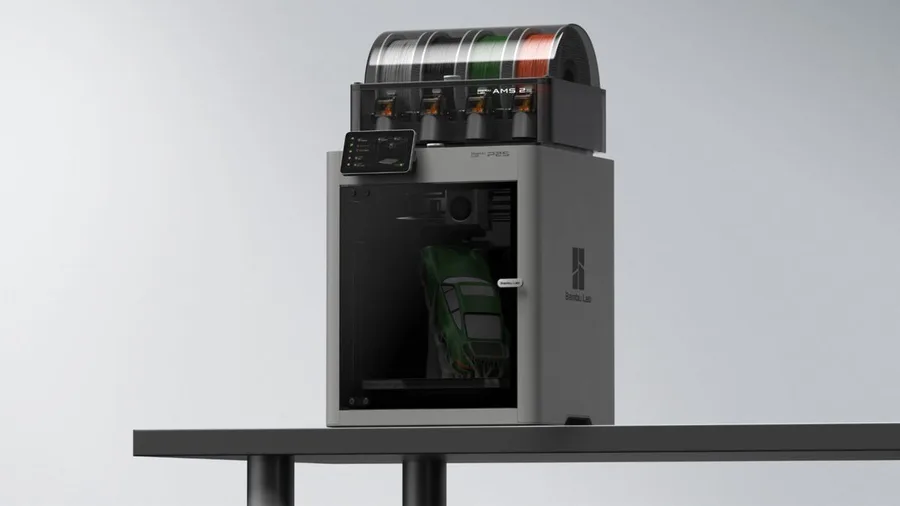
| Bambu Lab P2S | DynaSense extruder and Auto Flow Dynamics Calibration | The product page highlights flow rather than speed; the spec sheet lists 600 mm/s |
|---|
| Bambu Lab H2D | 1000 mm/s and 20,000 mm/s squared acceleration, chamber heated to 65°C | The AMS 2 Pro and laser module depend on the bundle chosen |
|---|
| CoreXY frame (general) | Lightweight head moved by crossed belts on X and Y | Not every CoreXY machine targets the same top speed |
|---|
| Bed slinger frame (comparison) | The bed itself moves along a horizontal axis | More mass in motion, acceleration capped in practice |
|---|
Frequently asked questions
Does the advertised mm/s speed reflect real print time?
Not directly: the advertised top speed describes mechanical capability, not the real time a specific part takes, which also depends on its geometry, layer height, and cooling. Elegoo, for instance, distinguishes a maximum speed of 500 mm/s from a recommended speed of 250 mm/s for the Centauri Carbon 2, which shows the gap between the headline figure and everyday use.
What is input shaping and what does it do?
Input shaping compensates for the mechanical vibration caused by fast head acceleration, a defect visible as wavy ringing on vertical walls. The OrcaSlicer wiki lists it among the advanced calibrations to run once the basic settings are done.
Why is a CoreXY printer often faster than a bed slinger?
On a CoreXY machine, only the print head moves on the X and Y axes, which limits the mass that needs to accelerate on every direction change. On a bed slinger, the bed itself moves, meaning more mass in motion and a lower achievable speed in practice without hurting quality.
Does printing faster always hurt quality?
Not if the settings keep up: input shaping, pressure advance, and proper cooling let you print faster without multiplying visible defects. Without those adjustments, higher speed first hurts surface finish before it affects the part's geometry.
How do I fairly compare the speed of two printers?
Use the same file, the same layer height, and an equivalent tuning profile rather than the maximum-speed figures listed separately on each spec sheet. Those figures aren't always measured under the same conditions from one manufacturer to another, which makes a direct comparison unreliable.
Does speed matter for every print?
No: for a decorative piece with no deadline or a first print focused on learning the settings, top speed isn't the deciding factor. It matters most on repeated batches or tight deadlines, where every minute saved per part genuinely adds up.
Sources
- Elegoo — Centauri Carbon 2 product page (fr.elegoo.com)
- Creality — K1C 2025 user manual (wiki.creality.com)
- Bambu Lab — P2S official announcement (blog.bambulab.com)
- Bambu Lab Wiki — Pressure Advance (Bambu Studio) (wiki.bambulab.com)
- OrcaSlicer Wiki — Pressure Advance Calibration (github.com)
- Bambu Lab — H2D specifications (bambulab.com)
- QIDI Tech — Max4 specifications (us.qidi3d.com)
- Sovol — SV08 specifications (sovol3d.com)
- Anycubic — Kobra S1 specifications (store.anycubic.com)
- Creality — K2 Plus specifications (creality.com)
- Our methodology