How we chose
- Only printers documented in our catalog, with a manufacturer spec sheet reviewed in September 2026 (nozzle and bed temperature, material compatibility, multicolor system).
- A distinction kept between a passive enclosure (most of these printers) and an actively heated chamber, a rarer feature worth checking precisely on the spec sheet rather than assuming.
- No scores and no claimed testing: we have not tested these printers, and every reason relies on each manufacturer's own published specifications.
- Printers chosen for different angles on enclosed printing rather than one single leaderboard: the widest material range, the hottest nozzle, automatic compensation, or the most accessible entry point.
- Some spec sheets show paid partner offers, labeled "Ad".
What an enclosure actually adds
The first benefit of an enclosure is thermal: it limits temperature swings around the part being printed, which cuts the risk of warping on materials that shrink while cooling, ABS and ASA in particular. The ABS and ASA page covers why these materials are more demanding on this point than PLA.
An enclosure also shields the part from one-off drafts (an open window, a door slamming, an HVAC system kicking on), which can cause localized layer defects that are hard to diagnose on an open-frame machine. Two less-discussed benefits come with it: a noticeable drop in perceived noise, since the shell absorbs some mechanical sound, and an extra physical barrier between the hot nozzle and the outside, useful in a household with young kids or pets, a point covered on the 3D printer for kids page.
Passive enclosure or actively heated chamber: a distinction worth keeping straight
Not every enclosure works the same way. On all six printers in this lineup, chamber temperature rises passively: it comes from heat given off by the bed and nozzle, held in by the walls, with no dedicated element heating the surrounding air. That matches Bambu Lab's own PLA documentation, which describes "heat accumulation in the machine chamber" rather than a controlled, actively heated one.
An actively heated chamber, with a dedicated element that regulates a target air temperature independent of the bed, remains a rarer feature on this segment of machines and changes the equation for demanding engineering materials like nylon or polycarbonate. Our large-format buying guide covers several actively heated printers, like the Creality K2 Plus or the Bambu Lab H2D. Before buying an enclosed machine with those materials in mind, check the manufacturer's spec sheet for whether the enclosure is passive or actively heated, rather than assuming it from the presence of a shell alone.
PLA does not need an enclosed chamber, and can even suffer from one
Unlike ABS or ASA, PLA does not need a closed chamber to print well: its heat deflection temperature is low, around 57°C according to Bambu Lab's documentation, which makes it sensitive to excess ambient heat instead. On an enclosed machine, a chamber that runs too hot during a PLA print can soften the filament inside the nozzle and cause a clog from thermal creep.
That same documentation recommends opening the printer's door and slightly adjusting bed temperature (reduced by roughly 5-10°C from the default) when ambient temperature runs high, especially during the hottest months. That is worth remembering before switching from ABS to PLA on the same enclosed machine; the PLA filament page covers the material's own baseline settings in more detail.
The alternative: adding an enclosure to an open-frame machine
For anyone who already owns an open-frame machine, add-on enclosures exist, sold separately or built by hand, that replicate part of the benefits of a factory-enclosed chassis without switching machines. This option still helps with thermal stability and noise reduction, but it generally lacks the same level of integration (wiring, filtration, safety) as a printer designed enclosed from the start, and compatibility depends entirely on the target machine's model and available clearances.
Before investing in this kind of accessory, it is worth weighing its cost and footprint against a factory-enclosed machine, especially if the need involves engineering materials used regularly rather than a one-off project.
Ventilation and filtration: what to plan for
An enclosure also traps particles and compounds released during printing, which makes the room the printer sits in more prone to buildup if it is not ventilated. Bambu Lab's documentation explicitly recommends printing PLA in a well-ventilated environment and installing an effective air filtration or exhaust system where needed, a recommendation that applies even more to materials that release more odor or particulate matter.
An enclosure is therefore not a substitute for properly ventilating the room: it mainly protects the part being printed, not necessarily the air quality the room's occupants breathe during a long print session.
How to choose based on the materials you'll actually print
The simplest criterion is the material you expect to print most often: for occasional PLA or PETG, an open-frame machine is plenty and avoids paying for a feature you will barely use. For ABS, ASA, or fiber-filled filaments, an enclosed machine with a nozzle and bed that can reach a high enough temperature becomes a concrete buying criterion, not just a marketing line.
The printer finder lets you compare the catalog's enclosed machines on these specific criteria (maximum temperature, material compatibility, multicolor system) rather than on the presence of a shell alone.
Enclosed machines in the catalog: documented specs
| Machine | Nominal volume | Maximum temperatures listed |
|---|
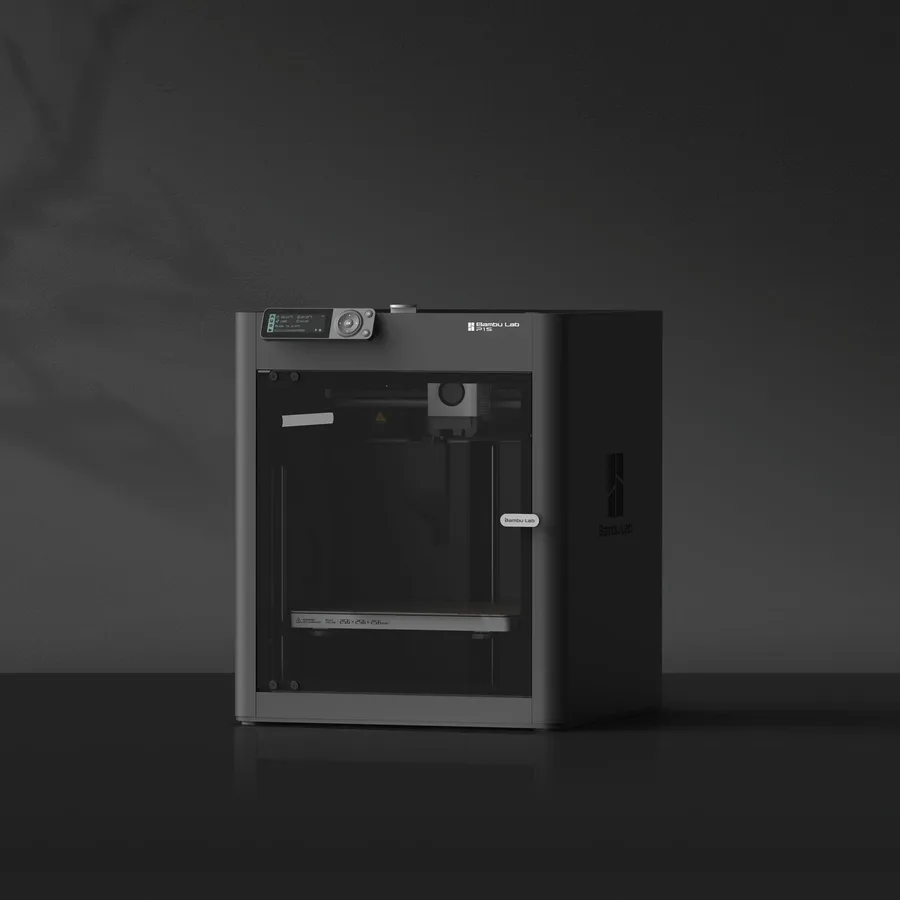
| Bambu Lab P1S | 256 × 256 × 256 mm | Nozzle up to 300°C, bed up to 100°C per the manufacturer |
|---|
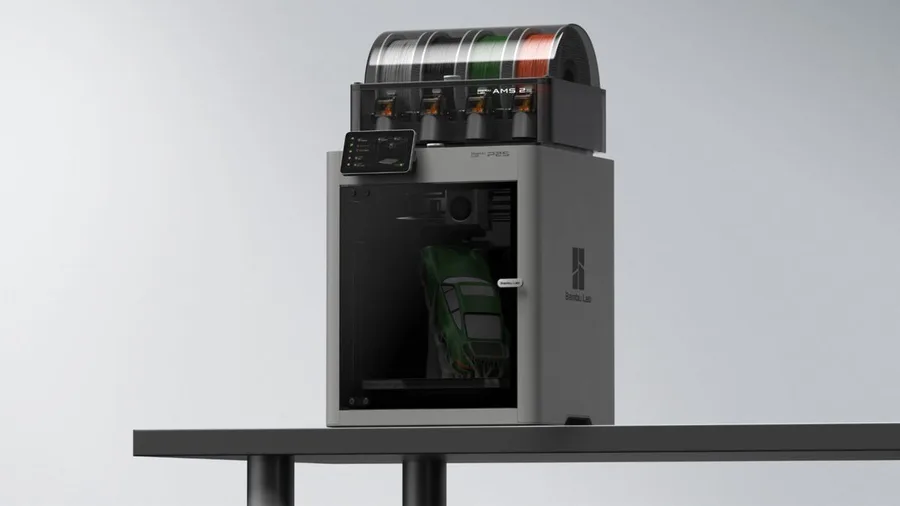
| Bambu Lab P2S | 256 × 256 × 256 mm | Nozzle up to 300°C, bed up to 110°C per the manufacturer |
|---|
| Creality K1C 2025 | 220 × 220 × 250 mm | Nozzle listed up to 300°C per the 2025 manual |
|---|
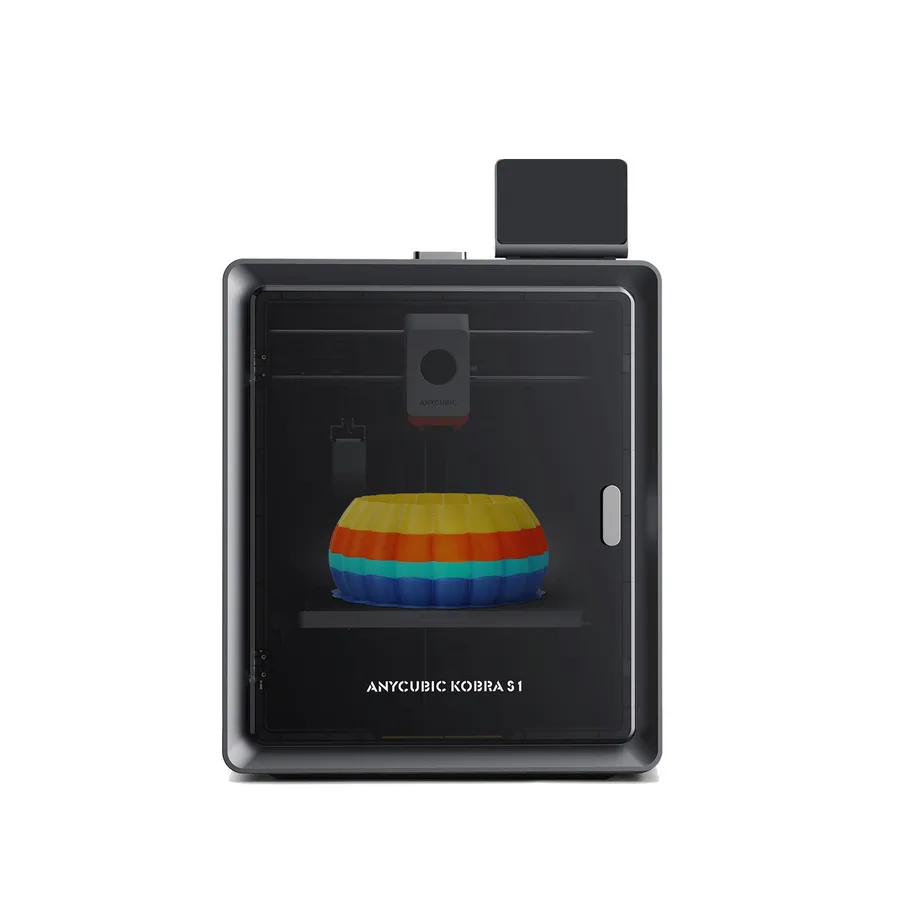
| Anycubic Kobra S1 | 250 × 250 × 250 mm | Hotend listed up to 320°C per the manufacturer |
|---|
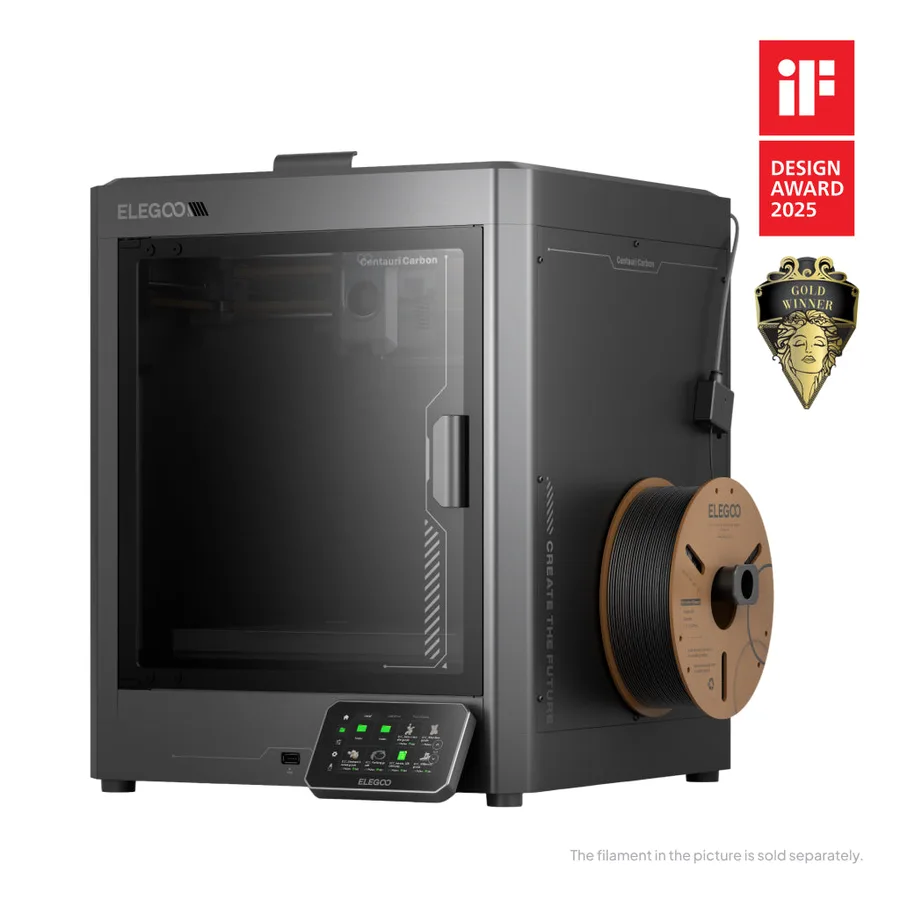
| Elegoo Centauri Carbon | 256 × 256 × 256 mm | Hotend up to 320°C, bed up to 110°C per the manufacturer |
|---|
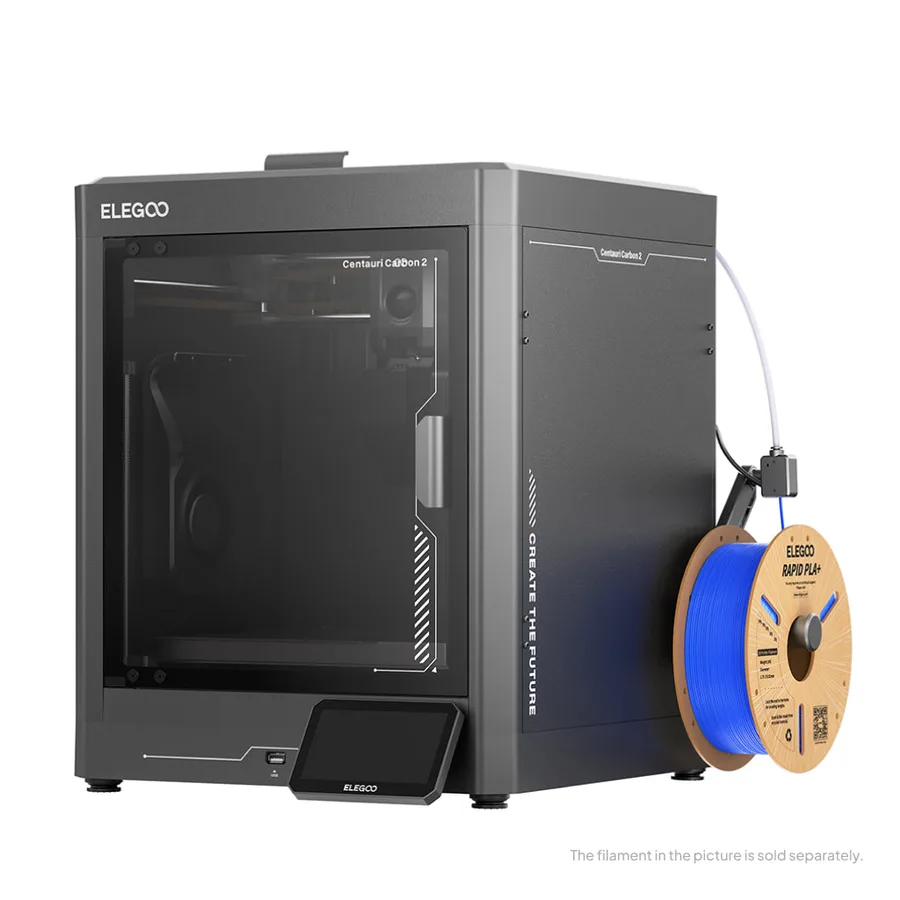
| Elegoo Centauri Carbon 2 | 256 × 256 × 256 mm | Nozzle up to 350°C, bed up to 110°C per the manufacturer |
|---|
Frequently asked questions
Do you need an enclosure to print well?
No, it mainly depends on the material: PLA and PETG generally print well on an open-frame machine. An enclosure becomes useful mainly for ABS, ASA, or engineering filaments sensitive to swings in ambient temperature.
What's the difference between a passive enclosure and an actively heated chamber?
A passive enclosure heats up from heat given off by the bed and nozzle, held in by the walls, with no dedicated heating element. An actively heated chamber regulates a target air temperature independent of the bed, a rarer feature worth checking precisely on the manufacturer's spec sheet.
Can PLA cause problems on an enclosed machine?
Yes: its heat deflection temperature is low, around 57°C per Bambu Lab, which makes it sensitive to heat building up in a closed chamber. The manufacturer recommends opening the printer's door and slightly lowering bed temperature when ambient temperature runs high.
Can you add an enclosure to an open-frame printer instead of switching machines?
Yes, add-on enclosures exist, sold separately or built by hand, and deliver part of the benefits of a factory-enclosed chassis. They generally offer a lower level of integration (wiring, filtration, safety) than a machine designed enclosed from the start.
Does an enclosed machine mean you don't need to ventilate the room?
No: an enclosure mainly shields the printing part from drafts, not the air quality in the room. Bambu Lab's documentation recommends printing in a well-ventilated environment and, where needed, installing effective air filtration or exhaust.
Which enclosed catalog machines suit fiber-filled filaments?
The Elegoo Centauri Carbon lists a hardened-steel nozzle built for carbon-fiber-filled filaments, and the Creality K1C 2025 lists PLA-CF and PA-CF in its material compatibility per its manual. Always check the exact compatibility of the specific model and installed nozzle before printing an abrasive filament.
Sources
- Bambu Lab Wiki — PLA Usage Guide (wiki.bambulab.com)
- Bambu Lab Store — P1S (eu.store.bambulab.com)
- Bambu Lab — P2S specifications (bambulab.com)
- Creality Wiki — K1C 2025 User Manual (wiki.creality.com)
- Anycubic Store — Kobra S1 (store.anycubic.com)
- Elegoo — Centauri Carbon (fr.elegoo.com)
- Elegoo — Centauri Carbon 2 (fr.elegoo.com)
- Our methodology