For a first 3D printer, the best machine is not necessarily the fastest one on paper: it is the one that is simple to set up, with automated calibration and accessible documentation. Here are seven models chosen from the 100+ printers in our catalog for a calm start, with verified manufacturer specifications and the one thing to check before buying.
Documentary selection · No hands-on test, no score
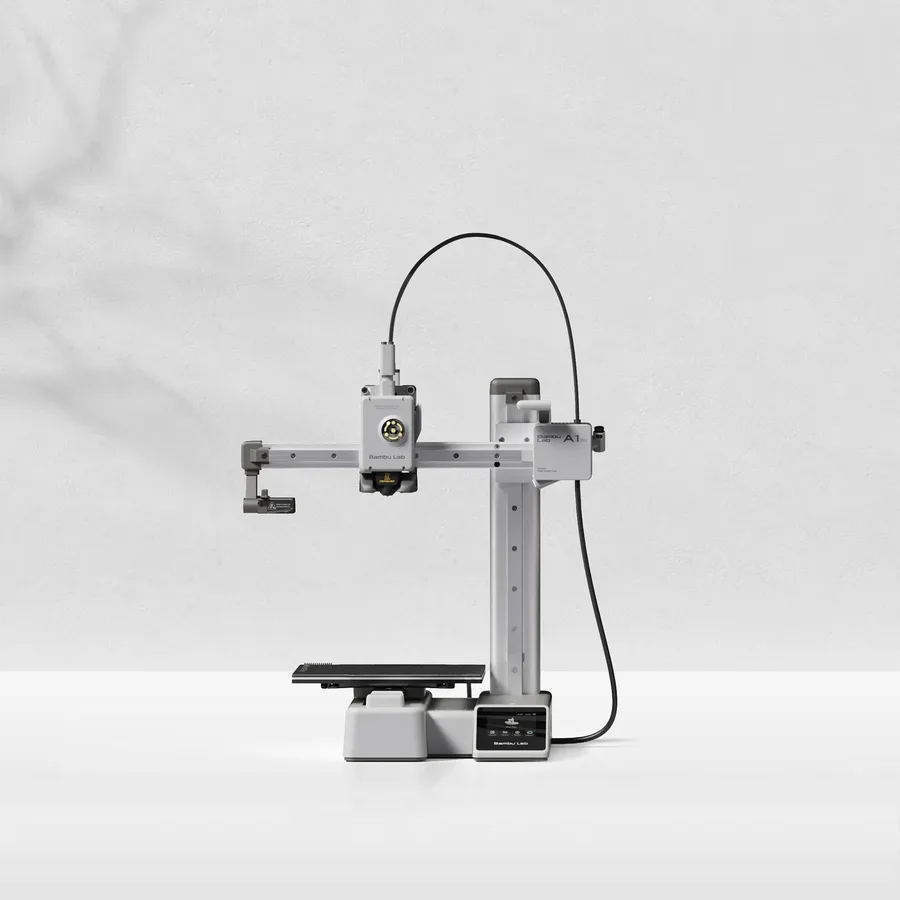
A 180 mm class build volume and 5.5 kg per Bambu Lab, small enough for a desk. Touchscreen, built-in camera, a runout sensor and a filament cutter: the same features as the A1, in the most compact frame in this list.
Worth knowing
Anything over 18 cm on one axis needs splitting and gluing. The bed tops out at 80°C, so plan on PLA first.
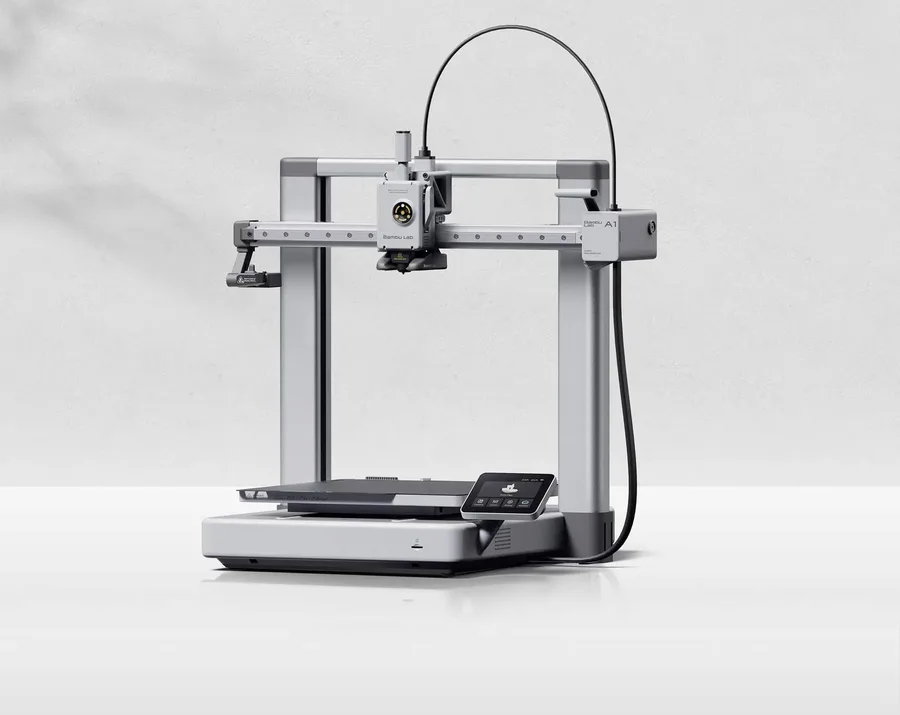
A 256 mm class build volume, a claimed 500 mm/s, a filament cutter and a runout sensor: the A1 is one of the most searched Bambu Lab printers, with a large library of profiles and tutorials for a first setup.
Worth knowing
Open frame: keep it for PLA and PETG. The AMS lite for multicolor is optional, so check the exact bundle.
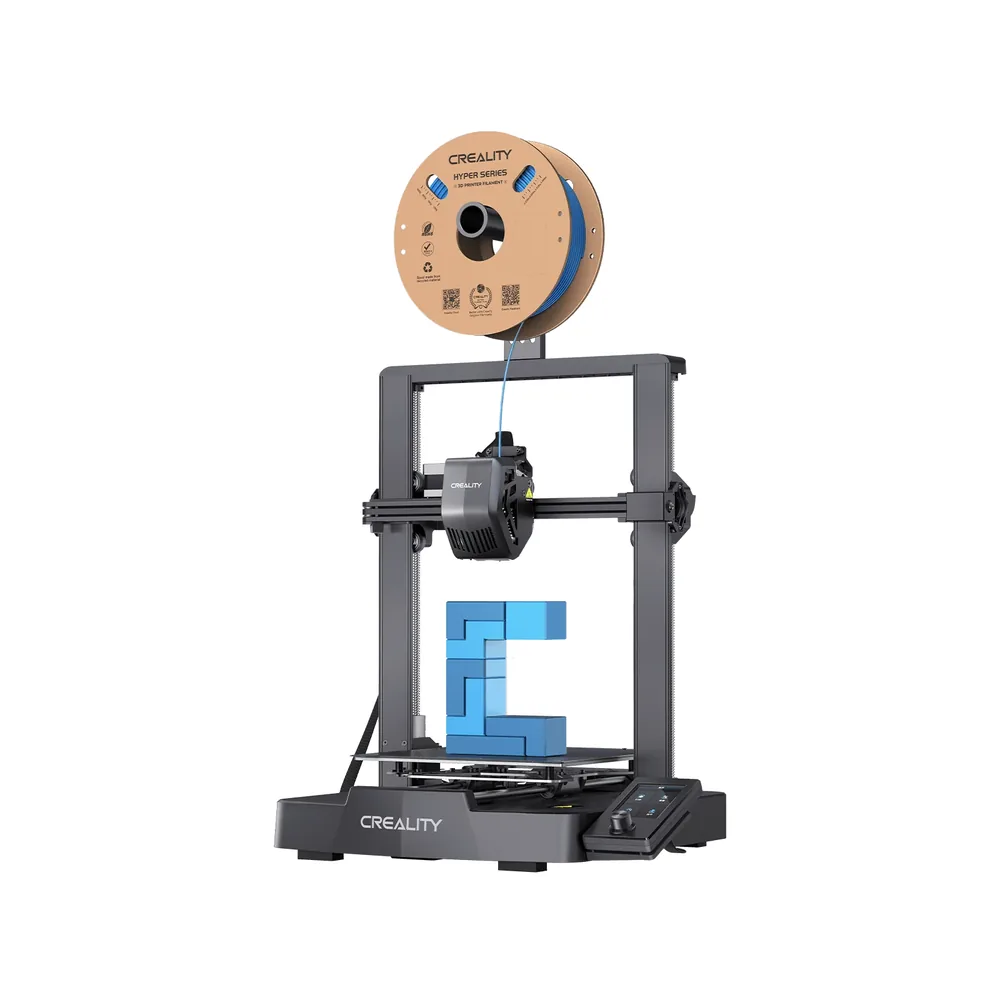
A roughly 20-minute assembly per Creality, automatic CR Touch leveling and a strain sensor for Z-offset simplify the first setup on a 220 × 220 × 250 mm build volume. It is also one of the most documented Creality printers online.
Worth knowing
A knob-controlled screen, not a touchscreen, and no camera. The claimed 250 mm/s top speed is more modest than recent CoreXY printers; keep the open frame for PLA and PETG.
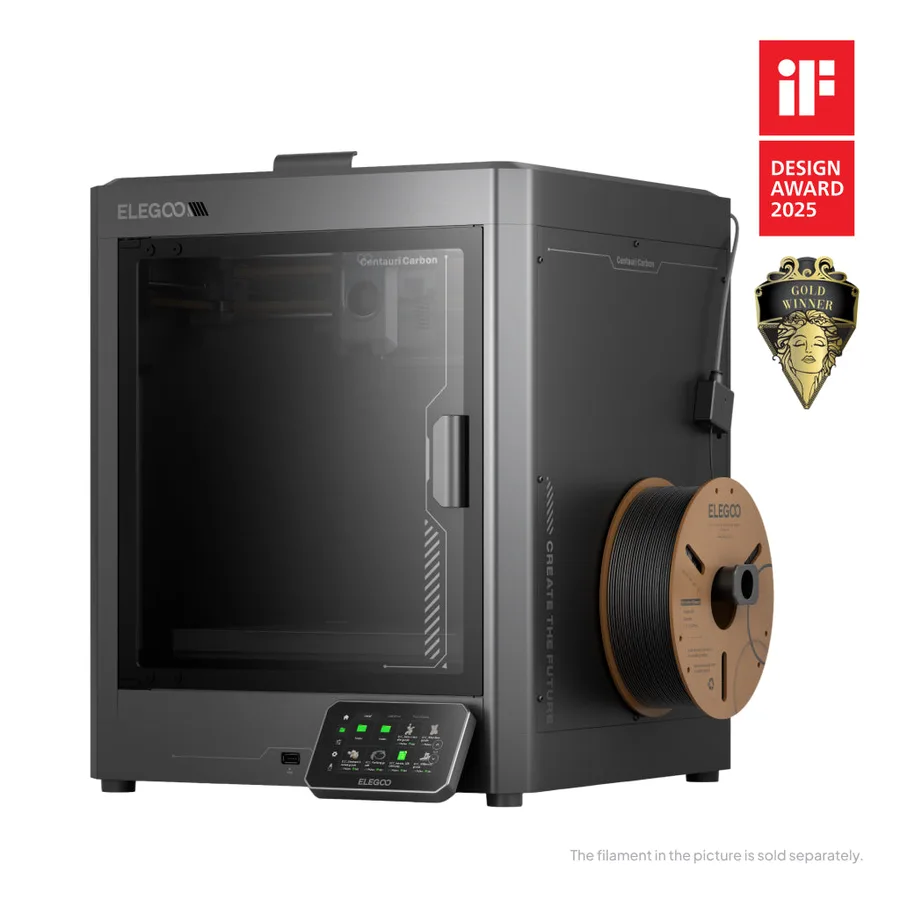
An enclosed CoreXY frame with a 256 mm class build volume, a chamber camera, print recovery after a power cut and automatic calibration per Elegoo, plus a hardened-steel nozzle rated to 320°C: a way to start directly on an enclosed printer.
Worth knowing
Do not confuse the original Centauri Carbon with the Carbon 2: the CANVAS multicolor pack is sold separately and its contents vary by listing.
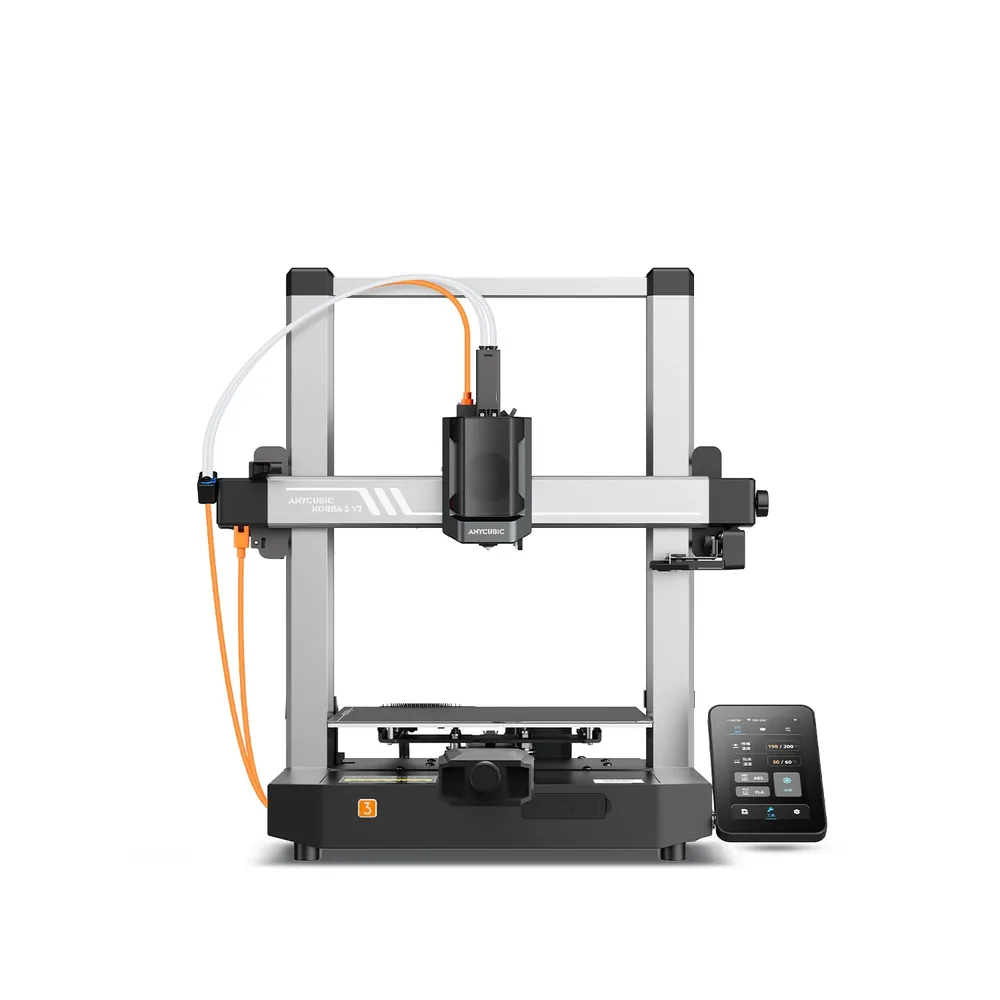
A built-in 720p camera as standard, a 4.3-inch screen, automatic zoned leveling and a nozzle rated up to 300°C on a 255 × 255 × 260 mm build volume: an open frame that is simple to monitor remotely for a first printer.
Worth knowing
Still an open frame with no enclosure. Multicolor goes through the ACE Pro, sold on its own or in a Combo version depending on the listing, with up to 8 filaments advertised using two units.
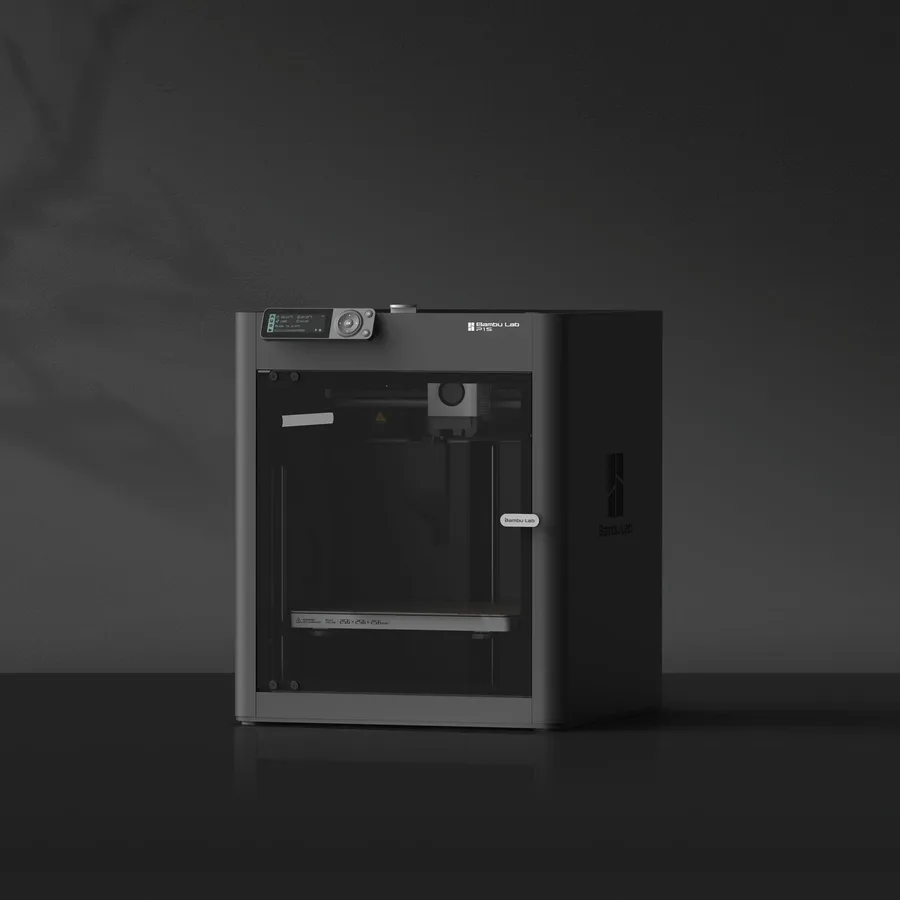
The same nominal volume as the A1 (256 mm class) in an enclosed CoreXY frame, with a camera and a filament sensor: the P1S suits anyone who wants to try ABS or ASA without switching printers later. A nozzle up to 300°C and a bed up to 100°C per Bambu Lab.
Worth knowing
The AMS for multicolor depends on the bundle: check its exact contents before comparing two listings.
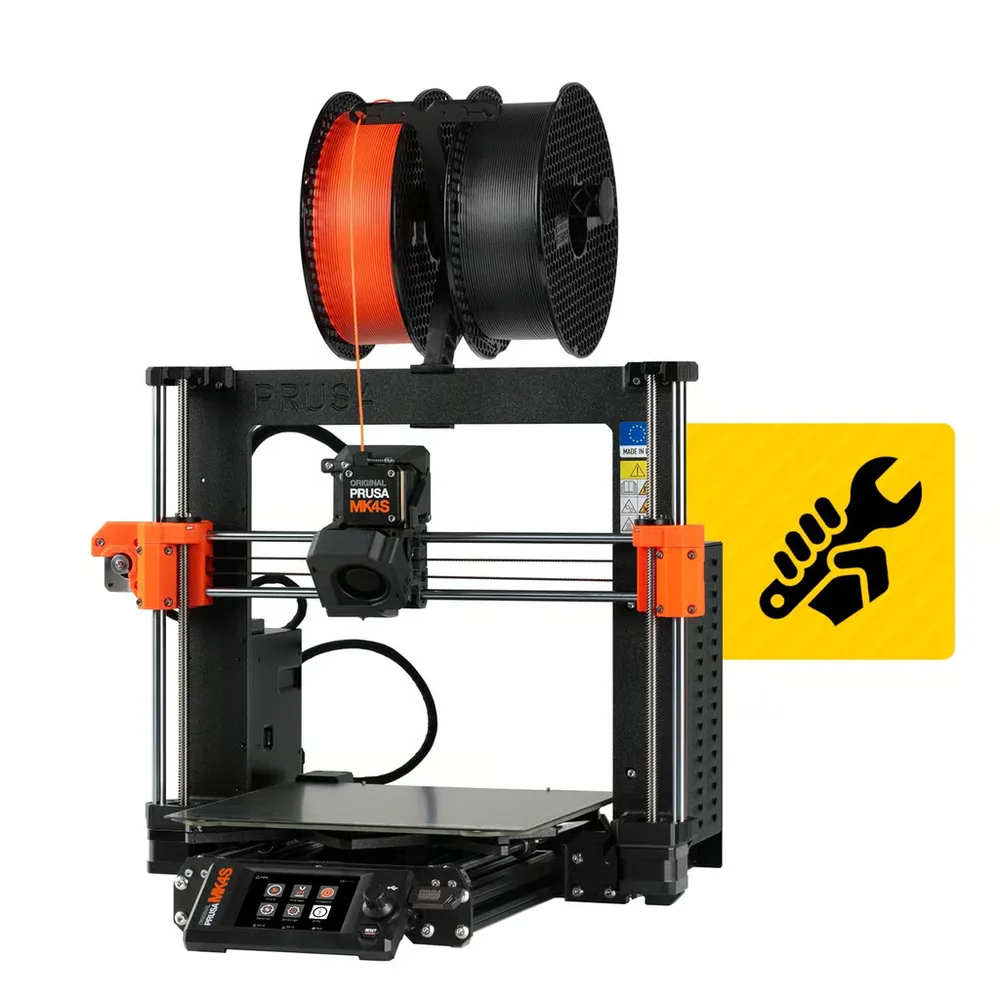
A Nextruder hotend, 360° part cooling and a color touchscreen on a build volume of 250 × 210 × 220 mm per Prusa Research: the MK4S leans on an open-source design that is thoroughly documented, useful for learning to tune a printer yourself.
Worth knowing
Open frame by default: the enclosure and its filter are separate add-ons for regular ABS or ASA use. The MMU3 for multicolor is also sold separately, with up to 5 materials advertised.
Only printers documented in our catalog, with a manufacturer spec sheet reviewed in September 2026.
Picks built around a first purchase: easy setup, automated calibration and available documentation rather than a single advertised speed.
No scores and no claimed testing: we have not tested these printers, and every reason relies on published specifications.
For the same use, we favored the most searched or the most documented models.
Some spec sheets show paid partner offers, labeled "Ad". A printer without an offer can still make the list when it remains the best answer to the use case.
Start from what you want to make
The right first choice starts with your actual projects: detailed miniatures, functional parts, decorative pieces or prototypes. Note their typical size, the level of detail you need and how often you expect to print before comparing spec sheets. For a first printer, fused deposition modeling (FDM) is usually the easiest process to understand: a spool is melted and deposited layer by layer, with no washing or curing step between the print and the finished part. Our FDM vs resin guide compares both processes if you are still unsure which one fits your projects.
Simple to tune beats fast on paper
A printer that advertises a high top speed can still need more tuning depending on the material and profile used. For a first machine, prioritize automatic bed leveling, a filament runout sensor and manufacturer-provided profiles over a single speed figure on the spec sheet. Check the software path too: the manufacturer should publish a slicer profile for the exact model and an accessible manual. An active community or forum helps you find answers quickly, though a forum post is not a substitute for a documented, repeatable procedure.
Open frame or enclosed to start?
An open-frame printer such as the A1 mini or the A1 is enough for most first projects in PLA and PETG. An enclosed printer such as the P1S or the Centauri Carbon blocks more drafts and leaves the door open to ABS or ASA later without switching machines. Our enclosed 3D printer guide explains what an enclosure actually changes for a given material, beyond price alone.
Budget for the whole setup, not just the printer
The printer's price is only one line item. Add at least one compatible spool, a spare nozzle or two, basic maintenance tools, and the time spent learning your first calibration settings, which shows up on no invoice but is part of the real cost of getting started. If keeping that total low is your main priority, our budget 3D printer guide focuses specifically on that angle. The startup budget tool lets you list these line items with your own numbers, with no figure imposed here.
Where to go next
Once you have picked a printer, first-layer calibration decides whether your early prints succeed: our 3D printer calibration guide covers what to check before starting a long print. The Bambu Lab and Prusa pages cover the rest of the lineups mentioned here. To compare models against your own criteria instead of this single list, use the printer finder.
For a first printer, a machine that is simple to set up, like the Bambu Lab A1 (256 mm class) or the A1 mini (180 mm class), is a good starting point, with automated leveling and a large library of profiles. The right pick mostly depends on the size of your projects and the space you have.
Do beginners need an enclosed 3D printer?
Not for PLA and PETG, which print well on an open frame. An enclosure like the P1S's or the Centauri Carbon's becomes useful once you plan to print ABS or ASA, materials that are more sensitive to drafts.
FDM or resin for a first printer?
FDM (filament deposition) is generally simpler to start with: no washing or curing between the print finishing and the part being usable. Resin suits beginners who want small, highly detailed parts right away and are ready for that extra step.
How much does a first setup really cost?
Beyond the printer's price, budget for at least one spool, basic maintenance tools and the time to tune your first prints. Costs vary too much by model and retailer to state a figure here: use the startup budget tool with your own numbers.
Why is there no score out of 10 in this list?
Because we have not tested these printers ourselves. Each pick relies on verified manufacturer specifications and one thing to watch, not a trial we ran or a reliability measurement we cannot guarantee.
Sources
Bambu Lab — A1 mini specifications (bambulab.com)
Bambu Lab — A1 specifications (bambulab.com)
Creality — Ender-3 V3 SE specifications (creality.com)