
Comparing complete configurations
Anycubic Kobra S1
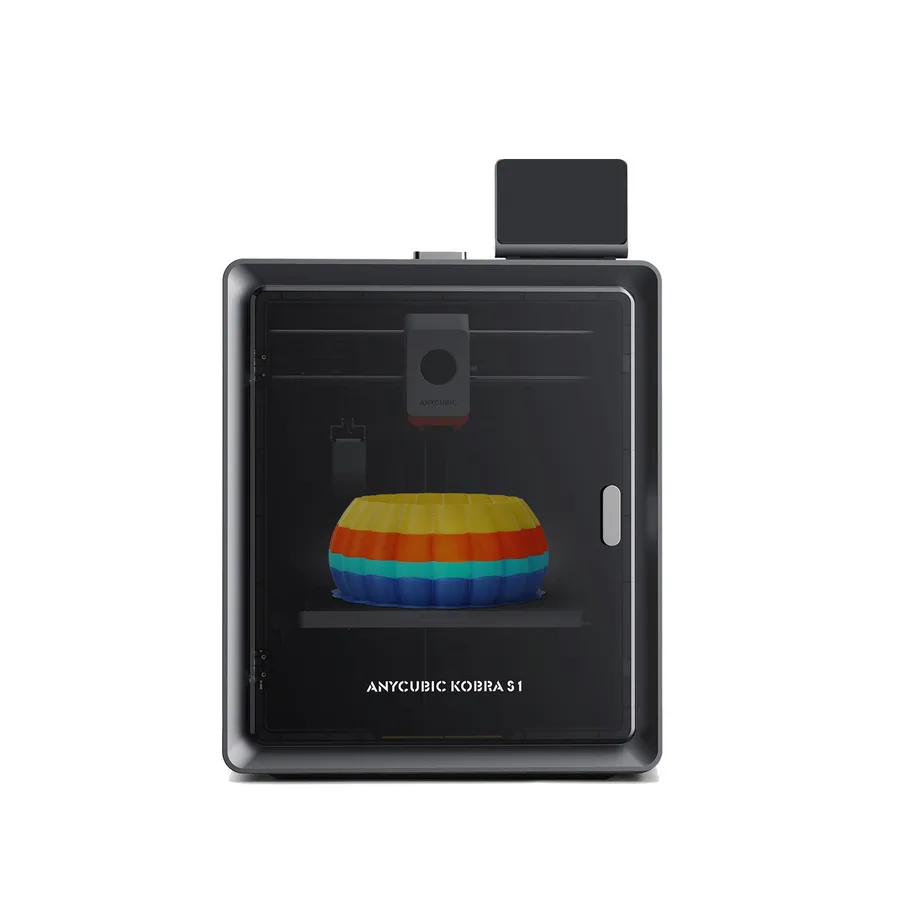
An enclosed CoreXY filament printer with a 250 × 250 × 250 mm build volume and automatic calibration features.
In short The Anycubic Kobra S1 is an enclosed filament (FDM) 3D printer with a 250 × 250 × 250 mm (9.8 × 9.8 × 9.8 in) build volume. Anycubic claims a 600 mm/s top speed, a 320 °C (608 °F) nozzle and a 120 °C (248 °F) bed; the printer measures 400 × 410 × 490 mm (15.7 × 16.1 × 19.3 in) and weighs 9.4 kg (20.7 lb).
Documentary analysis · Not personally tested
 FDM · Enclosed
Why consider it?
A 320°C hotend and enclosed structure make it a candidate for comparison with other enclosed CoreXY machines.
What to verify
The printer alone is single-color. TPU 95A compatibility does not extend to multicolor feeding through ACE Pro.
Anycubic Kobra S1 specifications
- Technology
- Filament (FDM)
- Build volume
- 250 × 250 × 250 mm (9.8 × 9.8 × 9.8 in)
- Printer dimensions
- 400 × 410 × 490 mm (15.7 × 16.1 × 19.3 in)
- Weight
- 9.4 kg (20.7 lb)
- Enclosure
- Enclosed
- Claimed top speed
- 600 mm/s
- Claimed acceleration
- 20,000 mm/s²
- Max nozzle temperature
- 320 °C (608 °F)
- Max bed temperature
- 120 °C (248 °F)
- Multicolor
- ACE Pro required for multicolor; up to eight colors with two compatible units.
- Materials
- PLA, PETG, TPU 95A, ABS and ASA, following manufacturer instructions.
- Screen
- 4.3-inch touchscreen
- Built-in camera
- Yes
- Connectivity
- USB
- Listed features
- Auto bed leveling, filament runout sensor
How much space does it need?
The Anycubic Kobra S1 measures 400 × 410 × 490 mm (15.7 × 16.1 × 19.3 in) for a 250 × 250 × 250 mm (9.8 × 9.8 × 9.8 in) build volume: the dashed box is the printer, the solid cube the nominal build volume, about 19% of the machine’s volume. Add room for the spool or multicolor unit, cables and ventilation.
Source: official Anycubic pages (store.anycubic.com), checked September 28, 2026. Manufacturer claims, not our measurements. Build volume is nominal: orientation, supports and reserved zones can reduce the usable space.
Compare the Anycubic Kobra S1
Build your startup budget
Start with what you need for your project. Enter the actual quotes; leave an unknown amount blank and enter 0 for an item you already own.
The starting material is 1.75 mm PLA+. Adjust the manufacturer’s print profile. The suggested spool is for external feeding; check spool fit separately before using an automatic material system.
Check whether ACE Pro is included in your selected bundle before adding its cost.
6 amounts still to complete.
A shopping worksheet, not a cart. Enter shipping and tax only once; checked prices remain subject to the seller’s checkout.
Read the Anycubic Kobra S1 specification analysisWhich projects is it for?
The Kobra S1 is a 250 mm enclosed CoreXY FDM printer, with LeviQ 3.0 auto-leveling, filament detection, and a monitoring camera per Anycubic. A hotend listed up to 320°C plus automatic flow and vibration compensation make it a candidate for functional parts in ABS, ASA, or TPU.
With the optional ACE Pro, up to eight colors become possible with two units per the manufacturer, opening the door to regular multicolor projects rather than occasional ones.
Materials and configuration
The machine is compatible with PLA, PETG, TPU 95A, ABS, and ASA per Anycubic, with a hotend capable of reaching up to 320°C. The enclosed frame mainly helps materials like ABS and ASA, which shrink while cooling.
TPU 95A is not compatible with the ACE Pro for multicolor use per the manufacturer, though: this flexible filament stays limited to single-color printing on this configuration.
What the bundle includes or not
The Kobra S1 on its own prints single-color: the ACE Pro, needed for multicolor and for reaching up to eight colors with two units, is sold separately per Anycubic. Check whether your listing includes this module before comparing prices.
Automatic LeviQ 3.0 leveling and the monitoring camera, by contrast, are listed by the manufacturer as built into the base machine.
Before buying, compare the Kobra S1's spec sheet and the exact bundle contents listed by the retailer (nozzle, bed, multicolor accessories included or not) rather than relying only on the product photo. Warranty terms and after-sales support can also differ between the manufacturer's own store and a third-party retailer, worth checking before comparing two listings. Because the enclosure adds wiring, fans, and sometimes a camera module, it is also worth confirming what maintenance or replacement parts the manufacturer documents for those components before committing to heavy regular use.
Alternatives to compare
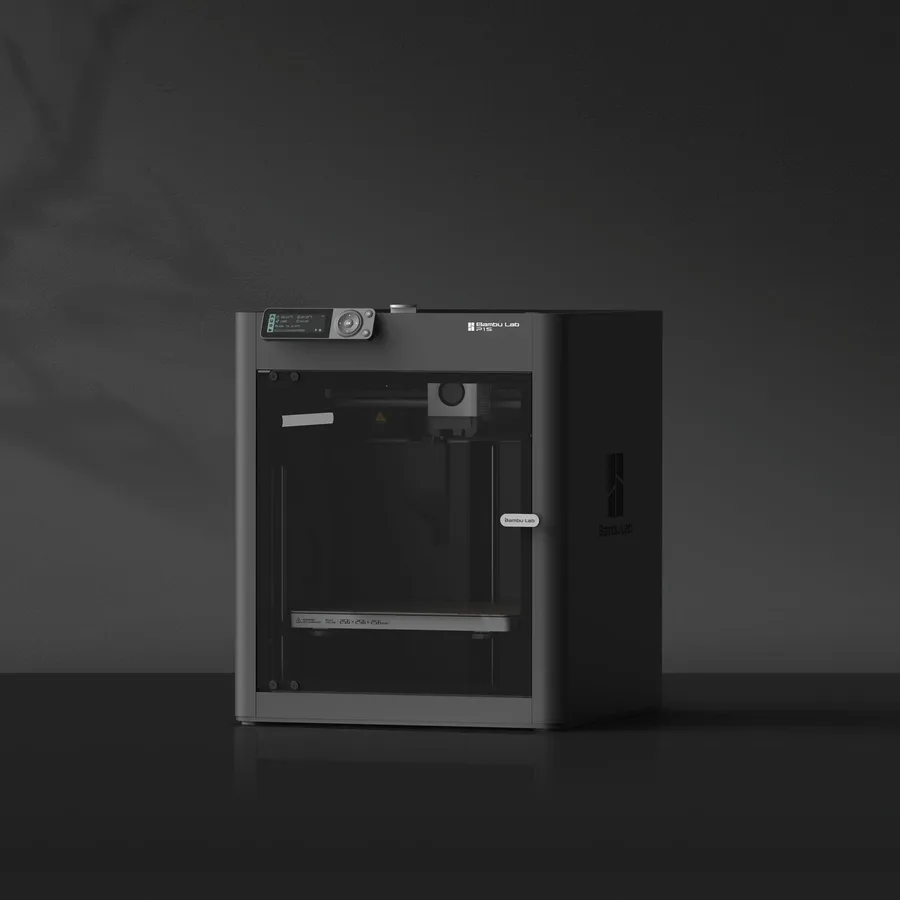
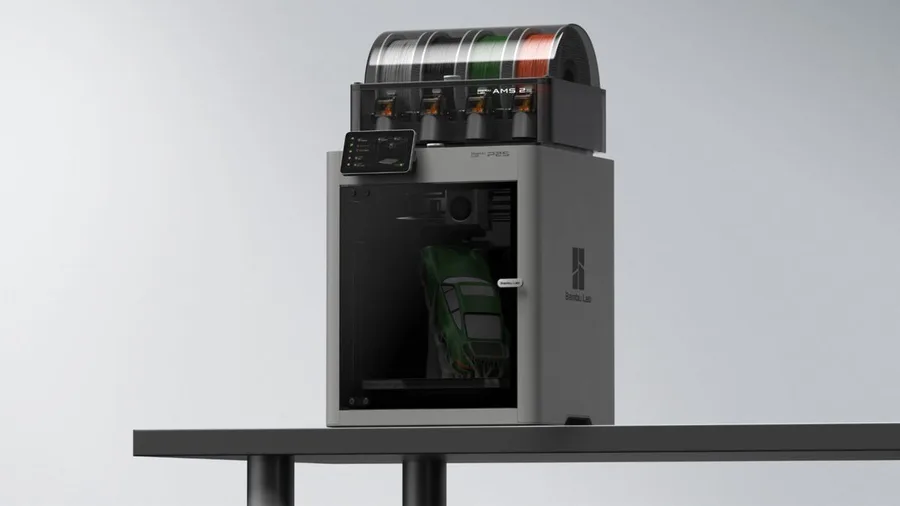
For another enclosed CoreXY chassis to compare, the Bambu Lab P2S offers a similar volume with a different multicolor system (AMS 2 Pro). The Anycubic page covers the rest of the manufacturer's lineup.
The enclosed 3D printer guide explains what an enclosure genuinely adds depending on the material you're targeting, and the TPU filament page details the settings specific to this flexible material before printing it single-color.
Similar printers to compare
Sources and limits
- Source: official Anycubic pages (store.anycubic.com), checked September 28, 2026. Manufacturer claims, not our measurements.
- How we assess specifications
We have not measured noise, real printing speed, accuracy or reliability, so none of these is rated here.