MSLA resin delivers very fine detail, useful for miniatures, jewelry and small engineering parts, at the cost of post-processing that filament printing does not require. Here are seven printers chosen from the 108 models in our catalog, with verified manufacturer specifications and the one thing to check before buying.
Documentary selection · No hands-on test, no score
A 10-inch monochrome 16K screen with XY pixels advertised at 14 × 19 µm, smart vat heating to 30°C and auto leveling per Elegoo: among the finest pixels in this list, level with the GK3 Pro.
Worth knowing
The 211.68 × 118.37 × 220 mm usable volume stays sized for small parts; plan for washing and curing.
A monochrome 9K screen, a 153.36 × 77.76 × 165 mm build volume and auto leveling: a second, more compact Elegoo format, with Wi-Fi and USB connectivity per the spec sheet.
Worth knowing
Pixels advertised at 18 µm, coarser than the Saturn 4 Ultra 16K. The cover does not replace a proper resin workspace.
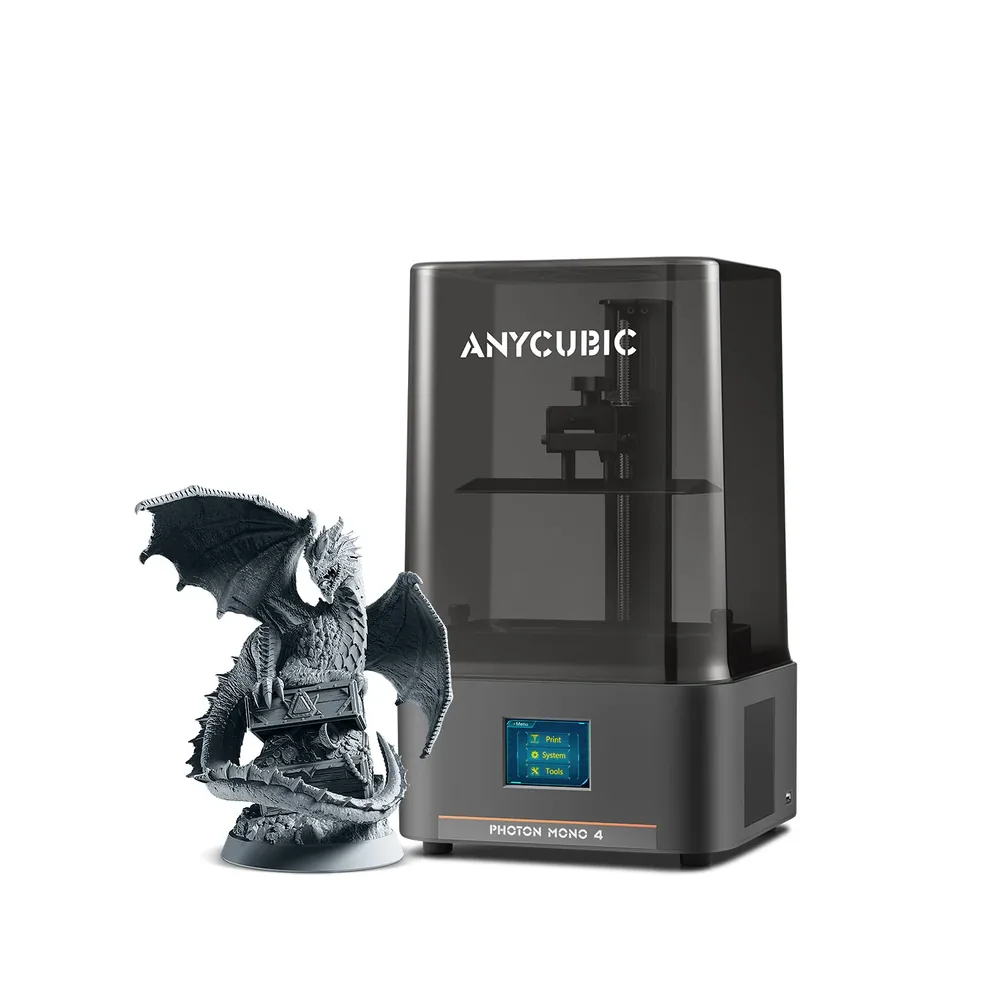
A 10K screen at 9024 × 5120 px with 17 × 17 µm pixels and 4-point leveling advertised as simplified, in a compact 153.4 × 87 × 165 mm volume per Anycubic.
Worth knowing
Leveling is manual, not automatic. A compact 2.2 L volume suits miniatures and small parts, not large objects.
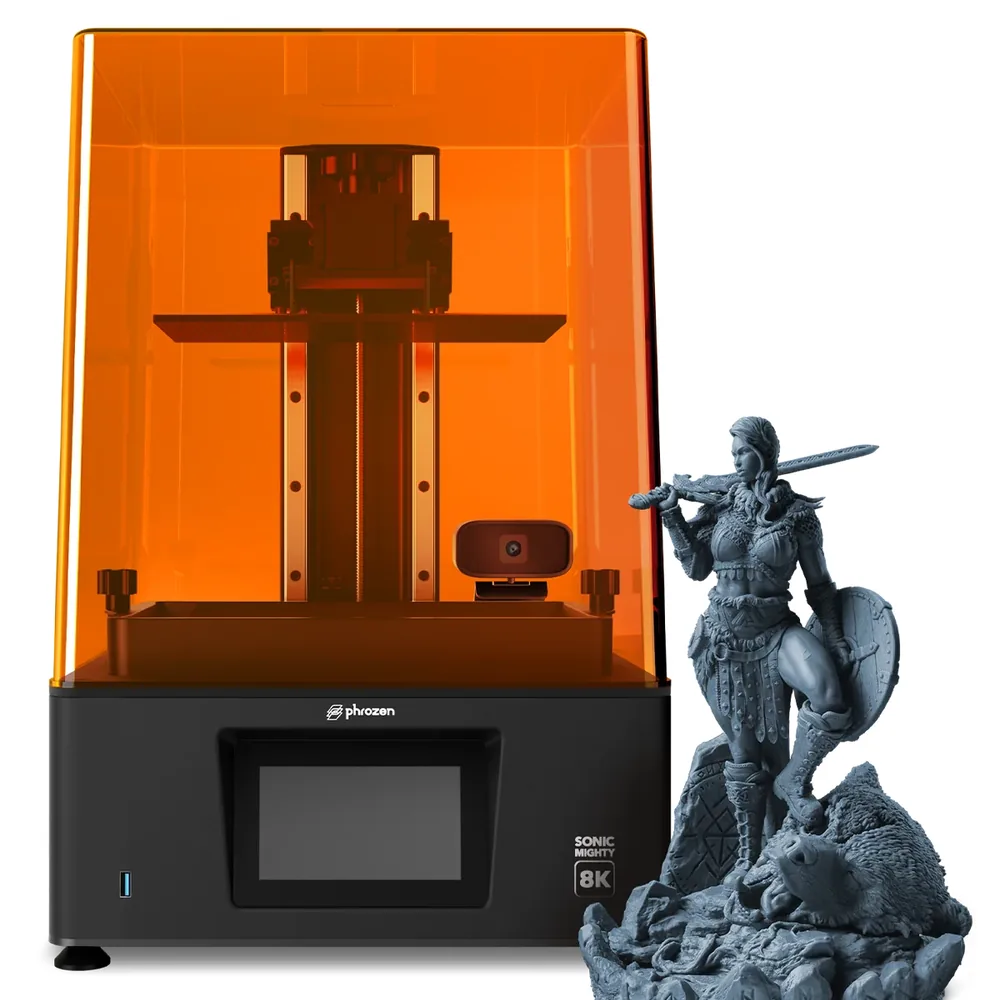
A 10.1-inch monochrome 8K screen, a 223 × 126 × 235 mm build volume and an XY resolution advertised at 28 µm per Phrozen: room to print several miniatures on one plate.
Worth knowing
A moderate advertised speed, around 70 mm/h at its peak per Phrozen, slower than tilt-release models.
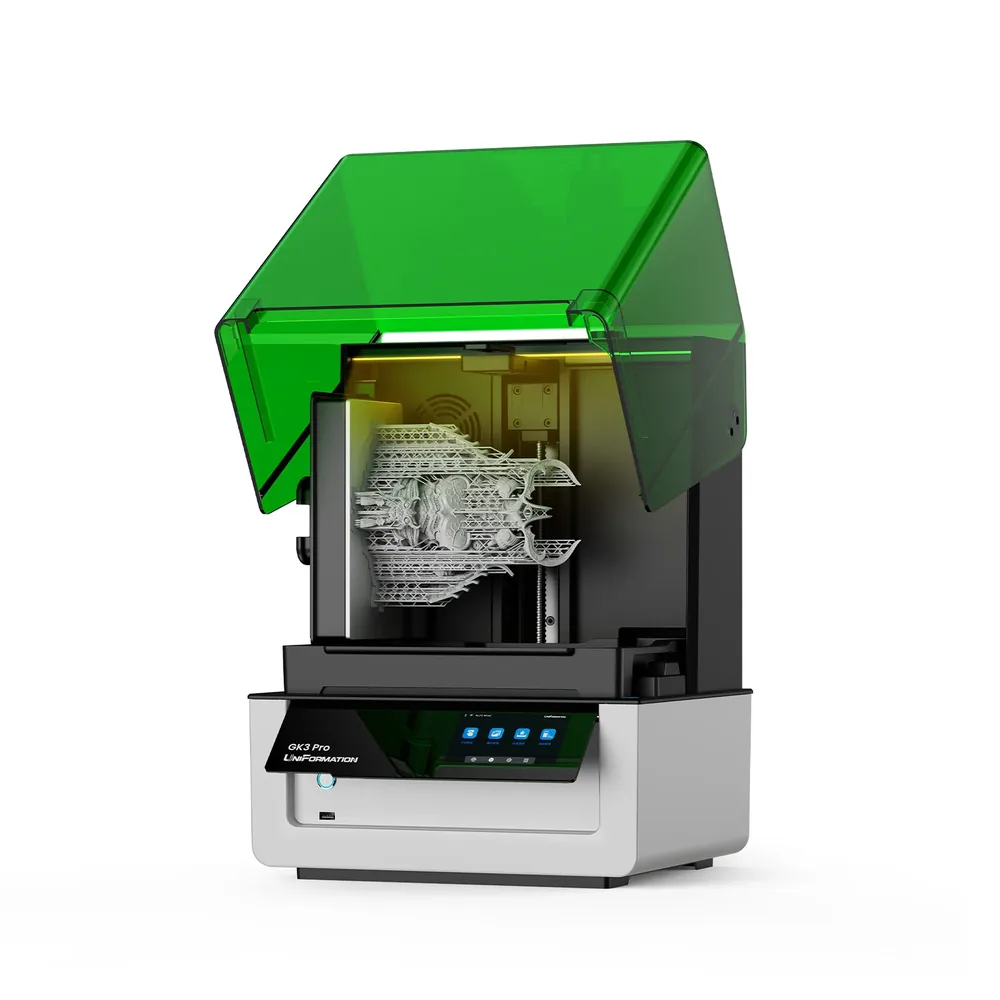
A 16K screen with 14 × 19 µm pixels, adjustable heating at 25 or 30°C and automatic resin refill per UniFormation, useful for longer batches of miniatures.
Worth knowing
A 385 nm light source: check each resin's compatibility before buying. Its 211 × 118 × 240 mm volume is smaller than the GK3 Ultra's.
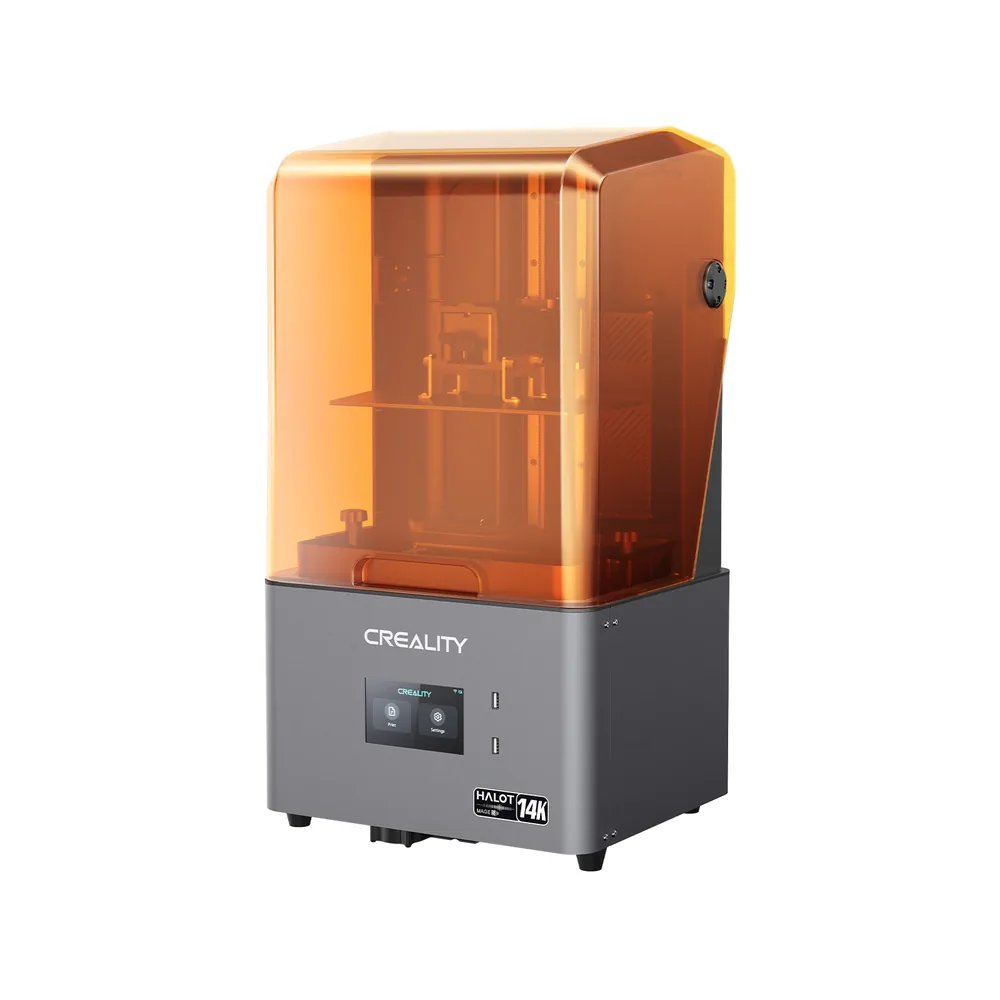
A 10.1-inch monochrome 14K screen advertised at 13320 × 5120 px with a 16.8 × 24.8 µm pixel size, plus a Dynax+ mode advertised as 3 to 4 times faster per Creality, on a 223 × 126 × 230 mm volume.
Worth knowing
The cover does not replace a proper resin setup: plan washing, curing and consumables separately.
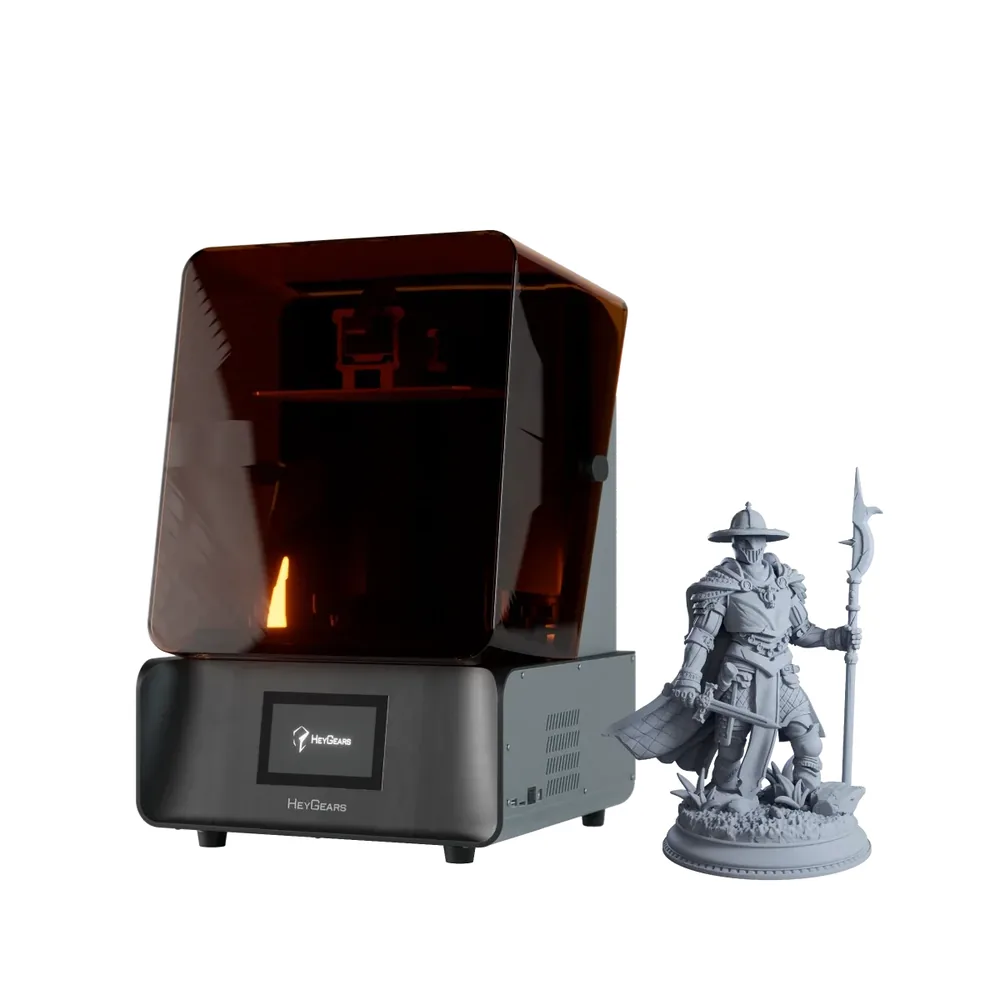
A 10.3-inch 8K screen, a 29.7 µm native pixel size and accuracy advertised at ±15 µm per HeyGears, across a 30-100 µm layer height range and a 222 × 122 × 228 mm build volume.
Worth knowing
HeyGears' resin lineup is proprietary; check third-party resin compatibility before committing to a large supply.
Only printers documented in our catalog, with a manufacturer spec sheet reviewed in September 2026 (screen, XY resolution, build volume).
No scores and no claimed testing: we have not tested these printers, and every reason relies on specifications published by each manufacturer.
A deliberately multi-brand list: the K number alone does not compare two printers; the advertised pixel size and the usable volume matter as much.
For similar resolution, we favored the most documented or most searched models.
Some spec sheets show paid partner offers, labeled "Ad". A printer without an offer can still make the list when it remains a relevant answer to the use case.
The setup goes beyond the printer alone
A resin printer is one link in a complete chain: screen, resin, washing and curing all work together. Plan washing and curing based on the resin you choose, its consumables and a workspace that matches the manufacturer's instructions. Changing a single element without checking the others can be enough to spoil a result that seemed solved with the previous setup.
The K number alone is not enough
Screen resolution and its physical size together set the advertised pixel size, but that alone does not represent a finished part's accuracy: resin, exposure, orientation and post-processing all play a role too. Two printers advertising the same resolution can use different screen sizes, and therefore different pixel sizes once you do the math: the Sonic Mighty 8K and the Photon Mono 4 show this well, with pixels advertised at 28 µm and 17 µm respectively for similar pixel counts.
385 nm or 405 nm: check the resin
Most printers in this list use a 405 nm UV source, compatible with the large majority of resins on the market. UniFormation's GK3 Pro uses a 385 nm source: always check that your chosen resin is rated for the wavelength the manufacturer advertises before committing to a large supply.
What a complete budget covers
Beyond the printer, budget for starter resin, the washing consumables recommended by the manufacturer, suitable gloves, protection from ambient UV light and, depending on your volume, a separate curing station. These elements shape the result as much as the printer itself. For miniatures specifically, our best 3D printer for miniatures page covers the choice from the project's angle rather than the printer alone.
Where to go next
Resin choice itself is a separate decision from the printer: see our resin buying guide for the part you have in mind. For washing and curing, read our resin post-processing guide. Still unsure between filament and resin? Our FDM vs resin guide covers the criteria, and the startup budget tool plans the full cost with no figure imposed here.
Which resin 3D printer is best for detailed miniatures?
A high-resolution printer like the Saturn 4 Ultra 16K or the GK3 Pro (pixels advertised at 14 × 19 µm) suits the most detailed miniatures. Plan for washing and curing equipment regardless of which printer you pick.
8K, 12K or 16K resin: what's the difference?
The K number describes the screen's pixel count, not the physical size of each pixel relative to the build plate. Always compare the pixel size manufacturers advertise in micrometers rather than the K number alone, since it also depends on the screen's physical size.
Do you need specific resin depending on the printer?
Yes, for wavelength: most printers in this list use a 405 nm UV source, except the GK3 Pro, which uses 385 nm. Some manufacturers, like HeyGears, also offer a proprietary resin lineup designed for their screen.
What budget should you plan beyond the resin printer itself?
Count the resin itself, washing consumables (isopropyl alcohol or water depending on the resin), gloves, protection from UV light and, depending on your volume, a separate curing station. These costs vary too much by habit to state a figure here.
Why is there no score out of 10 in this resin ranking?
Because we have not tested these printers. Each pick relies on verified manufacturer specifications (screen, resolution, build volume) and one thing to watch, not a print test performed by our team.