The Best Multicolor 3D Printers in 2026: Our Picks
Multicolor is not just about the printer: it depends on an add-on unit (AMS, ACE Pro, CFS, CANVAS), sometimes sold separately, on a built-in system such as Flashforge's IFS, or on a head changer such as the Snapmaker U1's or Bambu Lab's Vortek. Here are eight configurations chosen from the 100+ printers in our catalog, with verified manufacturer specifications and the one thing to check before buying.
Documentary selection · No hands-on test, no score
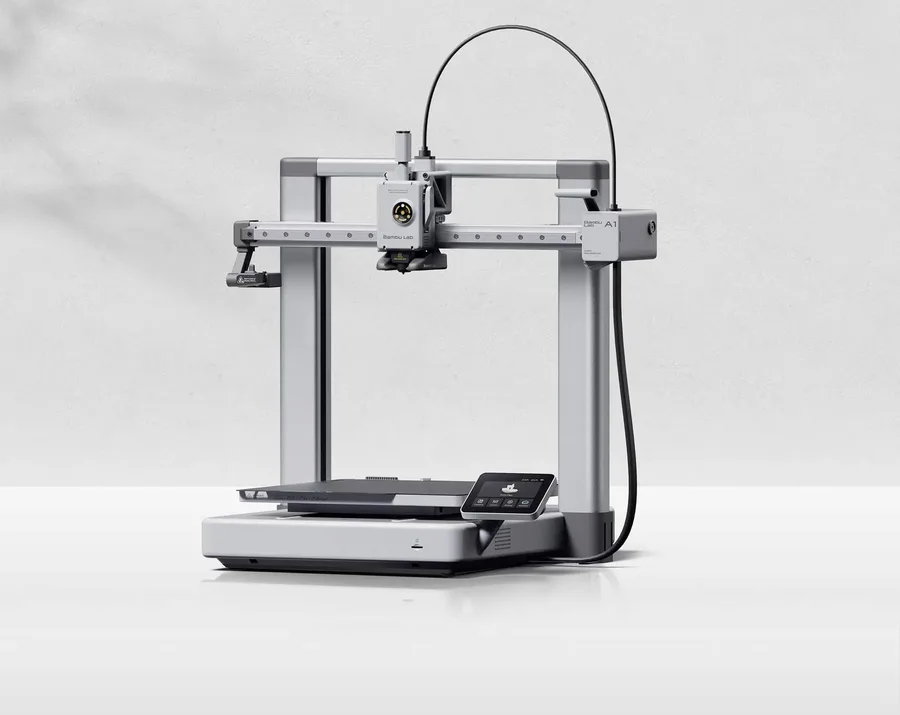
A 256 mm class build volume with an optional AMS lite: the simplest entry point into multicolor within the Bambu Lab lineup, on the most searched open-frame printer in the A series.
Worth knowing
The AMS lite is not included by default; check precisely whether your chosen listing bundles it or sells it as a separate add-on.
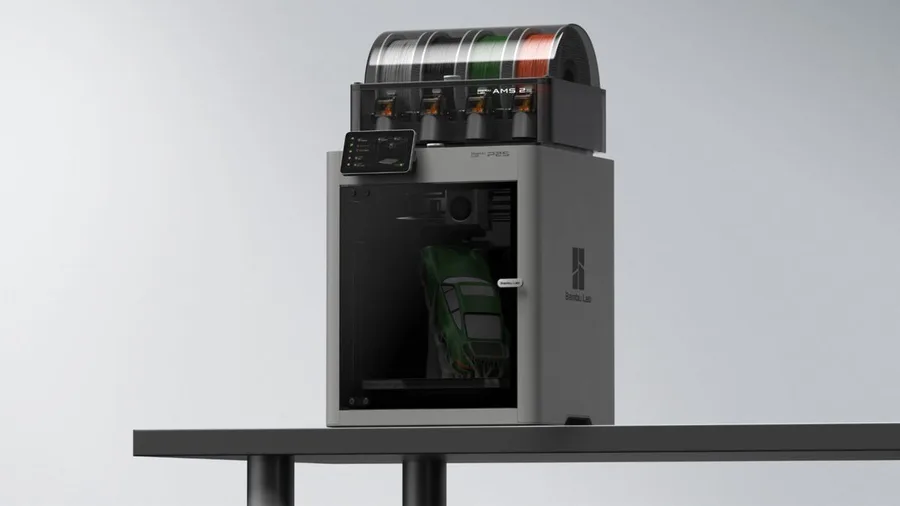
An enclosed CoreXY frame with a 256 mm class build volume, a nozzle up to 300°C and a 110°C bed, AMS 2 Pro compatible with a dedicated Combo version per Bambu Lab: multicolor across a wider range of materials than an open-frame printer.
Worth knowing
The AMS 2 Pro multicolor and drying system depends on the bundle chosen, not the standalone printer.
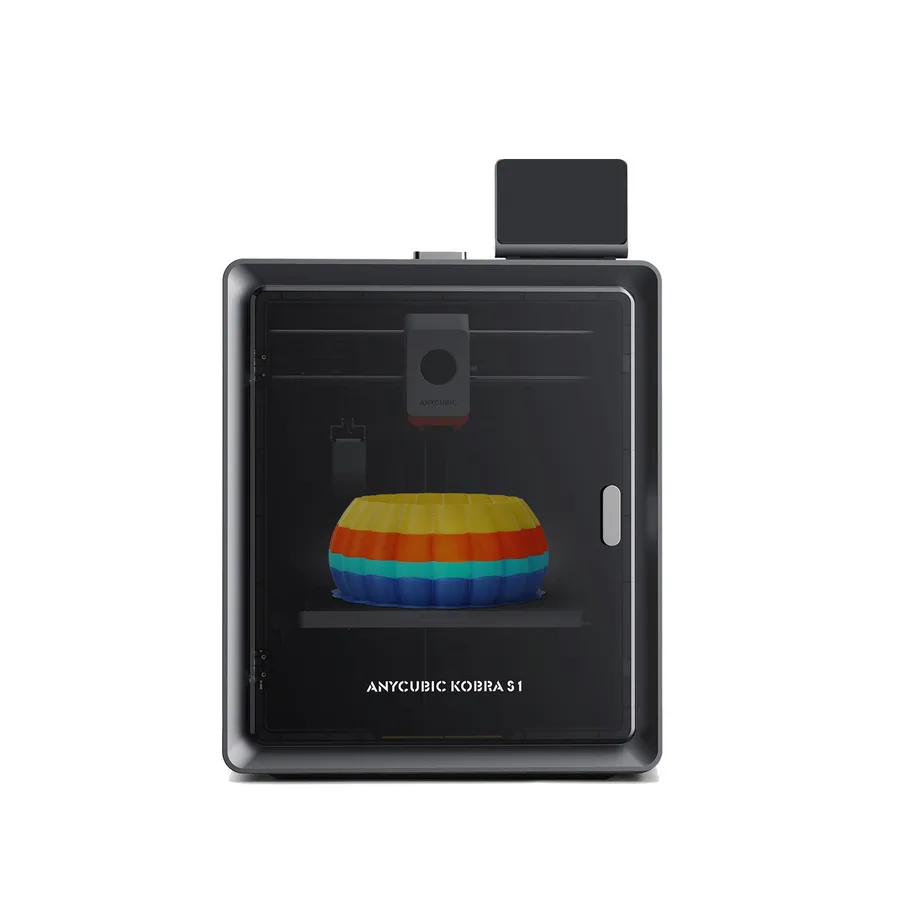
An enclosed CoreXY frame with a 250 mm class build volume and a hotend up to 320°C: with an ACE Pro station, Anycubic claims up to eight colors by linking two units, on a base that stays enclosed for ABS and ASA.
Worth knowing
The Kobra S1 alone prints one color. TPU 95A is not supported through the ACE Pro for multicolor, per Anycubic.
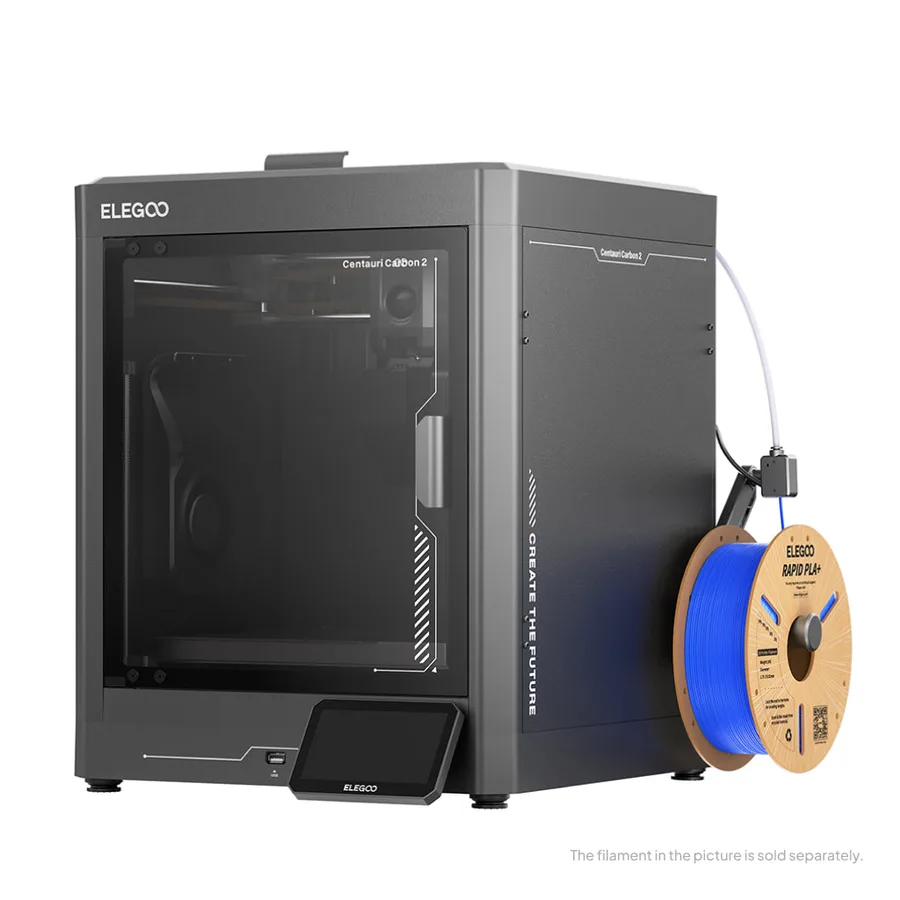
An enclosed frame with a 256 mm class build volume, advertised automatic calibration and the CANVAS multicolor extension: another brand to consider at a volume close to the P2S and the Kobra S1.
Worth knowing
Do not mix up the Carbon, Carbon 2 and Carbon 2 Combo listings: contents vary, and CANVAS is sold separately.
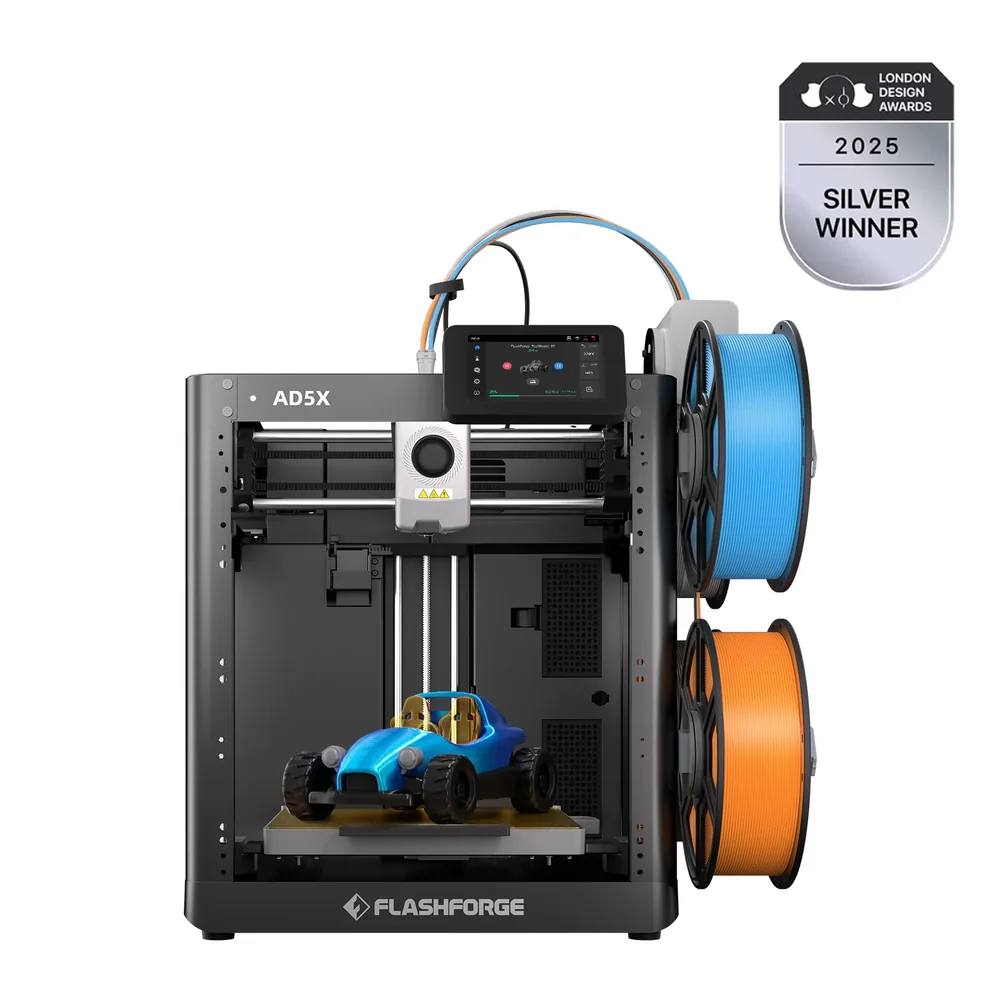
A built-in IFS (Intelligent Filament System), with no external accessory, for up to four colors or materials per Flashforge, a nozzle up to 300°C on a 220 mm class open frame.
Worth knowing
The frame stays open despite the 300°C nozzle; the exact box contents (included spools, spare nozzles) are not detailed on the manufacturer's listing.
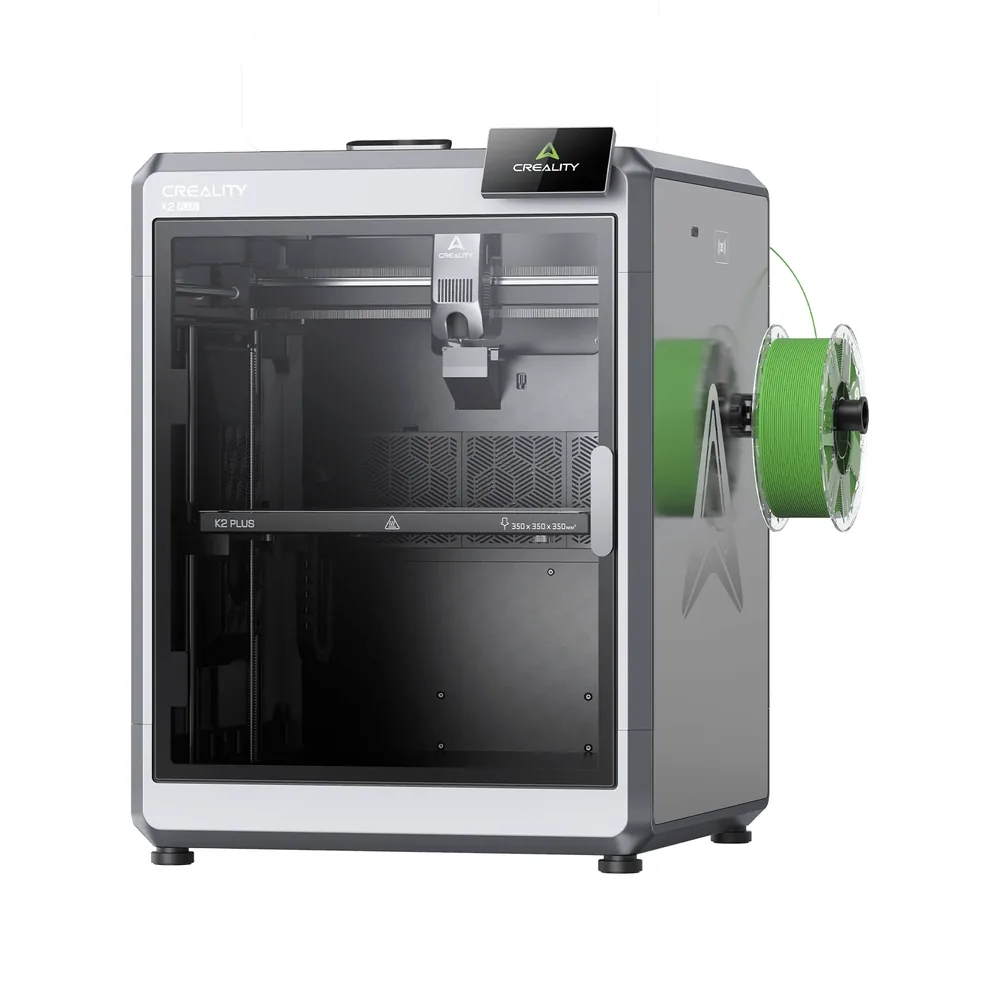
Active chamber heating to 60°C, a nozzle up to 350°C and a 350 mm class build volume: Creality's CFS system supports up to sixteen colors by linking four units, for multicolor on large engineering parts.
Worth knowing
35 kg and 495 × 515 × 640 mm: plan a sturdy stand. The CFS stays a separate accessory, not included on the standalone printer.
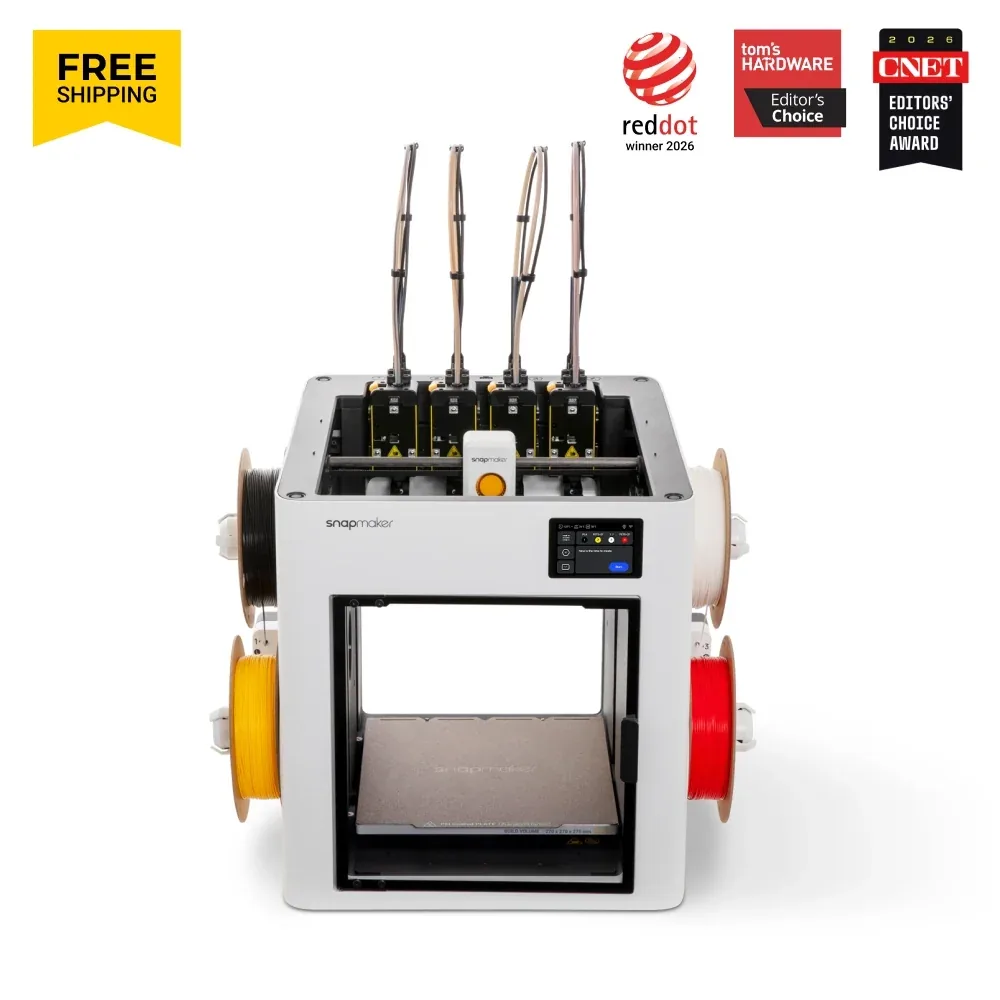
Four print toolheads included in the base configuration per Snapmaker: the automatic tool changer picks up another head instead of purging the previous color through a single nozzle, for up to four colors or materials on a 270 mm class build volume.
Worth knowing
Open frame: the cover needed for ABS, ASA or PA is sold separately. At 18.2 kg and 584 × 499 × 730 mm, plan the space.
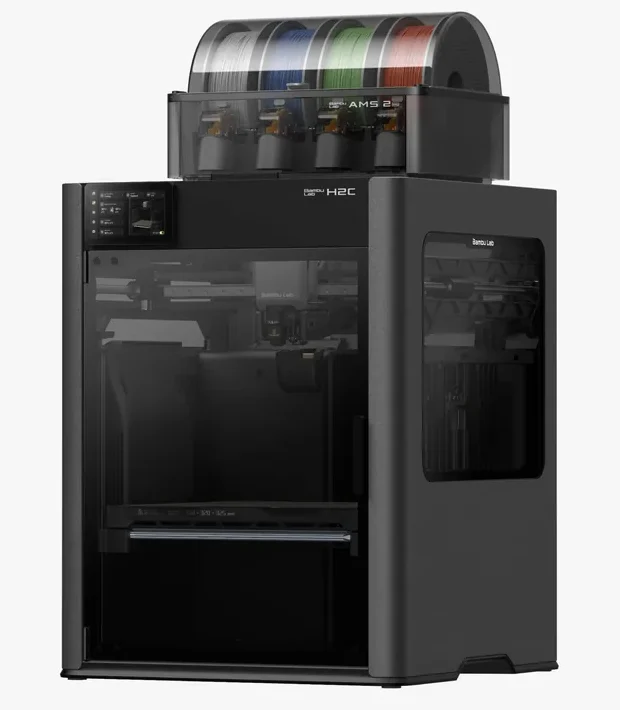
The Vortek system swaps hotends instead of purging the previous color: Bambu Lab claims up to six colors plus a seventh dedicated nozzle, with purge cut significantly compared with a single-nozzle printer, inside a chamber heated to 65°C.
Worth knowing
A heavy, bulky machine (32.5 kg, 492 × 514 × 626 mm). No verified partner offer yet: compare the exact bundle (Vortek hotends, AMS units).
Only printers documented in our catalog, with a manufacturer spec sheet reviewed in September 2026 (color system, advertised color count, purge).
The color unit is treated as part of the configuration, not as a side accessory: its price and contents must be checked separately from the printer.
No scores and no claimed testing: we have not tested these printers, and every reason relies on specifications published by each manufacturer.
For a similar system, we favored the most searched models, since they come with more profiles and community help.
Some spec sheets show paid partner offers, labeled "Ad". A printer without an offer can still make the list, like the H2C.
Included or an add-on?
At Bambu Lab, a Combo version's contents depend on the model and the current listing: the AMS lite or AMS 2 Pro are sometimes sold separately from the standalone printer. At Anycubic, the Kobra S1's ACE Pro is sold on its own or in a Combo version, depending on the listing. At Elegoo, the Centauri Carbon 2's CANVAS module follows the same logic: printer compatibility does not guarantee it is included. Before comparing two listings, check precisely what each seller includes in the box.
Spool-fed units or a built-in system?
Multi-spool systems (AMS, ACE Pro, CFS, CANVAS) feed a single nozzle and purge the previous color at every change: effective, but they use filament. The AD5X's IFS is built into the printer with no external box, while the H2C's Vortek physically swaps hotends to cut purge and the Snapmaker U1 carries four complete toolheads, swapped automatically. These approaches do not compare on a single advertised color count.
Compare at equal need
Check the advertised color count against the units actually included, the materials the system supports and the space extra spools take up. Never compare a standalone printer's price with a fully equipped bundle's price. The advertised color count often reflects a maximum configuration with several linked units, not what the standalone printer offers.
Common mistakes to avoid
Assuming every material feeds through a multicolor loader is a common mistake: a flexible filament like TPU is not always rated for these automated systems, per manufacturer spec sheets. Another frequent mistake is not planning for purge, which increases the material actually used and lengthens the total job compared with an equivalent single-color part.
Where to go next
Material choice remains central to a multicolor project: see our filament types overview and the TPU page if you are aiming for flexible parts. The Bambu Lab, Elegoo, Anycubic and Creality pages cover the rest of the lineups mentioned here. Use compare printers to line up two spec sheets before deciding.
It depends on your budget and build volume: AMS lite with the A1 to get started, AMS 2 Pro with the P2S or ACE Pro with the Kobra S1 for heavier use, CFS with the K2 Plus for large format, or a head changer (the Snapmaker U1, the H2C's Vortek) to cut purge. Always check whether the unit is included in the listing.
Does multicolor printing use more filament?
Yes, for systems that feed a single nozzle (AMS, ACE Pro, CFS, CANVAS, the AD5X's IFS): they purge the previous color at every change. Head changers, such as the Snapmaker U1's four toolheads or the H2C's Vortek, reduce that purge without necessarily eliminating it.
Can you print TPU in multicolor?
It depends on the system: Anycubic states that TPU 95A is not supported through the ACE Pro for multicolor on the Kobra S1. Always check the materials list rated for the multicolor unit itself, not just for the standalone printer.
Is the multicolor unit always included with the printer?
Rarely at this tier: the AMS, AMS 2 Pro, ACE Pro and CFS are most often sold separately or in a Combo bundle distinct from the standalone printer. In this list, only the Flashforge AD5X's IFS and the Snapmaker U1's four toolheads are built into the printer, with no external box.
Why is there no score out of 10 in this multicolor ranking?
Because we have not tested these systems. Each pick relies on verified manufacturer specifications (advertised color count, mechanism, compatible materials) and one thing to watch, not a multicolor print test performed by our team.