The right measure for a cheap 3D printer is the full delivered and equipped setup, not just the printer's listed price. Here are six models chosen from the 100+ printers in our catalog for a budget-conscious first setup, with verified manufacturer specifications and the one thing to check before buying.
Documentary selection · No hands-on test, no score
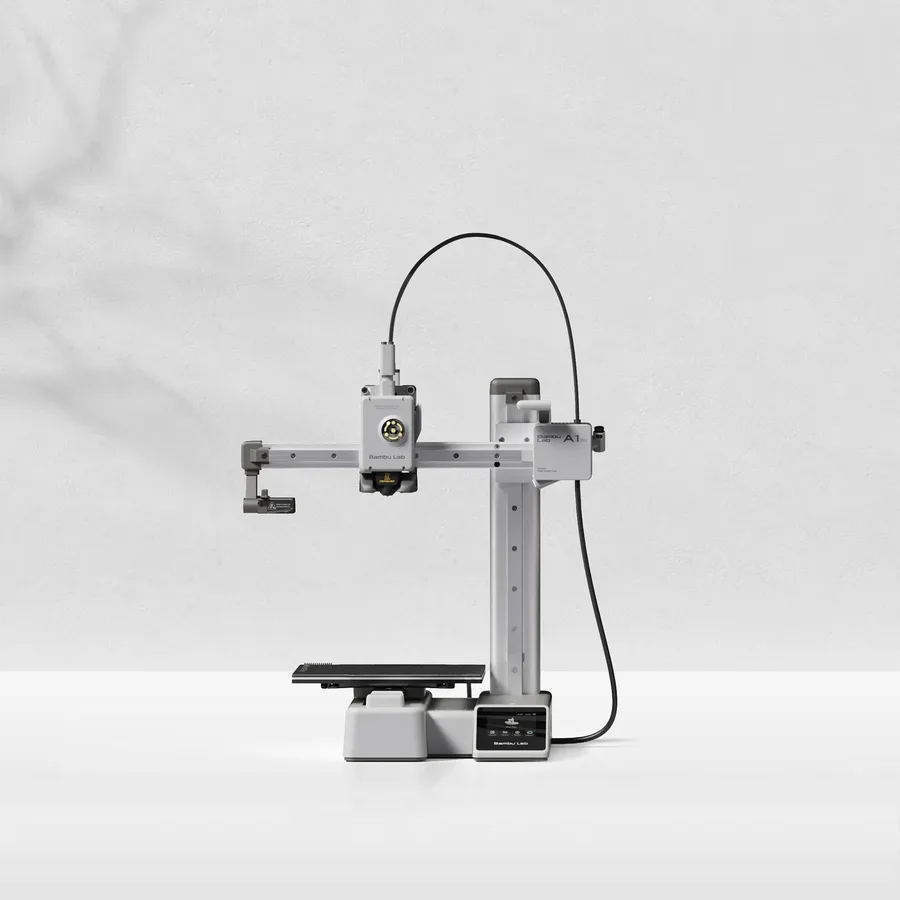
The smallest build volume in this list (180 mm class) at the lightest weight (5.5 kg per Bambu Lab), with a touchscreen, camera and filament cutter already included: a complete base setup with nothing extra to add to start printing.
Worth knowing
Anything over 18 cm on one axis needs splitting. The bed tops out at 80°C, so stick to PLA and PETG.
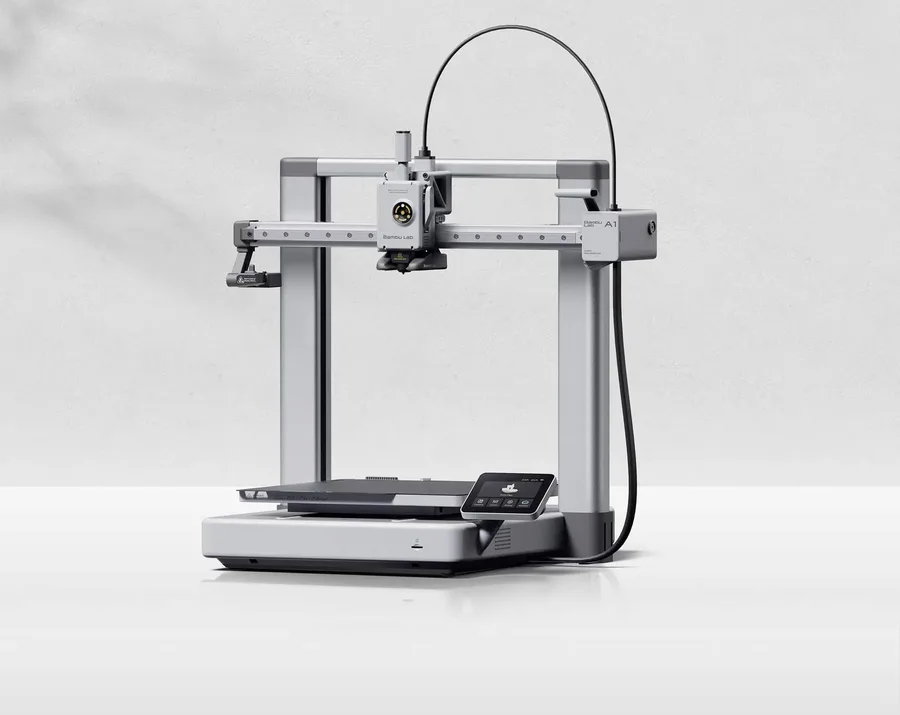
A 256 mm class build volume, a claimed 500 mm/s, a filament cutter and a runout sensor: the A1 keeps most of the Bambu Lab lineup's features at a lower price than the enclosed P1S.
Worth knowing
Open frame: no enclosure for regular ABS or ASA use. The AMS lite remains a separate optional add-on.
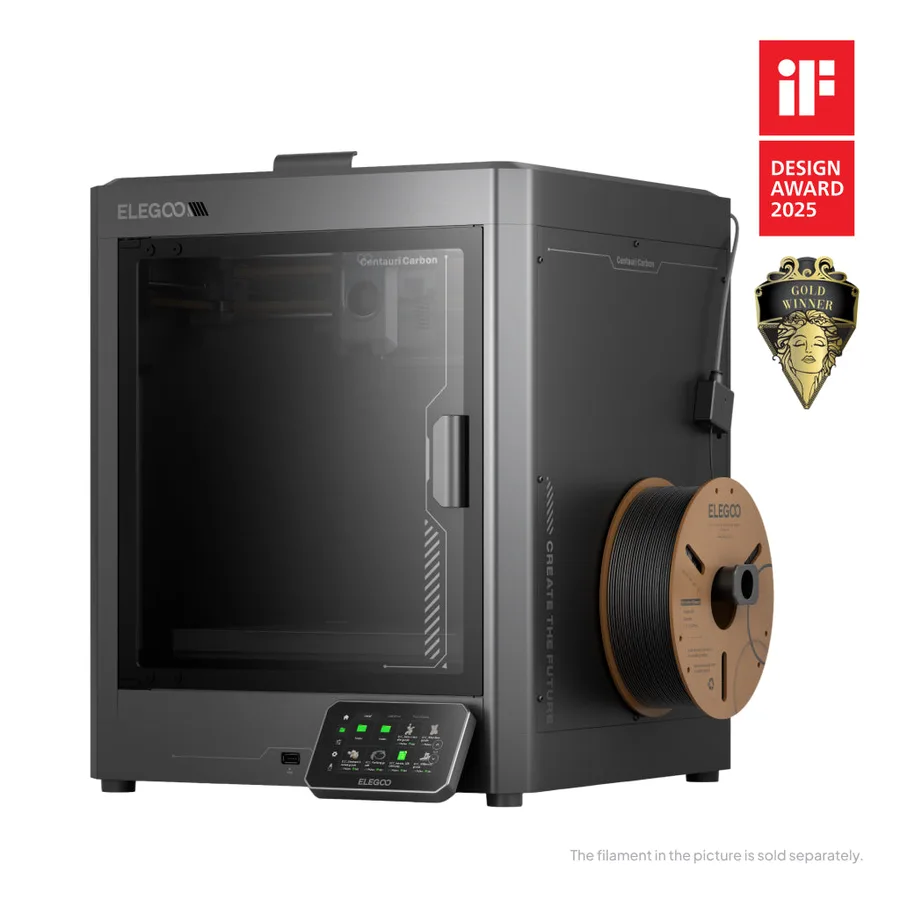
An enclosed CoreXY frame, a chamber camera and automatic calibration per Elegoo, plus a hardened-steel nozzle rated to 320°C: an equipment level that is rare at this tier for an enclosed printer.
Worth knowing
Single-color out of the box: the CANVAS pack is sold separately, so check compatibility and contents. Do not confuse it with the Centauri Carbon 2 in listings.
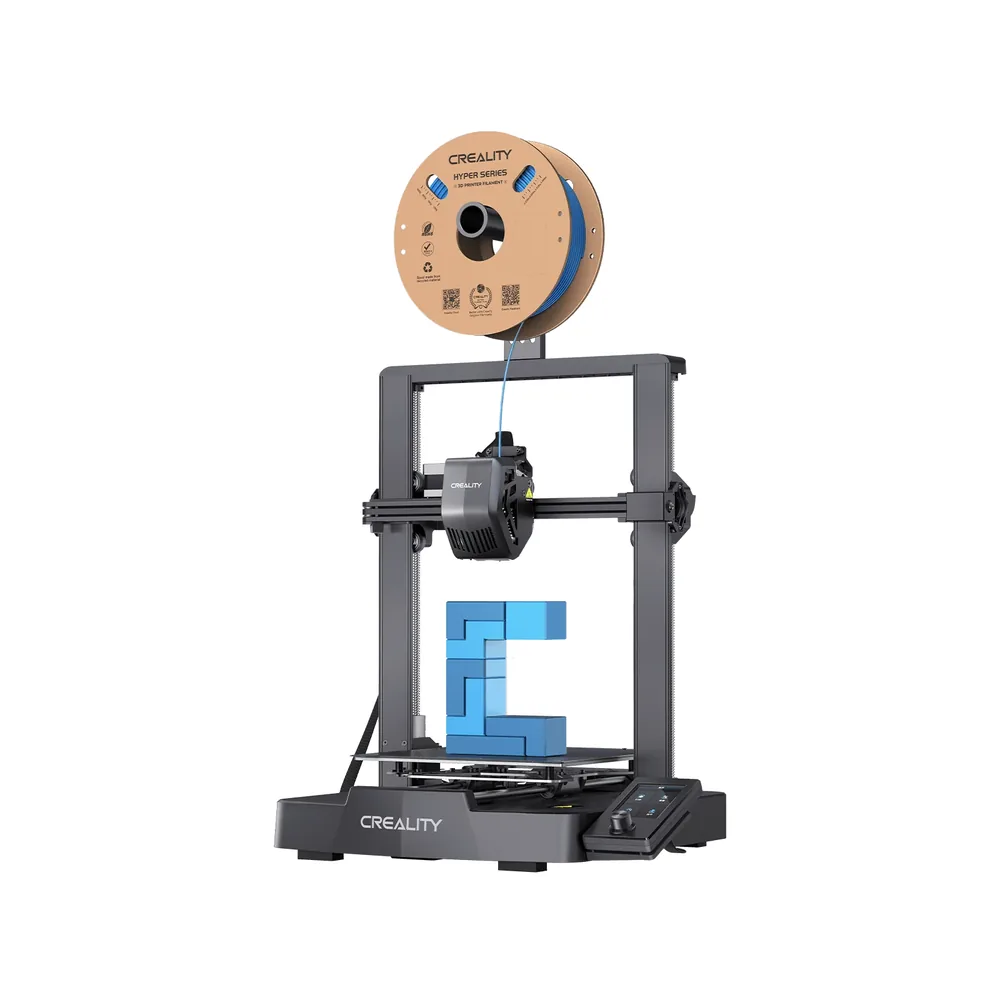
A roughly 20-minute assembly per Creality, automatic CR Touch leveling and a strain sensor: one of the lowest entry points in the catalog for a 220 × 220 × 250 mm build volume.
Worth knowing
A knob-controlled screen, not a touchscreen, no camera, and a claimed 250 mm/s top speed: lighter equipment than the recent CoreXY printers in this list.
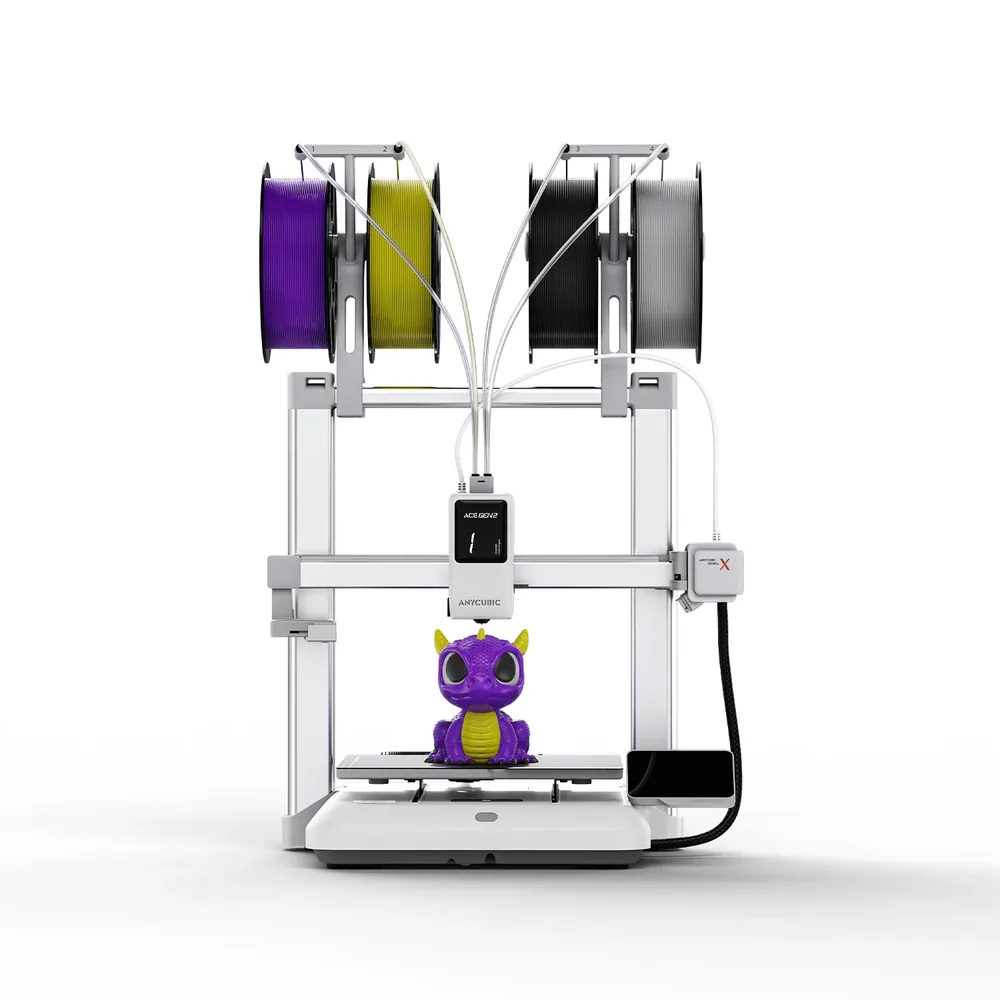
Native four-color printing with no extra ACE unit, LeviQ 3.0 leveling and a 720p camera on a 260 × 260 × 260 mm build volume per Anycubic: baseline multicolor built into the printer rather than a paid add-on.
Worth knowing
Open frame. Active drying and the seven- or nineteen-color configurations need one or more ACE 2 Pro units sold separately.
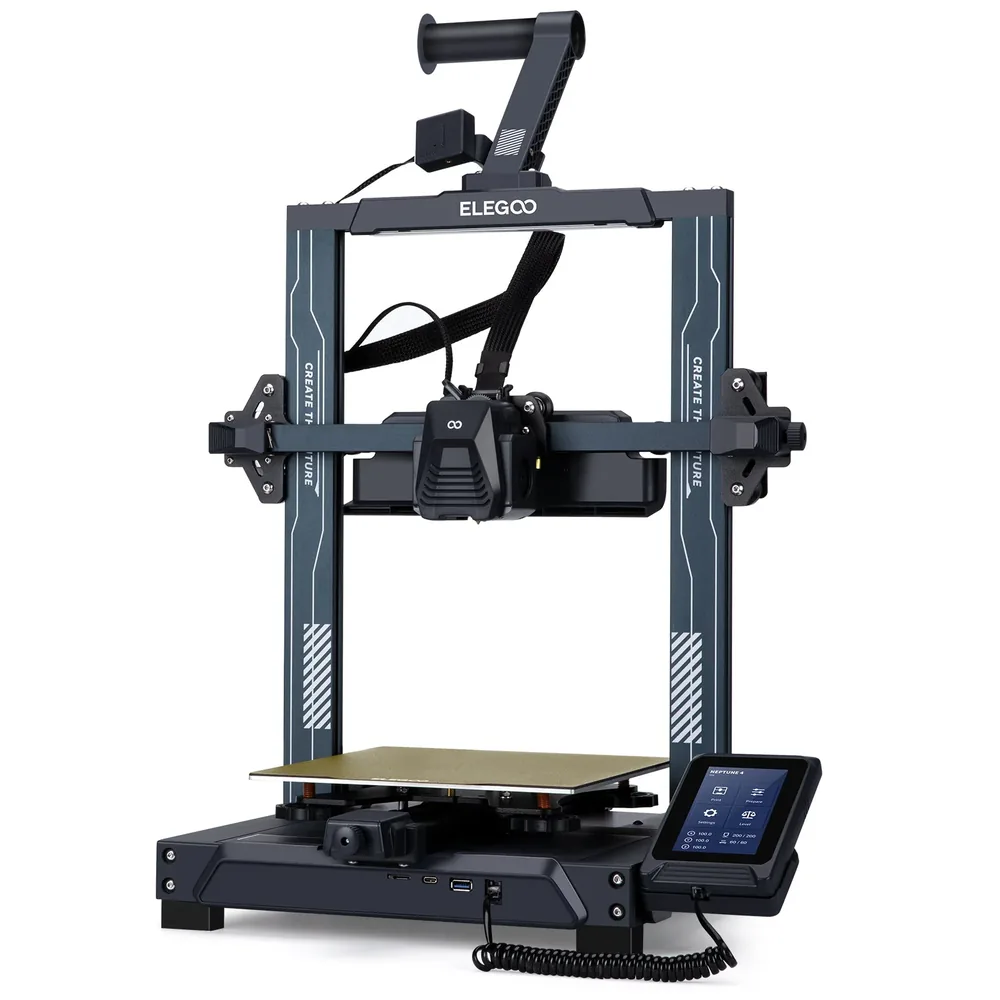
121-point auto leveling, Klipper firmware pre-installed with input shaping and pressure advance, and a dual-sided PEI/PLA build plate: features usually reserved for pricier printers, according to Elegoo.
Worth knowing
No Wi-Fi or camera listed; ABS and ASA need an enclosure sold as a separate accessory.
Only printers documented in our catalog, with a manufacturer spec sheet reviewed in September 2026.
Printers chosen for their equipment relative to their price tier, not for a listed price that shifts with promotions.
No scores and no claimed testing: we have not tested these printers, and every reason relies on published specifications.
For similar equipment, we favored the most searched models, since they come with more profiles and community help.
Some spec sheets show paid partner offers, labeled "Ad". The ranking does not depend on whether an offer is present.
Compare the full delivered setup, not the listed price
The models named here are comparison starting points for a first setup, not a real-time price ranking: prices shift with promotions and bundle contents. Check whether a listing covers the printer alone or a complete bundle, which material is included, what accessories are required, and each seller's delivery terms. Always compare equivalent configurations: a standalone printer against another standalone printer, a bundle against another bundle. Use compare printers to line up these criteria without mixing listings.
What equipment actually changes day to day
On a tight budget, the real gap is usually equipment rather than build volume: automatic leveling, a runout sensor, a touchscreen or pre-tuned firmware avoid time-consuming manual setup on your first prints. An open frame remains the norm at this price tier; an enclosure like the Centauri Carbon's is the exception rather than the rule.
The mistakes that cost the most
Underestimating accessories is the most common mistake: a spare build plate, nozzles, bed adhesive and maintenance tools often get added after the purchase. Picking a material without checking that a profile exists for your printer leads to risky manual tuning later. Overlooking room space and ventilation matters too: an open-frame printer stays sensitive to drafts.
What a complete budget covers
Beyond the printer, budget for starter material, a set of spare nozzles, routine maintenance tools and, depending on your projects, an enclosure or a ventilated space. The time spent learning your first settings is also part of the real cost, even though it appears on no invoice. The startup budget tool lets you list these items without a fixed figure imposed here.
Where to go next
Material choice is part of the budget too: see our filament types overview and the PLA page, usually the most economical starting point. If you are just getting started, our best 3D printer for beginners page covers a broader angle than price alone. The Bambu Lab, Elegoo and Anycubic pages cover the rest of the lineups mentioned here.
Which printer in this list costs the least to get started?
The lowest entry points here are the A1 mini, the Ender-3 V3 SE and the Neptune 4: three open-frame printers with solid baseline equipment. The final total depends on the accessories and material you add, which you can check with the startup budget tool.
Is a cheap 3D printer automatically less reliable?
Price does not measure reliability: we have not tested these printers and cannot compare failure rates. Equipment level, such as automatic leveling, sensors and pre-tuned firmware, is a checkable criterion instead, and it is listed for each model.
Do you need an enclosed 3D printer on a small budget?
Not for PLA and PETG, which print well on the open-frame printers that dominate this price tier. The Centauri Carbon shows an enclosure is possible without jumping to a pricier category, but it remains the exception in this list.
Which budget 3D printer supports multicolor?
The Kobra X prints natively in four colors with no extra box, per Anycubic. The other printers in this list stay single-color or need an optional module like the AMS lite, sold separately.
Why isn't there a dollar figure in this ranking?
3D printer prices change often with promotions and bundle contents. Printer pages with a partner offer show the checked price and the date of the check, which stays more reliable than a fixed figure on this page.