How we chose
- Only printers documented in our catalog, with a manufacturer spec sheet reviewed in September 2026 (build volume, screen or resolution, included equipment).
- Two distinct families rather than one single ranking: compact FDM (roughly 150-210 mm per side) and compact resin, which follows a different volume logic.
- No scores and no claimed testing: we have not tested these printers, and every reason relies on each manufacturer's own published specifications.
- Printers chosen for different angles on the compact format rather than one single leaderboard: the most complete equipment, the lightest weight, an enclosed chassis, the finest resolution.
- Some spec sheets show paid partner offers, labeled "Ad".
What counts as a mini 3D printer
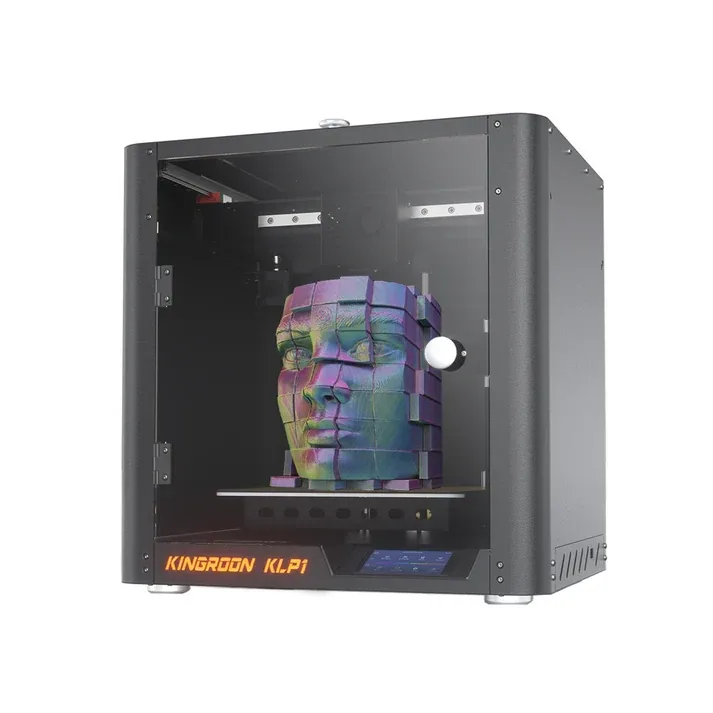
The term "mini 3D printer" actually covers two different families. In FDM, it usually means a compact build volume, roughly 150 to 210 mm per side, sized to fit in the corner of a desk, usually open-frame but sometimes enclosed like Kingroon's KLP1. In resin, the logic is different: the usable volume is almost always smaller than FDM to begin with, and "mini" or "compact" mostly distinguishes an entry model from a larger printer in the same lineup.
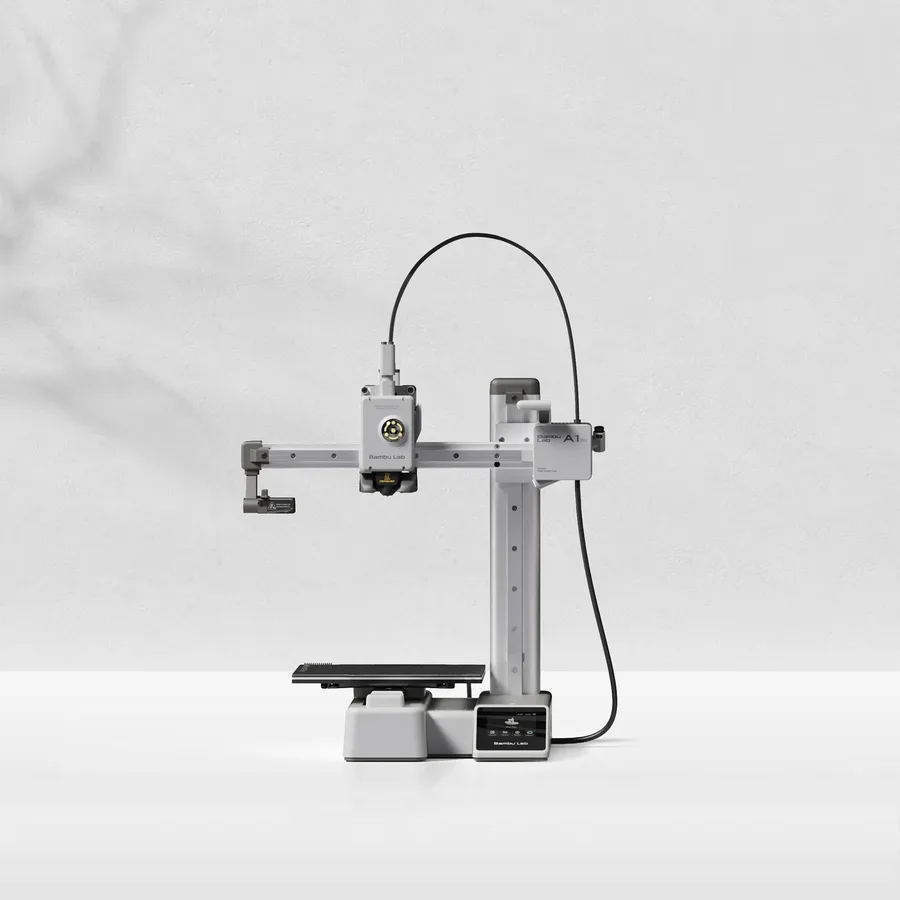
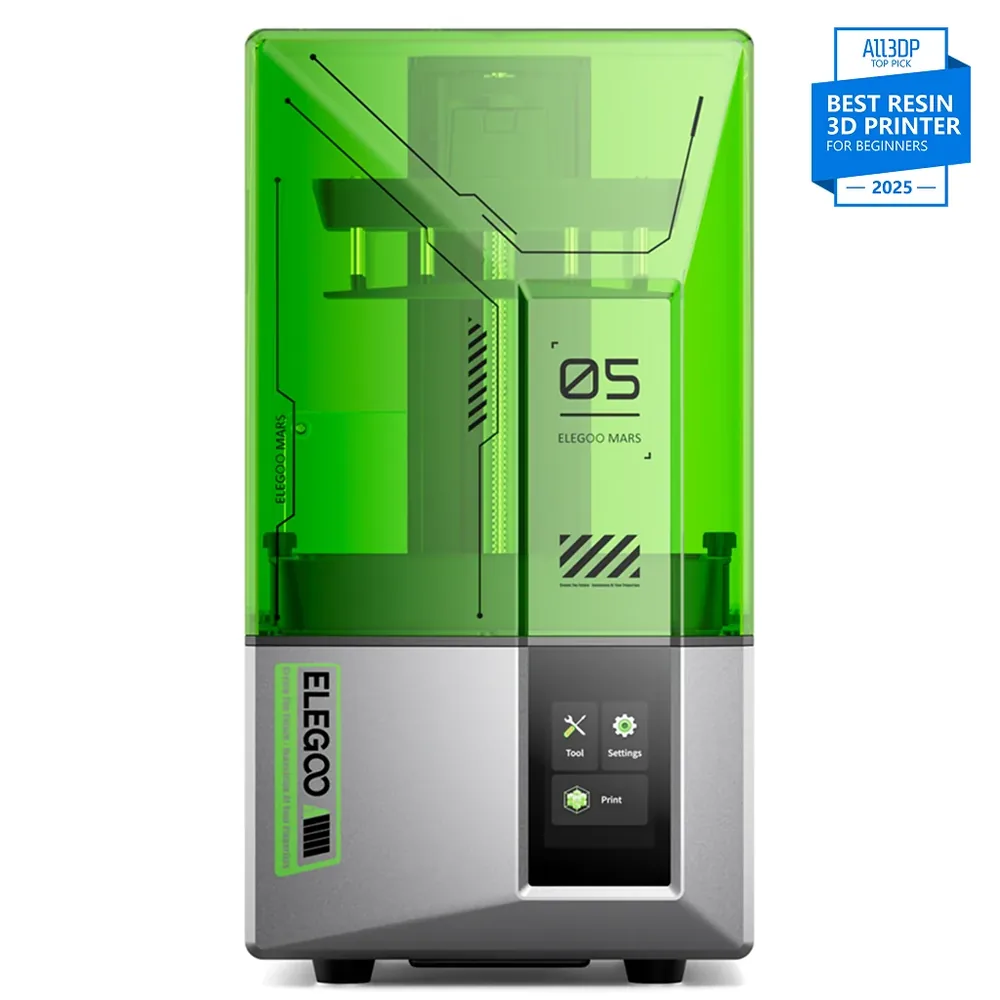
Bambu Lab describes the A1 mini as a printer built for accessories and small parts, with a documented volume of 180 × 180 × 180 mm. Elegoo, for its part, positions the Mars 5 and the Mars 5 Ultra in its resin lineup with volumes close to 150 × 80 × 160 mm, a compact format specific to resin rather than simply a scaled-down FDM machine.
What you gain with a compact format
Footprint is the most obvious advantage: a mini printer fits on a dorm desk, a shelf, or a corner of a bedroom, where a wider bed needs a dedicated spot. The smaller format often comes with quieter operation too, a real factor if the printer runs in a living space or bedroom rather than a garage.
Entry pricing tends to be more accessible in this category as well, which often makes a mini printer a first machine for getting into 3D printing without a heavy upfront commitment. Our startup budget tool helps compare spending categories by format instead of relying on a single estimate.
Setup time tends to be shorter on a compact format too: less bed area to level, a smaller volume to heat so faster warm-up times, and shorter head travel that leaves less room for a first print to go wrong. For someone new to 3D printing, those details matter just as much as the format itself.
What you lose: volume, materials, and the classic mistake to avoid
The clearest trade-off is usable volume: an object where one dimension exceeds the bed simply doesn't fit, with no workaround besides splitting the file and assembling it in parts. That's worth checking before buying, not after, especially for assembly parts or a support meant for one specific object.
Material compatibility can be narrower too: an open-frame mini printer generally handles PLA and PETG well but not necessarily engineering materials like nylon or ABS, which need a stable thermal environment, with the exception of an enclosed mini format like Kingroon's KLP1. For those materials on a larger format, an enclosed printer is the better direction, as covered in our industrial 3D printer guide.
The most common mistake isn't picking the wrong machine, though, it's misjudging what you actually plan to print. Before buying, open three files representative of your projects (a miniature, a bracket, an everyday object) and check their dimensions in a viewer, rather than trusting a general sense of what you're after.
If any of those three files exceeds 180 mm on one axis, a larger format avoids splitting and assembling from the start, a workaround that only makes sense when chosen on purpose rather than forced on you later.
Compact FDM or compact resin: two different readings of "mini"
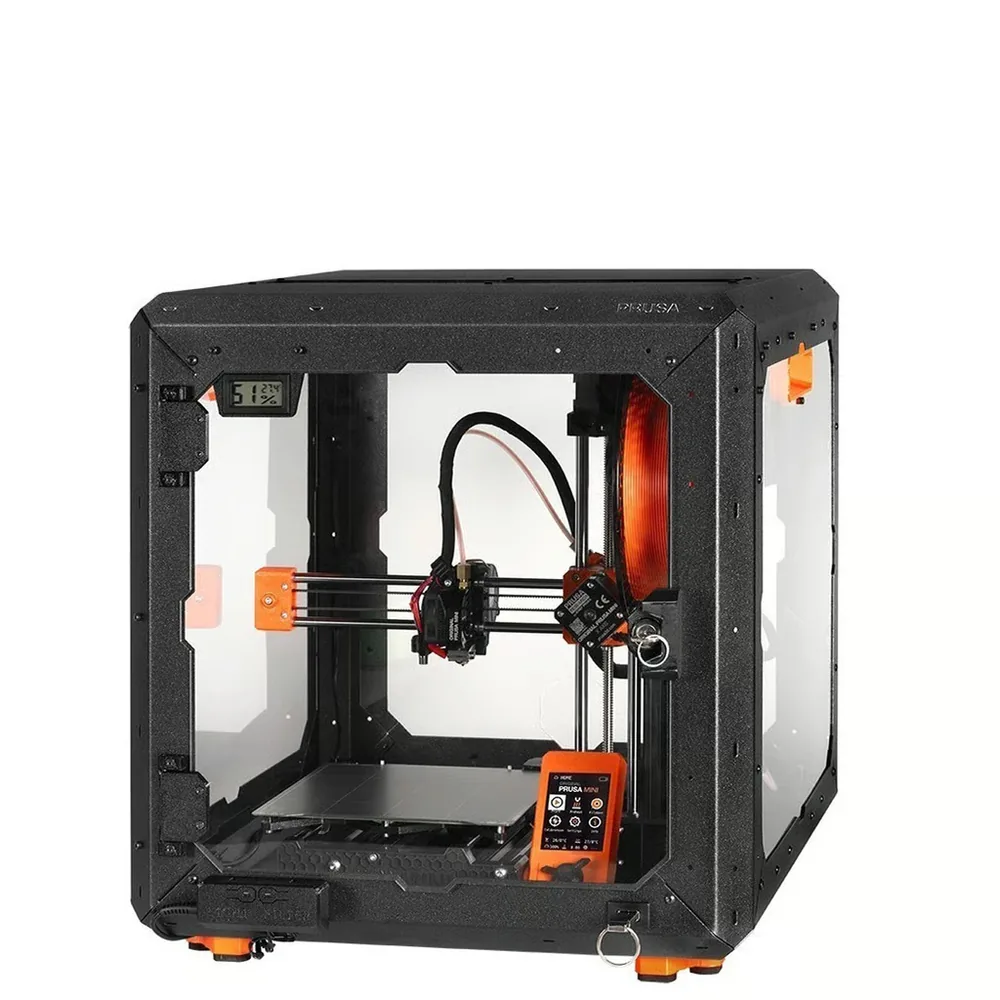
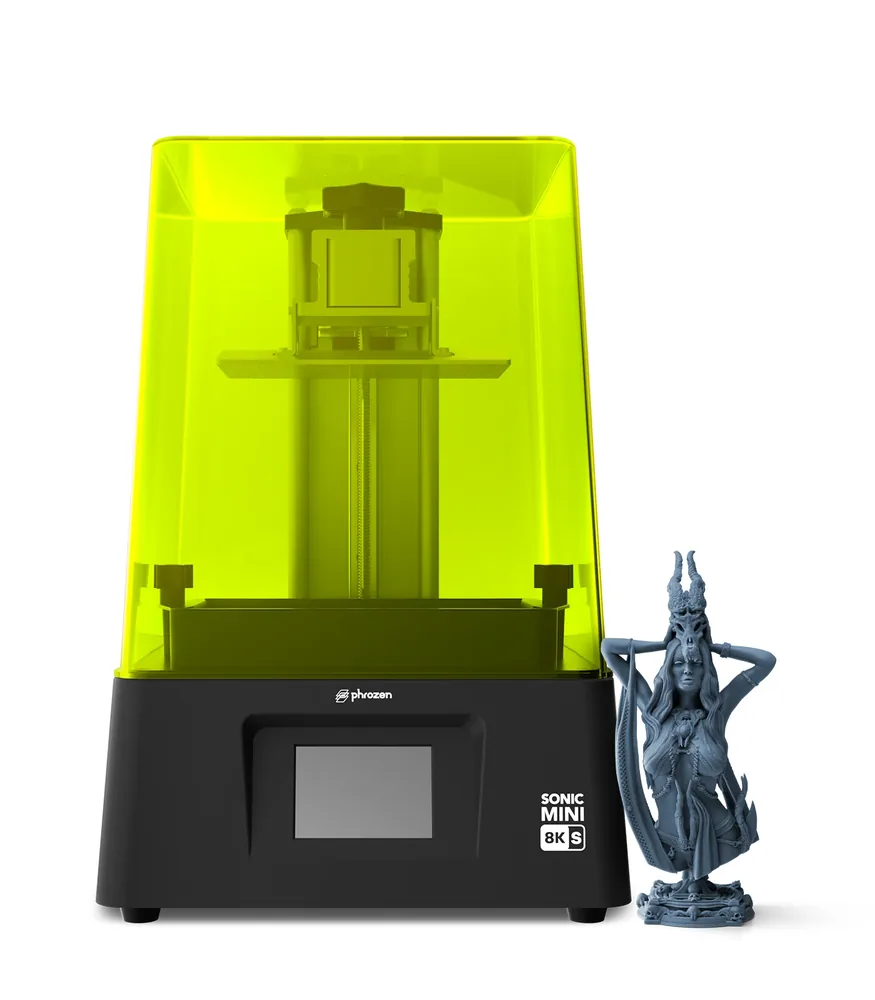
A mini FDM printer like the A1 mini or the MINI+ favors quick turnaround: load a spool, start the file, and the part comes out ready to use with minimal cleanup. A compact resin printer like the Mars 5, the Mars 5 Ultra, or the Sonic Mini 8K S follows a different process, with mandatory washing and post-curing after the print, in exchange for finer detail on small parts.
The choice between the two isn't really about bed size at all: it depends on the kind of object you're after and your willingness to handle resin's post-processing. The FDM vs resin guide covers that decision in more depth, beyond format alone.
Where a mini printer actually makes sense
Miniatures, desk accessories, small repair parts, and compact decorative objects are the natural fit for a mini printer. It's also a solid format for a dorm room or bedroom setup, where footprint and noise matter more than they would on a wider bed.
On the other hand, storage bins, mid-size brackets, or larger decorative pieces quickly outgrow a 180 mm bed, even with smart orientation in the slicer.
A mini printer also works well for shared use in a tight space, like a makerspace or a classroom, where several compact machines take up less room than the same number of wide-bed printers. That said, it's worth weighing whether the group's projects vary a lot in size from one user to the next.
When a 256 mm bed beats a mini format
A 256 mm bed, like the Bambu Lab A1's, covers a noticeably wider range of projects without switching machine families: storage bins, mid-size decorative pieces, functional parts. It's worth considering as soon as several planned projects regularly exceed 150 to 180 mm on one axis.
The choice isn't fully locked in either way: nothing stops you from starting with a mini printer to learn the basics, then moving to a larger format once your real needs are clearer from actual use.
There's no permanently wrong choice between the two formats: the best guide is the actual list of objects planned for the first few months, not a vague sense of future needs that may never materialize.
Compact format: what to compare
| Format | Documented volume | What to check |
|---|
| Bambu Lab A1 mini (FDM) | 180 × 180 × 180 mm | Optional AMS lite for multicolor; PLA/PETG manufacturer profiles |
|---|
| Elegoo Mars 5 Ultra (resin) | 153.36 × 77.76 × 165 mm | 9K monochrome screen; washing and post-curing required |
|---|
| Bambu Lab A1 (comparison, FDM) | 256 × 256 × 256 mm | Same machine family, open frame, more room for parts |
|---|
| Typical miniature or bracket | usually under 150 mm | Measure the file before ruling out a mini format |
|---|
| Typical storage bin or decorative piece | often over 180 mm on one axis | Check all three dimensions, not just the largest visible one |
|---|
Frequently asked questions
Is a mini 3D printer good for miniatures?
Yes, that's one of the most common uses for this format: miniatures and small detailed objects fit comfortably within the volume of a mini FDM printer like the A1 mini or a compact resin printer like the Mars 5 Ultra. The main thing to check is how much fine detail you need, which points toward resin over FDM.
What size object can I print with a 180 mm build volume?
A volume of 180 × 180 × 180 mm, documented by Bambu Lab for the A1 mini and by Prusa Research for the MINI+, covers most accessories, miniatures, and small repair parts. An object where a single dimension exceeds 180 mm won't fit as-is and needs either splitting into parts or a larger bed.
Should I get a mini FDM printer or a mini resin printer?
It depends on the kind of object you're after rather than footprint alone: compact FDM suits functional or decorative parts with minimal cleanup, while compact resin targets finer detail at the cost of mandatory washing and post-curing after each print.
Can I combine multiple parts to exceed a mini printer's build volume?
Yes, splitting a file into parts in the slicer and assembling them after printing is a common way to work around a mini printer's build volume. That does require some file editing or design work that not every object allows easily, especially organic shapes.
Is a mini 3D printer actually quieter than a larger model?
A smaller format often, though not always, comes with quieter operation, partly because the axes have less distance to travel. Actual noise level depends mostly on the specific model and its mechanics rather than bed size alone, so it's worth checking the spec if quiet operation is a deciding factor.
Sources
- Bambu Lab — A1 mini Combo Quick Start Guide (cdn1.bambulab.com)
- Bambu Lab — A1 mini product page (eu.store.bambulab.com)
- Elegoo — Mars 5 Ultra product page (elegoo.com)
- Prusa Research — MINI+ specifications (prusa3d.com)
- Kingroon — KLP1 specifications (kingroon.com)
- Elegoo — Mars 5 product page (eu.elegoo.com)
- Phrozen — Sonic Mini 8K S specifications (us.phrozen3d.com)
- Our methodology