
Types of 3D Printers: FDM, Resin, SLS, and Metal Explained
FDM, resin, SLS, metal: each family of 3D printing technology relies on a different physical principle, with its own strengths and trade-offs. This guide compares them on the detail they achieve, the materials they support, post-processing, safety, and who each one actually suits, before you pick one.
Find My 3D Printer editorial team·Published September 10, 2026·Updated September 16, 2026·Manufacturer documentation, no hands-on tests claimed

The short answer
Consumer-accessible 3D printing splits into three main families: FDM, which melts plastic filament layer by layer on bed slinger, CoreXY, or more rarely delta architectures; resin, cured by a laser (SLA), a projector (DLP), or an LCD screen (MSLA/LCD); and SLS, which sinters nylon powder with a laser and needs no supports. Metal (SLM, DMLS, binder jetting) stays a separate, industrial category. The right choice depends on the detail you need, the materials required, the post-processing you're willing to do, and your budget.
FDM/FFF: the most common family
FDM's core principle, walked through step by step in our how does a 3D printer work page, is melting plastic filament and depositing it layer by layer. Machines mostly differ in their motion architecture. A bed slinger moves the bed along one axis while a gantry moves the print head on the other two, a simple design common on entry-level machines. A CoreXY machine keeps the bed fixed, or only moves it vertically, and puts all the horizontal motion on the print head, a design found for example on the Kobra S1 or the Centauri Carbon, both enclosed.
Delta printers also exist, recognizable by their round bed and three jointed arms, more common among DIY kit builders than in retail machines: none of the printers in our catalog use this architecture. The choice between these designs mostly affects practical speed and stability on tall parts, more than the quality of a part printed slowly with well-tuned settings. Whichever architecture a machine uses, the underlying FDM mechanics, extruder, hotend, nozzle, heated bed, stay the same, which is why the same troubleshooting logic applies across bed slinger and CoreXY machines alike.
Resin: three ways to cure the same material
All three resin technologies share the same principle, a liquid photopolymer cured by ultraviolet light, but differ in the light source. Original SLA traces each layer point by point with a laser steered by mirrors. DLP projects a whole layer image at once with a digital projector. MSLA, also called LCD, uses a liquid crystal screen as a digital mask in front of a fixed array of UV LEDs, the approach used by the Elegoo machines in our catalog, such as the Saturn 4 Ultra 16K.
In all three cases, per the Prusa Knowledge Base, resin delivers finer detail than FDM, with layer heights going down to 25 microns and a noticeably smoother surface. That precision comes with a post-processing cost: the part comes out of the vat still tacky with uncured resin and needs washing in isopropyl alcohol followed by UV post-curing before it can be handled freely, as detailed in Elegoo's resin printing beginner's guide.
SLS powder: no supports, functional nylon
SLS (selective laser sintering) works on a bed of nylon powder instead of a filament or a liquid resin. A powerful laser sinters powder grains together, layer after layer, while the unfused powder around the part stays in place and naturally supports overhangs, per Formlabs' SLS guide. That trait removes the need for supports to be removed afterward, a real advantage on complex or hollow geometries.
Common SLS materials, nylon 12, nylon 11, or their glass- or carbon-fiber-filled versions, offer mechanical properties close to injection-molded parts, which is why it is used for small functional runs. On the flip side, SLS machines stay workshop-scale equipment, with powder handling and an investment that put them outside a home setup, closer to our professional 3D printer guide than a first purchase.
Metal in brief: a category of its own
Laser powder-bed fusion (SLM), direct metal laser sintering (DMLS), and binder jetting produce solid metal parts in titanium, stainless steel, or aluminum per Formlabs' materials guide, for demanding uses like aerospace or medical. These processes handle fine metal powder under a controlled atmosphere and stay, unsurprisingly, within an industrial setting.
For a hobbyist or small shop who still wants to get close to metal, our metal 3D printing page covers the realistic alternatives: metal-filled filament, sinterable filament sent to a service partner, an online service, or lost-wax casting.
Comparing on detail, materials, and post-processing
Three criteria let you compare these families regardless of brand. Detail and finish lean heavily toward resin, followed by SLS for functional parts and FDM for everything else. Compatible materials range from standard plastic in FDM to specialized resins, engineering nylon in SLS, and metal through sintering or a dedicated service. Post-processing, finally, varies a lot: nearly none on a simple FDM part, washing and post-curing every time with resin, powder recovery with SLS, and debinding-sintering or casting for the metal paths. None of these criteria works in isolation either: a resin part with fine detail still needs the post-processing station to actually get there, and a nylon SLS part still needs the workshop space to run the machine in the first place.
Safety and footprint: what each technology asks of your space
Resin demands the most caution at home: per the Prusa Knowledge Base, you should avoid letting liquid resin touch your skin and avoid inhaling its vapors, which means a ventilated room and gloves. FDM needs less vigilance overall but still calls for ventilation with materials like ABS or ASA, which give off fumes when melted. SLS and sinterable metal filament involve handling a larger quantity of fine powder, something to treat with the protective gear the manufacturer recommends rather than improvise.
As for footprint, an open FDM printer fits on a desk, an enclosed machine needs more clearance for maintenance, and resin adds a wash-and-cure station next to the printer itself. SLS and metal processes, with their powder handling and extra equipment, call for workshop-style space rather than a desk corner.
Delta and Polar: Two Rarer Architectures
Per the Prusa Knowledge Base, a delta printer swaps the usual motors for three jointed arms that move a lightweight effector carrying the nozzle, which allows high print speeds thanks to the low moving mass. This architecture was also an early adopter of 32-bit electronics, needed to calculate movements more complex than standard Cartesian motion. In exchange, the bed stays circular and fairly small, which limits build volume, and the higher speed comes at the cost of precision compared with a slower machine.
A delta printer almost always runs a bowden extruder to keep the effector light, which narrows the range of compatible filaments compared with a direct-drive setup, a point covered in more detail on our retraction settings page. Polar printers go even further into rare territory: the bed rotates on itself while the nozzle only moves up and sideways, which allows a large print area with a lightweight structure. Per Prusa, this technology is still under development, which explains its high cost and the difficulty finding replacement parts if something breaks.
Which technology suits which audience?
An open-frame FDM machine remains the simplest entry point for learning modeling, slicing, and machine tuning without special protective gear, as covered in our beginner's guide. Resin suits anyone chasing fine detail, miniatures, jewelry, or small figures, as long as they accept the post-processing and ventilation it requires. SLS and metal serve professional use or demanding small-batch functional production, where the investment and powder handling pay off for the result rather than out of curiosity alone.
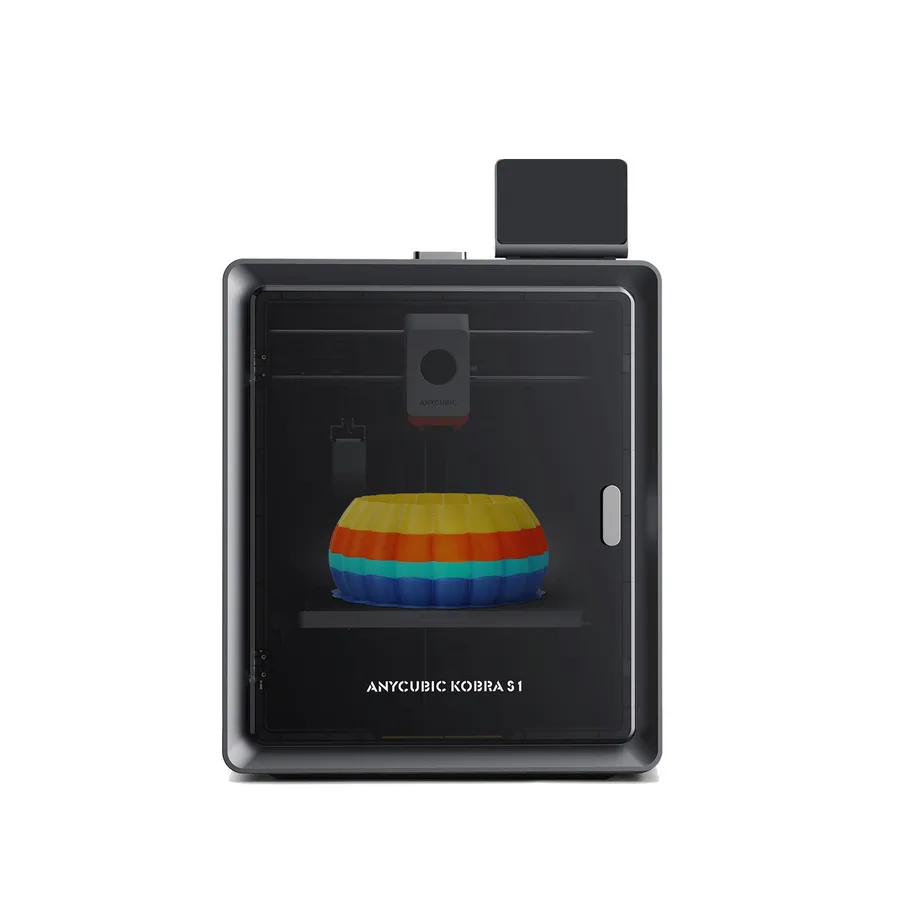
Anycubic Kobra S1
250 × 250 × 250 mm
A 320°C hotend and enclosed structure make it a candidate for comparison with other enclosed CoreXY machines.
The printer alone is single-color. TPU 95A compatibility does not extend to multicolor feeding through ACE Pro.
Specifications and seller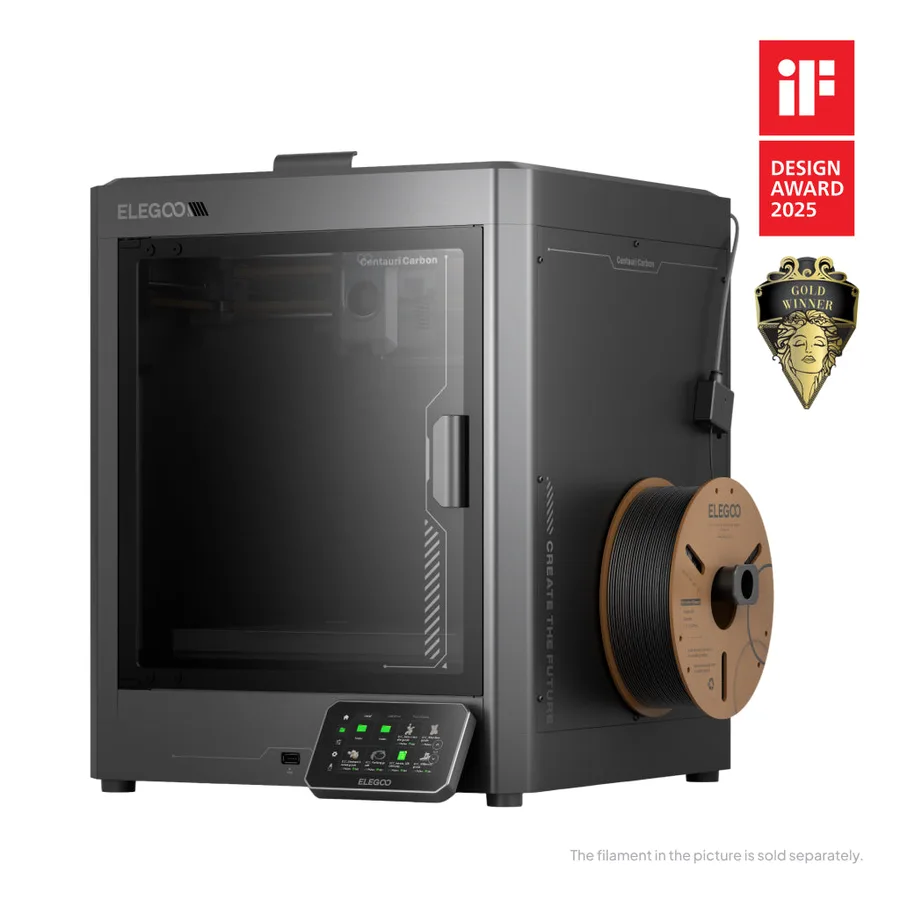
Elegoo Centauri Carbon
256 × 256 × 256 mm
Manufacturer specifications include a 320°C hotend, 110°C bed and automatic calibration.
Do not confuse the original Carbon with Carbon 2. Confirm the exact model and any CANVAS compatibility with the seller.
Specifications and seller
Elegoo Saturn 4 Ultra 16K
211.68 × 118.37 × 220 mm
Advertised 14 × 19 µm XY pixels and resin-vat heating to 30°C are relevant specifications for fine-detail workflows.
Pixel size is not measured finished-part accuracy. Budget for washing, curing, consumables and an appropriate workspace.
Specifications and sellerSources and limits
- Prusa Knowledge Base — Types of printers and their differences
- Formlabs — What is Selective Laser Sintering?
- Formlabs — Guide to 3D Printing Materials
- Elegoo — How to Do Resin 3D Printing, Beginner's Guide
We organize manufacturer and community documentation; we have not measured these products ourselves. The manual for your exact model takes precedence over general guidance.
A clearer shortlist starts with your projects.
Use the free buying checklist and budget worksheet before comparing offers.