
Nylon Filament: Printer, Settings, and Mandatory Drying
Nylon, or polyamide (PA), prints mechanical parts that hold up to wear: gears, snap-fit clips, sliders. It is also one of the most demanding filaments, since its sensitivity to moisture and its tendency to warp leave no room for guesswork.
Find My 3D Printer editorial team·Published September 16, 2026·Manufacturer documentation, no hands-on tests claimed

The short answer
Nylon (PA) needs a nozzle around 285 degrees C and a bed around 110 degrees C per Prusa's documentation, which rules out printers that cannot reach that range. It is also highly hygroscopic: drying for at least 4 hours before printing is mandatory, or you risk bubbles and uneven layers. Warping remains its main weakness, reduced by a heated enclosure or by a carbon-fiber-filled version.
What is nylon actually good for?
Nylon, or polyamide (PA), is a technical filament chosen for toughness and wear resistance: gears, snap-fit clips meant to close hundreds of times, sliders, or parts under repeated friction. Its surface has a low coefficient of friction, which is why it shows up in mechanical parts far more often than in decorative prints.
This is not a beginner filament. Prusa's Knowledge Base reserves it for experienced users, because of its sensitivity to moisture and its tendency to warp. It is worth mastering PLA and PETG first, and confirming that the target printer can actually reach the temperatures nylon needs.
Typical projects include a replacement gear for an appliance, a living hinge that needs to flex thousands of times, a custom slider or bushing, or a lightweight bracket that has to survive vibration. None of these are out of reach for a well-tuned FDM printer, but each one benefits from a dedicated nylon profile rather than a PETG profile with the temperature simply pushed higher.
What nozzle and bed temperature does PA need?
Prusa's Knowledge Base recommends a nozzle temperature of 285 degrees C and a heated bed at 110 degrees C for PA. Those are high numbers compared with PLA or PETG, and they assume a hotend that can reach that range without degrading its internal parts, plus a bed that holds the heat for the whole print.
Before buying a spool of nylon, check the manufacturer's spec sheet for the maximum nozzle and bed temperature of the printer you have in mind: some entry-level machines top out below these thresholds. It is worth comparing on models such as the Bambu Lab P1S, the Creality K1C, or the Qidi Plus 4.
Why drying is not optional
Nylon is a hygroscopic material: according to Prusa, it can absorb up to 10 percent of its weight in water if stored poorly. Wet filament creates bubbles in the melt, which show up as uneven layers and a degraded surface, well before speed or retraction ever become the issue.
The same documentation recommends drying the filament for at least 4 hours below 90 degrees C before printing, then storing it in a sealed container with desiccant, much like PETG or TPU. A dedicated filament dryer makes this step easier, especially if a spool sits open for days between prints.
Warping: nylon's biggest weakness
The main drawback of pure nylon is warping: Prusa's Knowledge Base names it explicitly as the material's biggest disadvantage, with the part shrinking as it cools until it lifts off the bed or curls at the corners. A flat, wide part is far more exposed than a compact, tall one.
Printing in a warm room or inside an enclosure reduces this risk by narrowing the temperature gap between already-printed layers and the surrounding air. If warping persists despite that, the dedicated warping guide covers other levers: bed adhesion, a skirt or brim, and slower first layers.
Carbon- or glass-filled nylon: a useful trade-off
Some of pure nylon's drawbacks fade with carbon- or glass-filled versions. According to Prusa, a filament such as Prusament PA11 Carbon Fiber warps noticeably less than pure nylon, making it a more predictable choice for flat or large-surface parts.
The trade-off, documented by Prusa for filled composites in general, is a mandatory hardened-steel nozzle: carbon or glass fibers are highly abrasive and wear through a standard brass nozzle quickly. Nozzle temperature also climbs slightly above pure PA, and the risk of clogging rises if the first layer is not dialed in precisely.
Tough in bulk, flexible in thin walls: a material with two personalities
Prusa's documentation describes polyamide as tough in large volumes yet flexible in thin layers, with excellent layer adhesion and good chemical resistance. That split personality explains its two typical families of parts: massive gears and mechanical components on one side, bendable objects such as living hinges or snap-fit clips that must flex without cracking on the other.
It changes how you design a part. A wall two or three perimeters thick in nylon behaves like a springy blade, where the same design in PLA would snap; conversely, a solid block of nylon shrugs off loads PLA cannot take. Before setting the perimeter count and the infill, decide whether the part needs to flex or to resist, because the same spool delivers either behavior depending on wall thickness.
Prusa also points out a handy side use: pure nylon works as a cleaning filament for the cold pull technique, where you let the material cool inside the nozzle and then yank it out in one motion to extract debris. Keeping a few inches of natural nylon next to the printer makes that cleanup more effective than doing it with PLA.
Ventilation, odor, and build surface
Nylon is not only demanding on temperature. According to Prusa's Knowledge Base, polyamides give off a strong odor along with potentially dangerous ultrafine particles, which makes printing in a well-ventilated room or inside an enclosure a must. This point is easy to overlook, yet it matters as much as drying when deciding whether the printer belongs in a living space; the ventilation and safety guide covers the practical precautions.
On the bed side, Prusa recommends a dedicated polyamide sheet for its own machines, which gives the best adhesion for most nylons. On a printer from another brand, the stock surface is not necessarily suitable: nylons either grip bare PEI poorly or, on the contrary, bond to it so hard that they damage it. A layer of glue stick then acts as both an adhesion aid and a release layer, as explained in the bed adhesion guide. Filament manufacturers usually state the recommended surface on their spec sheet.
Which printer works for a first nylon print?
No consumer FDM printer is certified by its manufacturer as broadly "nylon compatible": compatibility mostly comes down to maximum nozzle temperature, how hot the bed can run, and sometimes a fully or partially enclosed chamber to stabilize ambient temperature.
Comparing spec sheets is the only reliable way to know if a machine is up to the job, rather than trusting a general reputation. The pages for the Bambu Lab P1S, the Creality K1C, and the Qidi Plus 4 make that side-by-side comparison possible.
It is also worth checking whether the printer's cooling fan can be reduced or turned off for nylon, since aggressive part cooling works against the layer adhesion this material relies on for its strength. A machine with fine-grained fan control at the slicer level makes that adjustment easier than one with only a few fixed presets.
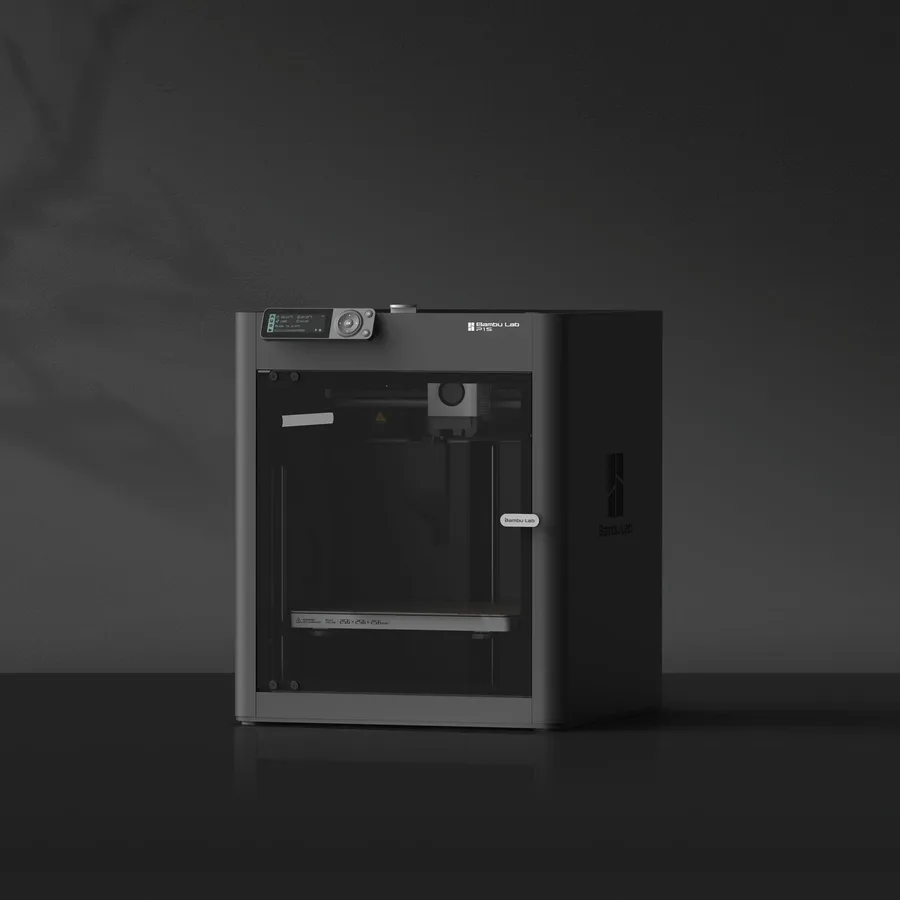
Bambu Lab P1S
256 × 256 × 256 mm
The same nominal volume as the A1, with an enclosure and a different motion system.
Check the precise AMS version, adapters and accessories included. Enclosure alone does not establish material suitability.
Specifications and sellerCreality K1C 2025
220 × 220 × 250 mm
An enclosed format with different dimensions from 256 mm printers; manufacturer-specified hotend up to 300°C.
Distinguish the original K1C from K1C 2025. Check accessories and regional delivery before ordering; check the exact bundle in the manufacturer’s US listing.
Specifications and seller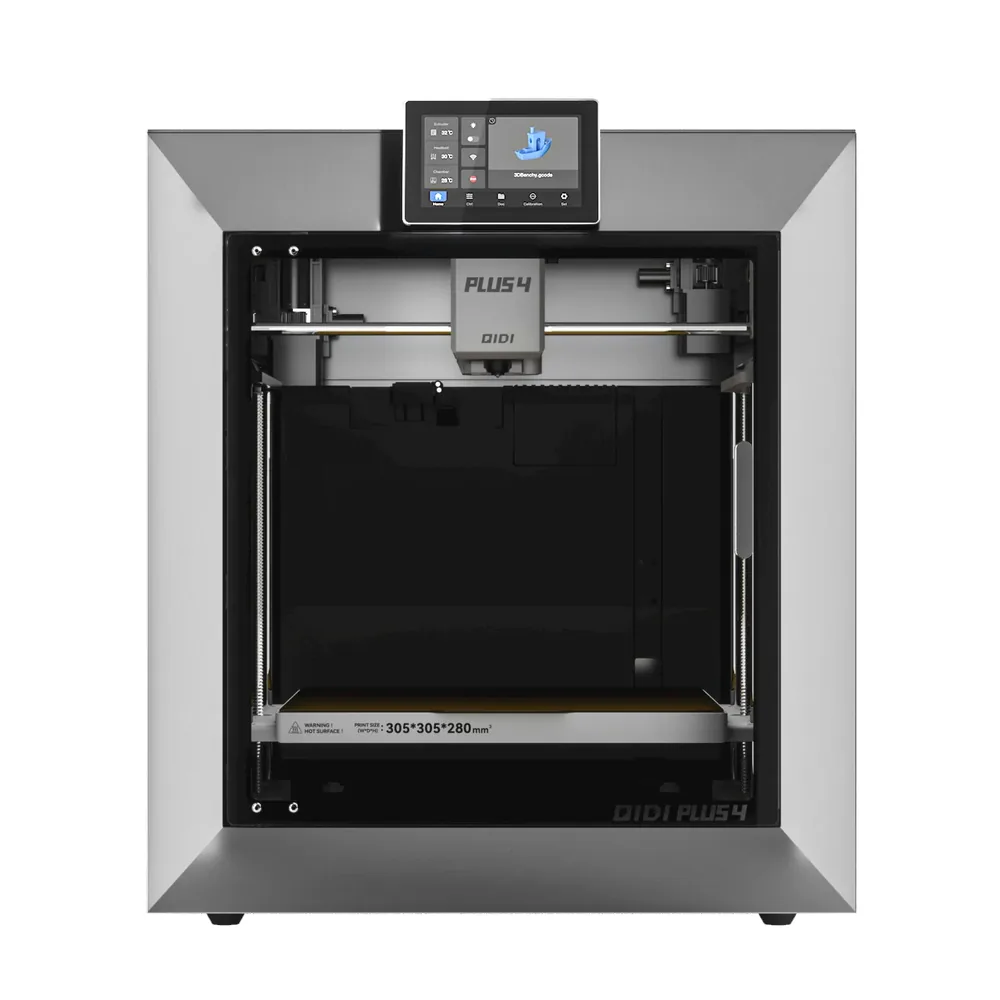
QIDI Tech Plus 4
305 × 305 × 280 mm
A 305 × 305 × 280 mm volume with a second-generation actively heated chamber up to 65°C, a nozzle advertised up to 370°C, and a bed up to 120°C per QIDI.
The exact box contents aren't detailed on the manufacturer's listing; the multicolor QIDI Box is sold separately or as a combo, check before comparing offers.
Specifications and sellerSources and limits
- Prusa Knowledge Base — Polyamide (Nylon)
- Prusa Knowledge Base — Composite materials (carbon, kevlar, glass)
We organize manufacturer and community documentation; we have not measured these products ourselves. The manual for your exact model takes precedence over general guidance.
A clearer shortlist starts with your projects.
Use the free buying checklist and budget worksheet before comparing offers.