
3D Printer Enclosure: Should You Add One to an Open Machine?
An open-frame printer like the Bambu Lab A1 prints PLA just fine with nothing around it, but drafts, noise, and more demanding materials push plenty of owners toward adding an enclosure. It's not just a cosmetic choice: it touches thermal stability, the machine's electronics, and basic safety.
Find My 3D Printer editorial team·Published September 10, 2026·Manufacturer documentation, no hands-on tests claimed

The short answer
Adding an enclosure to an open printer stabilizes chamber temperature, which cuts down on warping and improves interlayer strength on materials like ABS or ASA, reduces perceived noise, and shields the part in progress from drafts. Options range from a soft tent to a repurposed cabinet like an IKEA Lack shelf, printed or acrylic panel enclosures, and manufacturer kits, but sealing up a machine that wasn't designed for it can overheat its electronics without dedicated ventilation, and PLA sometimes prints worse in a chamber that runs too hot. Past occasional use, a printer that ships enclosed is often the simpler route for regular technical-material printing.
What an enclosure actually changes on an open-frame printer
On an open-frame machine like the Bambu Lab A1 or the Bambu Lab A1 mini, chamber temperature closely tracks the temperature of the room the printer sits in. An enclosure creates a stable pocket of air around the part being printed, which evens out cooling between layers and cuts down on warping, especially on large flat parts.
It also dampens noise heard from outside the enclosure, shields the print from dust and drafts from a door or window opening nearby, and keeps curious hands, kids or pets, away from a nozzle heated well past 200°C. These benefits show up even without switching materials, just from stabilizing the printing environment. None of that requires switching materials at all; it's purely a function of giving the print a calmer, more predictable pocket of air to sit in.
ABS and ASA: the real thermal argument
Per Bambu Lab's official A1 FAQ, the machine's open-frame design paired with a lower chamber temperature leaves these materials with reduced interlayer strength and a higher risk of warping on larger parts. The manufacturer also notes that ABS and ASA release irritating fumes during printing, which calls for proper ventilation or filtration on top of the thermal issue.
Bambu Lab specifically advises against using the A1 for ABS, ASA, PC, or carbon-fiber-filled materials on parts that need high interlayer strength at large sizes or high infill, while noting those materials remain usable for small, low-infill parts. An enclosure that stabilizes the chamber addresses part of that risk, but it doesn't turn an open machine into a printer engineered as an enclosed unit from the start.
The options: tent, repurposed cabinet, printed enclosure, or manufacturer kit
A soft tent, typically fire-retardant fabric with a zippered front, is the fastest and cheapest to set up: it stabilizes temperature without being fully airtight, which also lowers the risk of overheating. A repurposed cabinet, the IKEA Lack shelf stacked into a box being the best-known example, gives a rigid, customizable volume for not much money, provided you cut proper ventilation openings. A tent's zippered front also makes it easy to reach in for a quick fix mid-print, something a sealed acrylic box or a screwed-together panel enclosure makes more of a hassle.
Printed panel enclosures or ones built from acrylic sheet give a cleaner, often more airtight result, which raises the stakes on getting ventilation right. Some manufacturers also sell official enclosure kits designed for a specific model, with fan mounts and assembly instructions validated for that exact machine.
Electronics and heat: what not to seal up without a plan
Per Bambu Lab's own guide on adding an enclosure to one of its open-frame printers, sealing the machine fully without dedicated ventilation can push temperatures around the control board past what it normally handles in open air, since the board's heatsink can dissipate heat without a fan only when the printer isn't enclosed. The guide recommends installing a dedicated board fan specifically to prevent overheating once the enclosure is closed.
That same documentation also advises against sealing the power supply without adequate airflow around it, and recommends a chamber temperature regulator fan to vent warm air when printing low-temperature materials often with a hot bed. Skip those precautions and the risk isn't just a failed part: overheated electronics can become a real hazard.
PLA and enclosures: a hot chamber doesn't always help
PLA doesn't need a warm chamber to print well, and a fully sealed enclosure with no airflow control can actually work against it. Per the same Bambu Lab documentation, an overly warm chamber promotes heat creep, where heat migrates up the hotend beyond its intended zone and eventually causes a jam, a risk the guide ties specifically to a sealed enclosure without a chamber fan, particularly with PLA, TPU, or PETG, all of which have a low glass transition temperature.
That same guide recommends switching to a cool plate rather than a high bed temperature for these materials once an enclosure is installed, which cuts the jamming risk without giving up the enclosure entirely. For occasional PLA prints, simply leaving the enclosure's door cracked open or removing it temporarily is often the simpler fix. It's a small trade-off: a cool plate holds a lower bed temperature by design, which happens to be exactly what an enclosed, warmer chamber needs to offset.
Air filtration is a separate issue from temperature
A thermal enclosure and a filtered one solve different problems. Stabilizing temperature does nothing to capture fine particles or the volatile organic compounds some materials release, a point Bambu Lab ties directly to the need for ventilation or filtration with filaments like ABS and ASA. Some builds add a simple pass-through duct to route the enclosure's exhaust toward a window or an existing room fan, which cuts down on relying on the filter alone.
An activated carbon filter on an enclosure's exhaust cuts down on odor and some compounds, but it's not a substitute for a well-ventilated room if you're printing fume-releasing materials regularly. For occasional PLA or PETG printing, this level of precaution generally isn't necessary.
When to just buy an enclosed printer instead of building one
Building or installing an enclosure makes sense for improving a printer you already own, but it quickly becomes more trouble than it's worth if the goal is printing ABS, ASA, or other technical materials in large parts on a regular basis. An enclosed printer, engineered from the start with a regulated chamber and electronics protected accordingly, saves you from having to replicate those precautions yourself.
If a first purchase is aimed squarely at those materials, it's usually worth comparing enclosed models directly rather than starting with an open machine and planning to enclose it later. Our how a 3D printer works page also covers why chamber temperature management differs between printing technologies.
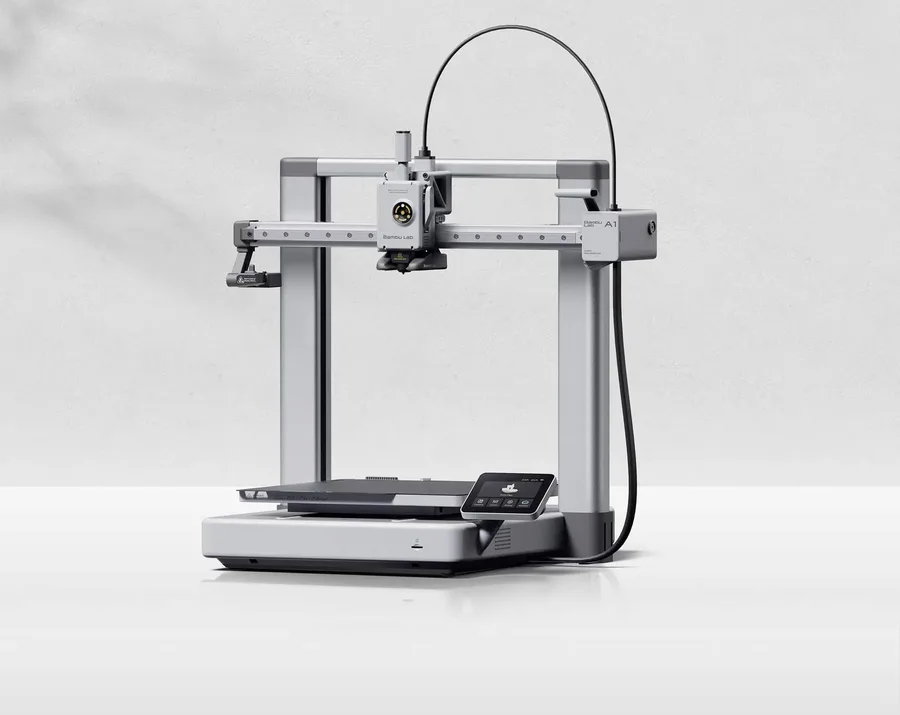
Bambu Lab A1
256 × 256 × 256 mm
More space on every axis than the A1 mini, while keeping the A1 family workflow.
An open frame does not provide the same thermal conditions as an enclosed printer. Choose materials accordingly.
Specifications and seller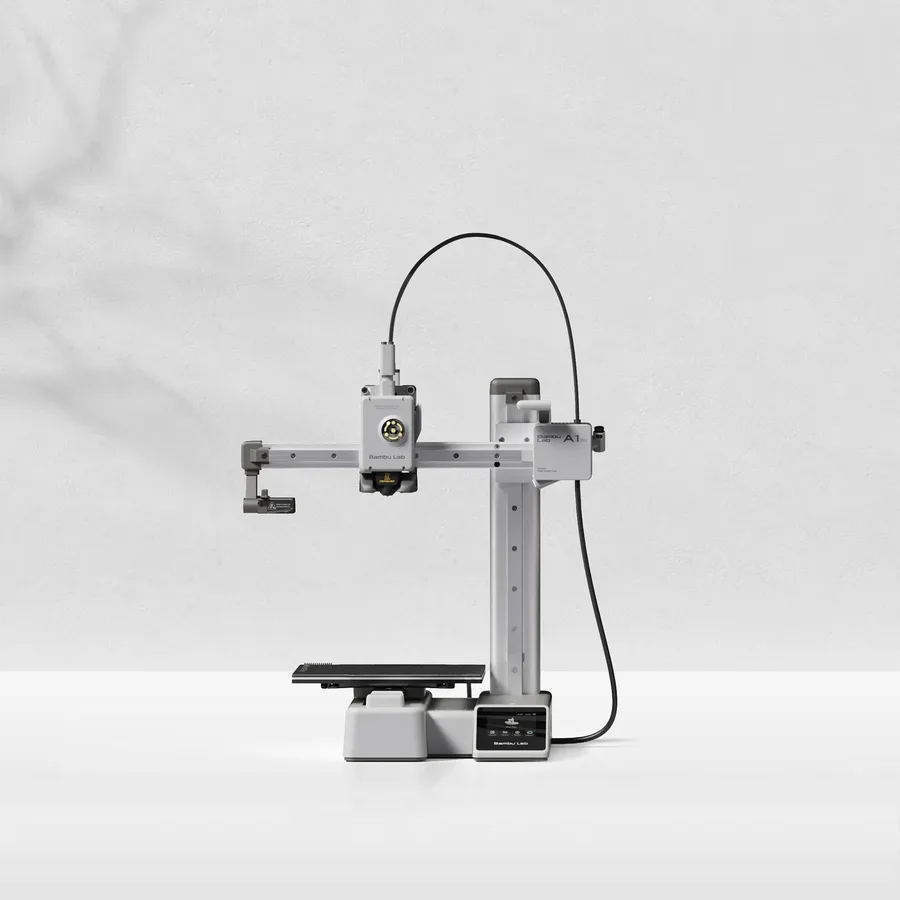
Bambu Lab A1 mini
180 × 180 × 180 mm
A candidate when your models fit within an 18 cm cube, allowing room for supports and the selected orientation.
Larger objects may need splitting and assembly. Check moving-bed clearance as well as the printer footprint.
Specifications and sellerSources and limits
- Bambu Lab Wiki — A1 FAQ
- Bambu Lab Wiki — Kind Reminder for P1P Enclosure
We organize manufacturer and community documentation; we have not measured these products ourselves. The manual for your exact model takes precedence over general guidance.
A clearer shortlist starts with your projects.
Use the free buying checklist and budget worksheet before comparing offers.