
Anycubic vs Bambu Lab: Where the Kobra S1 Lands Against the A1 and P1S
Bambu Lab made set-it-and-forget-it printing the default expectation, and Anycubic's answer is the Kobra S1, an enclosed CoreXY built for the same buyer. This page positions the Kobra S1 against the Bambu Lab A1 and P1S on one question: how much automation you get for your budget. Figures quoted here come from Anycubic's official product pages; for Bambu Lab we stay qualitative on purpose.
Find My 3D Printer editorial team·Published October 4, 2026·Manufacturer documentation, no hands-on tests claimed

The short answer
According to Anycubic's product page, the Kobra S1 is a fully enclosed CoreXY printer with a 250 x 250 x 250 mm build volume, a 320 °C hotend, a claimed top speed of 600 mm/s and an included camera. That puts it up against the Bambu Lab P1S, an enclosed mid-range machine, rather than the open-frame, entry-level Bambu Lab A1. Multicolor printing runs through the optional ACE Pro unit on the Anycubic side, up to 8 colors with two units, and through AMS units on the Bambu Lab side. The decision comes down to three things: whether you need an enclosure for ABS and ASA, which software ecosystem you prefer, and your total budget once the multicolor unit is added.
Two Brands Chasing the Same Buyer
Bambu Lab and Anycubic are now selling to the same person: someone who wants to hit print without spending an evening leveling a bed. Both brands offer fast machines, an in-house slicer, a phone app and an optional multicolor unit. What separates them is less the feature list than how those features are spread across each lineup.
At Bambu Lab, the Bambu Lab A1 is the way in: an open-frame printer aimed at PLA and PETG. The P1S is the enclosed mid-range model, more comfortable with engineering filaments. At Anycubic, the Kobra 3 plays the open-frame role, and the Anycubic Kobra S1 is the enclosed CoreXY.
So the useful question is not which brand is better. It is simpler than that: at a similar budget, which printer gives you the enclosure, the automatic calibration and the multicolor capability you will actually use? That price-to-automation ratio is what this page walks through, one feature at a time. Keep in mind that street prices move constantly in the US, so treat any positioning here as a starting point and check current listings before you buy.
What Anycubic Claims for the Kobra S1
Anycubic's product page describes the Kobra S1 as a fully enclosed CoreXY printer with a 250 x 250 x 250 mm build volume. The hotend reaches 320 °C and comes off without tools. The printer ships with a 0.4 mm nozzle; 0.25, 0.6 and 0.8 mm hotends are supported but sold separately.
On speed, Anycubic lists a maximum of 600 mm/s and a maximum acceleration of 20,000 mm/s², but recommends 300 mm/s for regular use. The recommended figure is the one to plan around, since it reflects everyday printing rather than a headline number. Claimed noise drops to 44 dB in quiet mode, measured one meter from the front of the printer, and Anycubic notes that individual units can differ.
First startup follows three steps according to the page: PID tuning, feedback compensation, then auto-leveling, all in about 10 minutes. A camera is included, along with LED lighting inside the enclosure, and the touchscreen measures 4.3 inches. On paper, the Kobra S1 checks the boxes you would expect from a modern enclosed printer.
Automation: Calibration, Detection and Monitoring
Automation is everything the printer does for you before and during a print. The Kobra S1 spec sheet lists auto-leveling, pressure advance and flow calibration, filament detection with auto resume, filament entanglement detection, power loss resume and object skip among its line items. Anycubic's FAQ confirms power-loss recovery and filament runout detection.
AI spaghetti detection is on that list too. Anycubic specifies that it requires a camera, and that the camera comes with the printer. That matters when you compare machines, because a monitoring feature is only worth something if the hardware it depends on is already in the box.
Bambu Lab built its reputation on this same ground, with printers that run through their calibration routines without input. Before you buy, compare line by line what is included and what is an add-on for each model, because that is where the price-to-automation ratio gets decided. A feature that costs extra on one printer and ships standard on the other changes the math quickly. Our detailed Kobra S1 vs P1S comparison goes through those points one by one.
Multicolor: ACE Pro vs AMS
None of the printers discussed here prints in multiple colors without a dedicated unit. Anycubic's is called the ACE Pro. According to the Kobra S1 page, one ACE Pro adds multicolor printing, and connecting two of them gets you to 8 colors. At Bambu Lab, the AMS family does the same job, with versions matched to each printer.
The ACE Pro has one distinctive trait: it includes heating elements to dry filament. The Kobra 3 page adds that it is controlled by the printer and cannot run as a standalone dryer. It also recognizes Anycubic's Intelligent Identification spools automatically; with other filament, you enter material and color yourself.
Note one limit Anycubic states plainly: TPU is single-color only and cannot be fed through the ACE Pro. Remember too that single-nozzle multicolor printing purges filament at every color change, whichever brand you pick. If color is your priority, think in total budget, printer plus unit, rather than the price of the bare machine. Bundles that pair a printer with its color unit are common from both brands, so compare like with like.
Materials: Why the Enclosure Matters
Materials are where the Kobra S1's position becomes clear. Anycubic says it prints PLA, PETG, TPU (95A), ABS and ASA, and also supports high-temperature materials such as PC and PA, plus carbon fiber and glass fiber filaments. The enclosed chamber and the 320 °C hotend make that list plausible.
By contrast, the Kobra 3 page limits that printer to PLA, PETG and TPU. Bambu Lab follows the same logic: the open-frame A1 targets easy filaments first, while the enclosed P1S is for people who want to move into ABS or ASA. An enclosure keeps the air around the part warmer and steadier, which helps with warping on those materials.
So the Kobra S1 lines up against the P1S, not the A1. If you only print PLA and PETG, an open-frame printer is enough and usually costs less. If you are planning ABS or ASA parts, budget for an enclosed machine and a well-ventilated room, since those materials give off fumes while printing.
Software and Ecosystem: Open or Integrated
Hardware is only half the story. Bambu Lab offers a tightly integrated package: the Bambu Studio slicer, a phone app and a model library designed to work together. It is convenient, and the trade-off is a stronger dependence on one brand.
Anycubic follows the same playbook with Anycubic Slicer Next and the Anycubic App, both named on the Kobra S1 page. The Kobra 3 page adds two useful details: Anycubic Slicer is now open source, and the company says it supports Cura and OrcaSlicer for multicolor slicing while still recommending its own software for that job. Those statements are about the Kobra 3, so check that a profile exists for the Kobra S1 in whichever slicer you plan to use.
For a beginner, the difference comes down to how clear the path is: install, pick a profile, print. For a tinkerer who likes control, being able to use a third-party slicer counts for more. Either way, look at spare parts availability and the quality of the documentation before you decide.
Which One Fits Your Profile and Budget
You are starting out, you mostly print PLA and you want the lowest entry budget: an open-frame printer is enough. The Bambu Lab A1 and the Kobra 3 both cover that need, and an enclosure would not add much for you.
You want to print ABS or ASA, or you simply want an enclosed printer that is less intrusive in a shared room: the matchup is Kobra S1 versus P1S. The Kobra S1 brings a generous spec sheet, camera and 320 °C hotend included. The P1S benefits from an ecosystem that has been established longer and a large user community.
You are after multicolor: compare the cost of the whole setup with the color unit, not the printer alone. Prices and bundles change often, and a gap can flip from one sale to the next. To put numbers on your project, filament and accessories included, use our startup budget tool. It will help you see whether the step from entry level to mid-range pays for features you will really use.
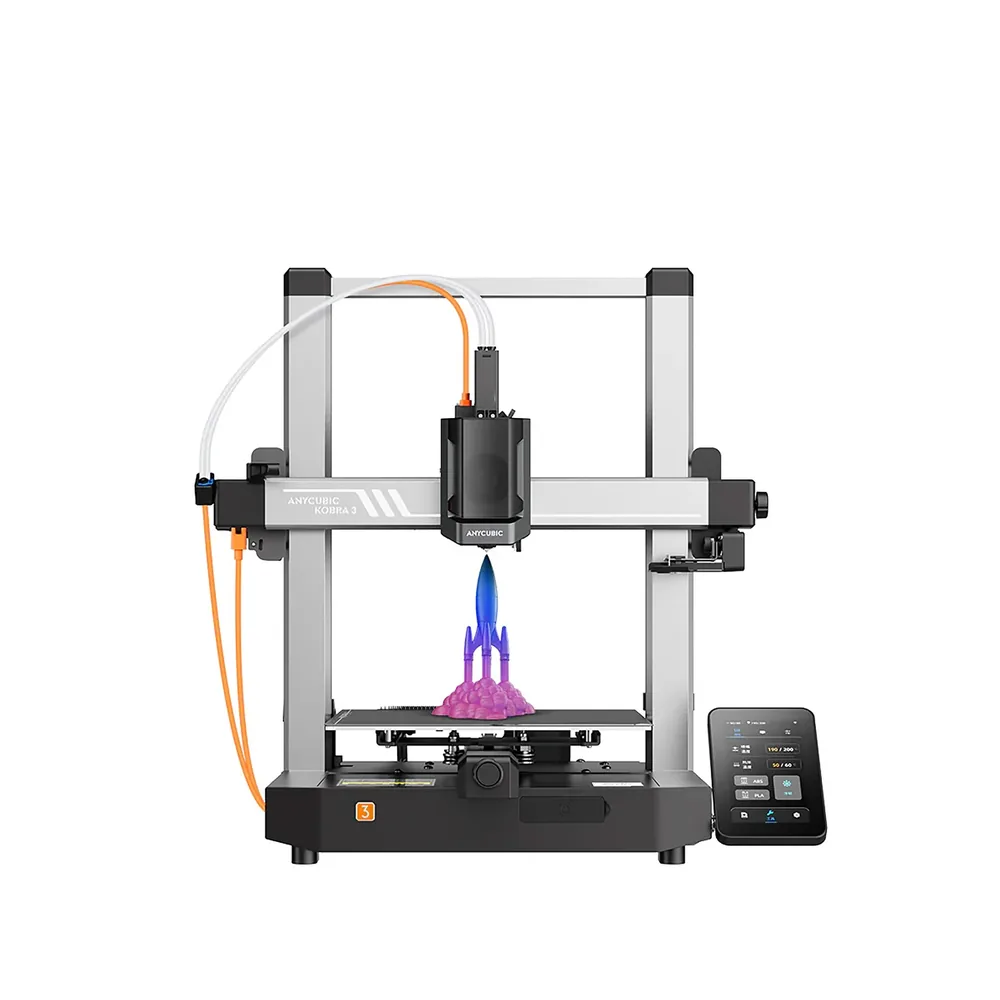
Anycubic Kobra 3
250 × 250 × 260 mm
A top speed advertised at 600 mm/s, automatic LeviQ 3.0 leveling, and a base that can grow into multicolor via the ACE Pro.
Open frame: ABS and ASA are not listed among the materials Anycubic advertises for this model.
Specifications and seller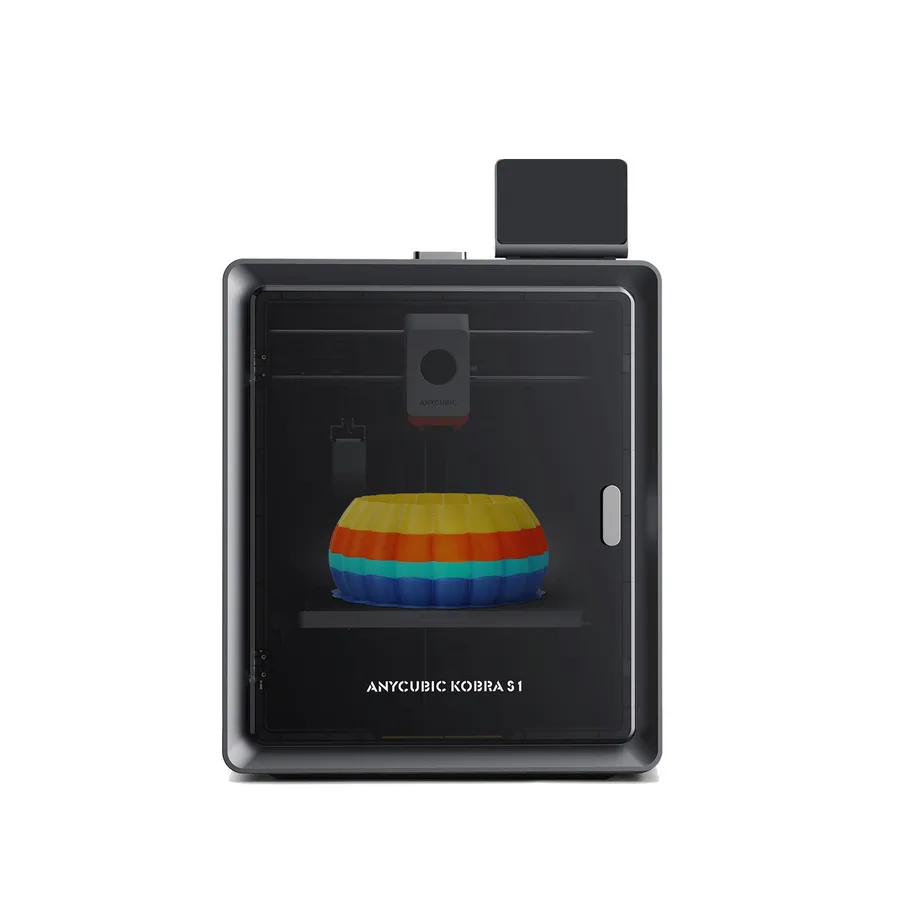
Anycubic Kobra S1
250 × 250 × 250 mm
A 320°C hotend and enclosed structure make it a candidate for comparison with other enclosed CoreXY machines.
The printer alone is single-color. TPU 95A compatibility does not extend to multicolor feeding through ACE Pro.
Specifications and seller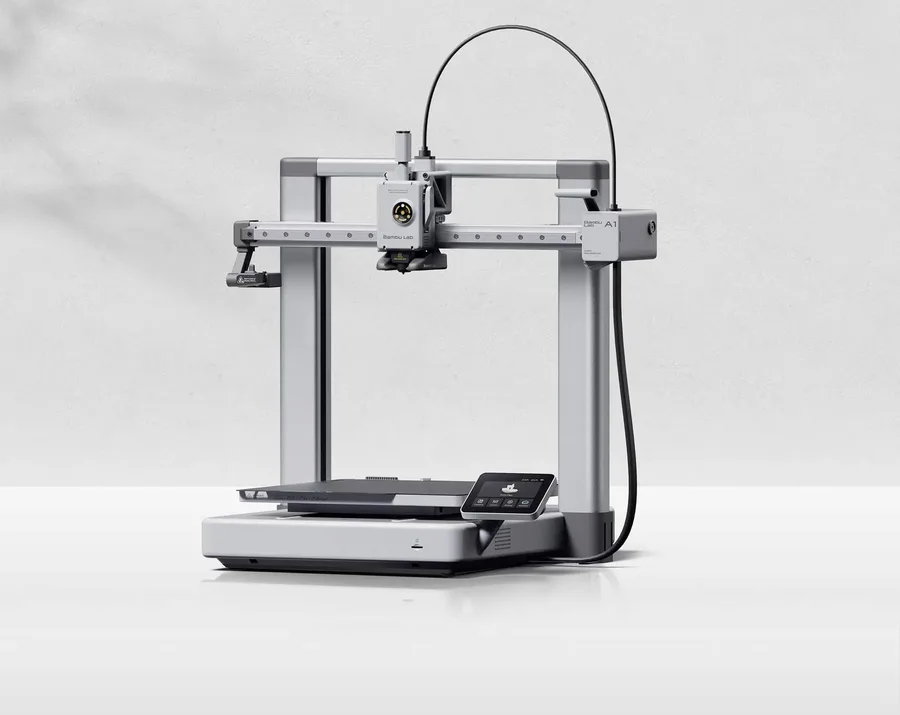
Bambu Lab A1
256 × 256 × 256 mm
More space on every axis than the A1 mini, while keeping the A1 family workflow.
An open frame does not provide the same thermal conditions as an enclosed printer. Choose materials accordingly.
Specifications and sellerSources and limits
- Anycubic — Kobra S1
- Anycubic — Kobra 3
We organize manufacturer and community documentation; we have not measured these products ourselves. The manual for your exact model takes precedence over general guidance.
A clearer shortlist starts with your projects.
Use the free buying checklist and budget worksheet before comparing offers.