
For starting modular multicolor
Anycubic Kobra 3
An open-frame FDM printer with a 250 × 250 × 260 mm nominal build volume and optional multicolor via the ACE Pro.
In short The Anycubic Kobra 3 is an open-frame filament (FDM) 3D printer with a 250 × 250 × 260 mm (9.8 × 9.8 × 10.2 in) build volume. Anycubic claims a 600 mm/s top speed, a 300 °C (572 °F) nozzle and a 110 °C (230 °F) bed; the printer weighs 9.2 kg (20.3 lb).
Documentary analysis · Not personally tested
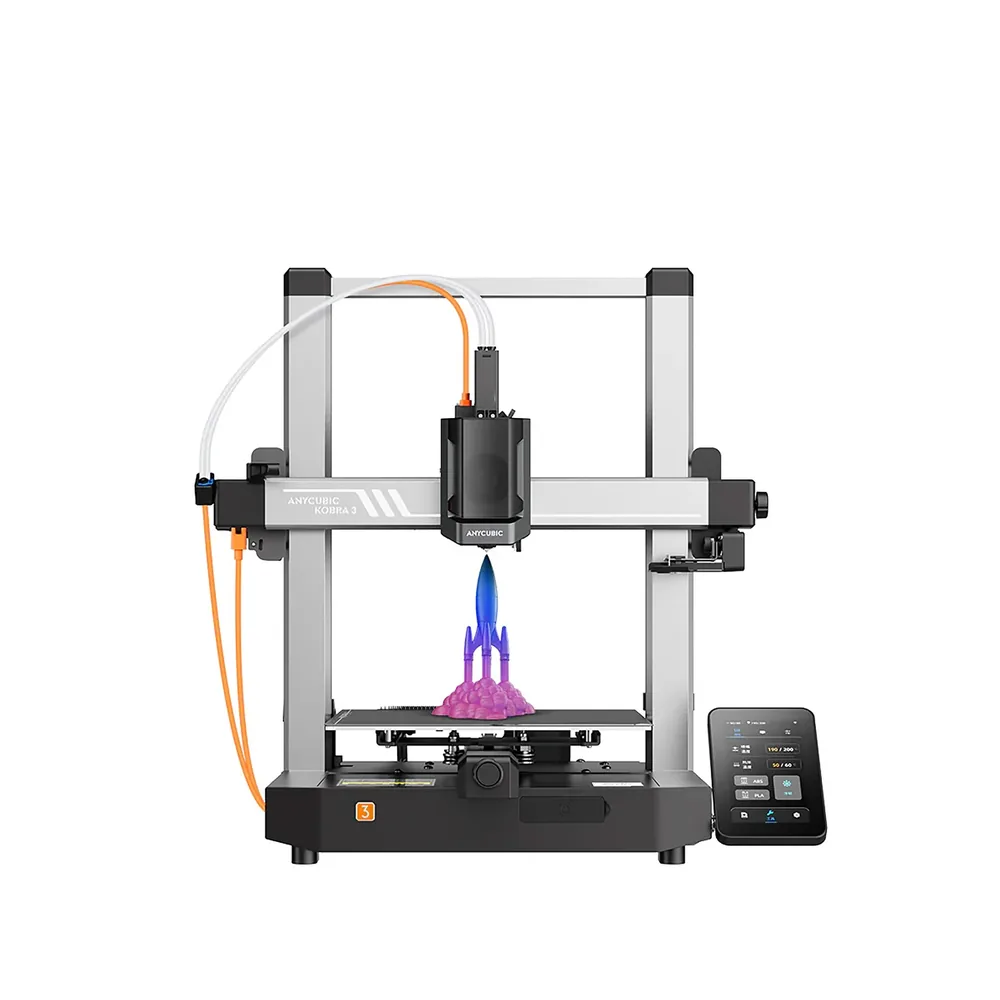 FDM · Open frame
Why consider it?
A top speed advertised at 600 mm/s, automatic LeviQ 3.0 leveling, and a base that can grow into multicolor via the ACE Pro.
What to verify
Open frame: ABS and ASA are not listed among the materials Anycubic advertises for this model.
Anycubic Kobra 3 specifications
- Technology
- Filament (FDM)
- Build volume
- 250 × 250 × 260 mm (9.8 × 9.8 × 10.2 in)
- Weight
- 9.2 kg (20.3 lb)
- Enclosure
- Open frame
- Claimed top speed
- 600 mm/s
- Claimed acceleration
- 20,000 mm/s²
- Max nozzle temperature
- 300 °C (572 °F)
- Max bed temperature
- 110 °C (230 °F)
- Multicolor
- ACE Pro sold separately; up to 8 colors advertised with two units.
- Materials
- PLA, PETG, and TPU per Anycubic; TPU is not compatible with the ACE Pro.
- Screen
- 4.3-inch touchscreen
- Built-in camera
- No
- Connectivity
- USB
- Listed features
- Auto bed leveling, filament runout sensor
Source: official Anycubic pages (store.anycubic.com), checked September 28, 2026. Manufacturer claims, not our measurements. Build volume is nominal: orientation, supports and reserved zones can reduce the usable space.
Which projects is it for?
The Kobra 3 is an open-frame CoreXY FDM printer with a 250 × 250 × 260 mm build volume per Anycubic. It targets beginners and makers who want everyday-sized parts — brackets, enclosures, desk figures — without paying for a closed chamber. The advertised top speed of 600 mm/s also suits batches of small parts where print time matters.
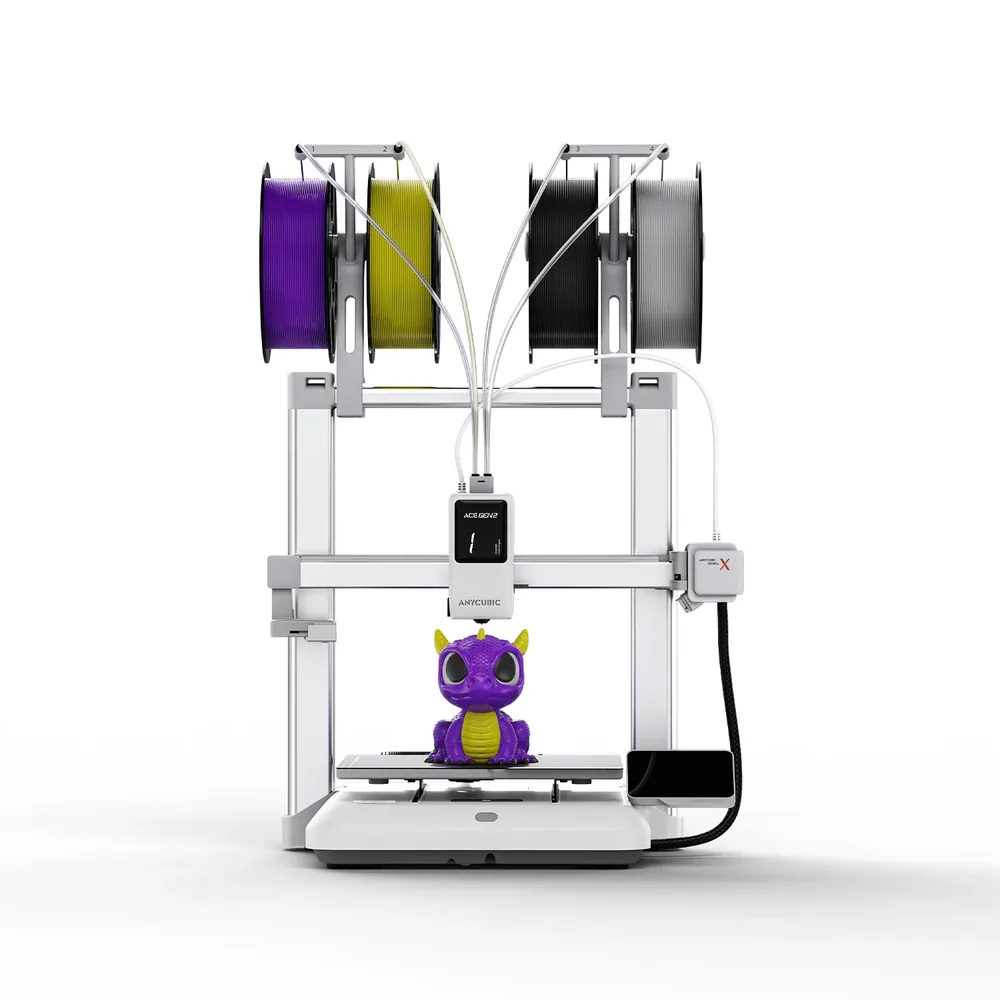
With the optional ACE Pro, up to eight colors become possible on this same base per the manufacturer, letting you start in single color and add multicolor later without switching machines.
Materials and setup
The printer runs PLA, PETG, and TPU per Anycubic, with a nozzle advertised up to 300°C and a bed up to 110°C. Automatic LeviQ 3.0 leveling recalibrates the surface before each print, backed by a vibration sensor that adjusts motion control to reduce ringing.
The frame stays open: without an enclosure, ABS and ASA are not listed among the advertised materials, unlike enclosed models such as the Kobra S1. TPU is also not compatible with the ACE Pro for multicolor use per the manufacturer.
What the bundle includes or not
Per Anycubic's listing, the Kobra 3 alone ships with a touchscreen, spool holder, cable holder, purge wiper, hardware, signal cable, filament tubes, nozzle cleaner, test filament, USB drive, a hex key set, and two power cords.
The ACE Pro, needed for multicolor printing up to eight colors with two units, is sold separately and is not included in this base bundle. Before buying, check the retailer's listing for whether it includes this module, plus the test spool and accessories listed above.
Before finalizing a purchase, compare the exact spec sheet and box contents listed by the retailer rather than relying only on the product photo, especially for the number of spare nozzles, cables included, and assembly accessories. Warranty terms and technical support can also differ noticeably between Anycubic's own store and a third-party retailer, worth checking before comparing two similarly priced offers. Since filament beyond the test spool is not included, it's also worth budgeting for ongoing material costs as part of the overall setup rather than treating the listed price as the full cost.
Alternatives to compare
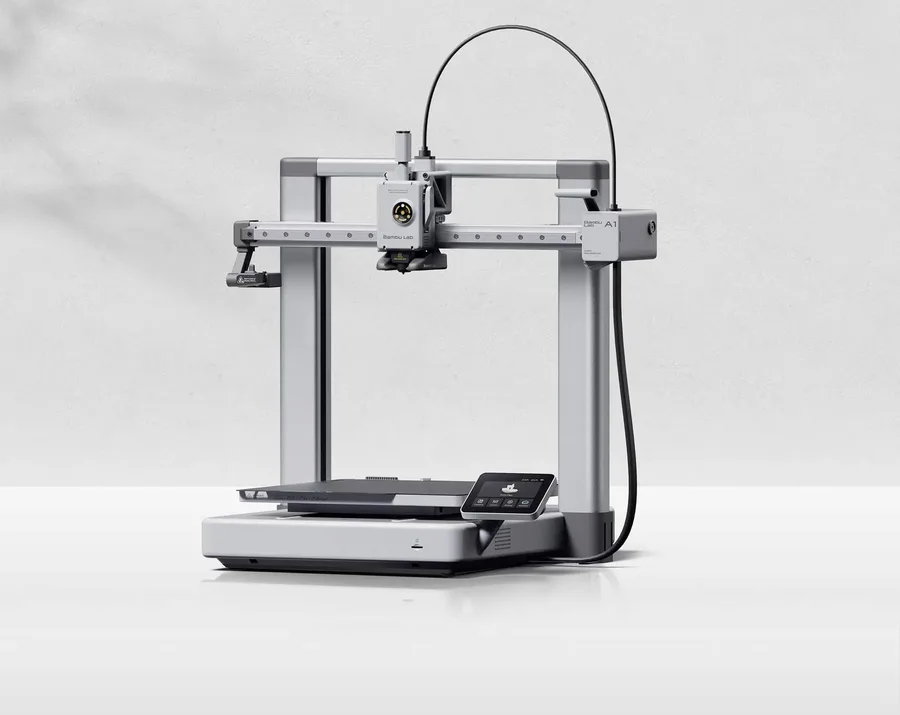
For an enclosed chassis within the same brand, the Kobra S1 adds a full enclosure useful for ABS and ASA. To compare another entry-level multicolor machine, the Bambu Lab A1 offers an AMS lite system at a similar price point.
The Anycubic page covers the rest of the manufacturer's lineup, and the multicolor buying guide explains what adding an ACE Pro module involves before you buy one.
Similar printers to compare
Sources and limits
- Source: official Anycubic pages (store.anycubic.com), checked September 28, 2026. Manufacturer claims, not our measurements.
- How we assess specifications
We have not measured noise, real printing speed, accuracy or reliability, so none of these is rated here.