
Creality Ender 3: Which Version to Buy, V3 SE, V3 KE, V3 or V3 Plus
The Ender-3 name now covers four very different printers: the V3 SE, V3 KE, V3 and V3 Plus. This guide breaks down what separates them, from motion system to build volume, and which one to pick based on what you plan to print.
Find My 3D Printer editorial team·Published September 29, 2026·Manufacturer documentation, no hands-on tests claimed

The short answer
The current Creality Ender-3 lineup has four models: the V3 SE and V3 KE are bed slingers, while the V3 and V3 Plus use a CoreXZ motion system. According to Creality's product page, the V3 KE runs Creality OS based on Klipper, with a linear rail on the X axis and a nozzle rated for 300°C printing. The V3 Plus brings CoreXZ to a larger build volume, reinforced with two Y-axis motors. The V3 SE suits beginners, the V3 KE regular use, the V3 speed and the V3 Plus large parts.
Two motion systems hiding under one name
The current Ender-3 lineup splits into two families. The V3 SE and V3 KE keep the classic bed-slinger layout, where the print bed moves back and forth under the toolhead. The V3 and V3 Plus switch to CoreXZ, which Creality's V3 Plus page calls a game-changing motion system.
In a CoreXZ machine, belts drive the X and Z axes together. The V3 Plus page lists fully automated XZ belt tensioning and a Z-axis described as more accurate with less wobble. The bed still travels on the Y axis, so this is not an enclosed CoreXY printer, and you still need clearance front to back on your bench.
If those terms are new, the CoreXY vs bed slinger explainer covers the basics. The key point is that the motion system shapes speed and stability, not ease of use. Both the V3 KE and V3 Plus pages promote quick assembly and automatic calibration, so setup is pitched at beginners either way.
Ender-3 V3 SE: the entry point
The V3 SE is the most approachable model in the series. It suits anyone who wants to learn 3D printing without chasing top speed or remote control features. Its bed-slinger design is the most common layout in the hobby, which makes it easier to find help, slicer profiles and spare parts.
The sources behind this guide document the V3 KE and V3 Plus in detail, not the V3 SE. For its exact build volume, rated speed and feature list, check its page in our catalog instead of trusting a number quoted from memory. That habit also pays off when you shop used, because older Ender-3 generations carry very similar names and very different hardware.
Pick it for decorative prints, household fixes and learning the settings, mostly in PLA and PETG. If you already know you will print often, or want more technical materials, go straight to the V3 KE, which is better equipped for that.
Ender-3 V3 KE: Klipper-based firmware, linear rail, remote control
The V3 KE keeps a compact footprint and adds a lot of equipment. According to Creality's product page, it runs Creality OS, which is based on Klipper firmware, with a touch interface and a one-tap self-test that handles Z offset and auto leveling. Two algorithms get top billing: input shaping, which reduces vibration and the ringing it causes, and motion advance, which tunes filament flow to cut down on blobs and oozing.
On the hardware side, the X axis rides on a steel linear rail with ball bearings, rated at a 0.04 friction coefficient in Creality Lab data. The hotend pairs a 60W ceramic heater with a bi-metal heatbreak made of copper and titanium alloys and a copper nozzle that Creality says enables 300°C printing. A part cooling fan sits on each side of the printhead.
The listed materials are Hyper PLA, PETG, ABS, ASA and TPU at 95A hardness. Printing can be managed over WiFi from Creality Print on a PC or the Creality Cloud app on a phone.
Ender-3 V3 and V3 Plus: CoreXZ in two sizes
The V3 and V3 Plus share one idea: a CoreXZ structure built for speed. The V3 delivers it in the familiar Ender-3 footprint, and the V3 Plus scales it up. Creality's V3 Plus page spends a lot of space on the reinforcements that size requires, including two motors on the Y axis for heavier-duty work and two support rods that stabilize the Z axis.
The frame is described as metal with die-cast parts in aluminum alloy. The toolhead uses a 60W hotend heater, a tri-metal nozzle designed for quick swaps and two part cooling fans. Creality also lists a flexible textured plate, an HD touch screen, a silent mode and automatic calibration that replaces the old paper test.
If your projects outgrow a standard bed, our large-format guide helps you check whether the V3 Plus is big enough or whether you should look at something larger still. Bigger is not automatically better: a larger machine needs more bench space and more filament per project.
Which Ender-3 fits which project
For a first printer and occasional prints, the V3 SE plays the entry-budget role. It also works as a second machine dedicated to PLA. For frequent printing, monitoring jobs from your phone and trying ABS, ASA or TPU, the V3 KE offers the best balance in the lineup on paper.
If speed and rigidity matter, for example when you run batches of parts, the V3 justifies the step up in budget. The V3 Plus makes sense as soon as part size drives the decision: cosplay helmets and props, enclosures, large parts printed in one piece instead of glued together. Creality also describes it as optimized for print farm use. Measure your bench before you commit.
Then look at the whole budget. The printer is only part of the spend: filament, a spare build plate, nozzles and possibly a dryer add up. Our startup budget tool lets you total everything before you choose between two neighboring versions.
Limits to know before you order
All four Ender-3 V3 models are open-frame machines. The V3 KE page lists ABS and ASA, but those materials remain sensitive to drafts and warping without an enclosure, and they give off fumes that call for a well-ventilated room. Plan on an enclosure or keep those filaments for small parts.
The figures marked with an asterisk on the V3 KE page, including rail friction and nozzle temperature, are Creality Lab data recorded at a 25°C room temperature. In everyday use, practical speed depends on the material, the nozzle and the geometry of the part. The same page notes that the printer runs faster and better with Creality's own Hyper PLA, so expect to tune profiles for other brands.
Finally, several items shown on the V3 Plus page are optional accessories: the Nebula Camera, the Space Pi filament dryer and the Creality x E3D nozzle. Check what is actually in the box before you compare two listings.
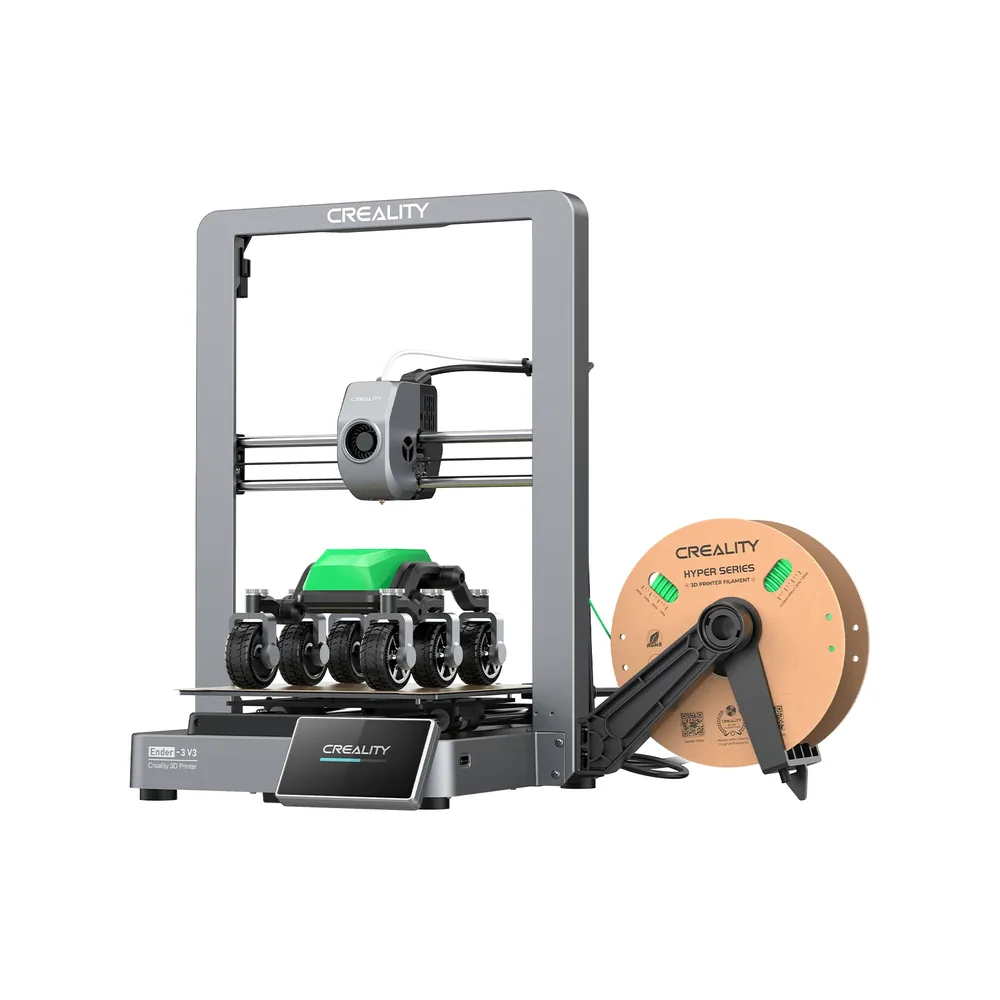
Creality Ender-3 V3
220 × 220 × 250 mm
CoreXZ kinematics, dual motors on the Y axis, and acceleration advertised up to 20,000 mm/s² to cut print time.
Open frame: the advertised speed depends heavily on filament and model; ABS and ASA fall outside the documented use case for this machine.
Specifications and seller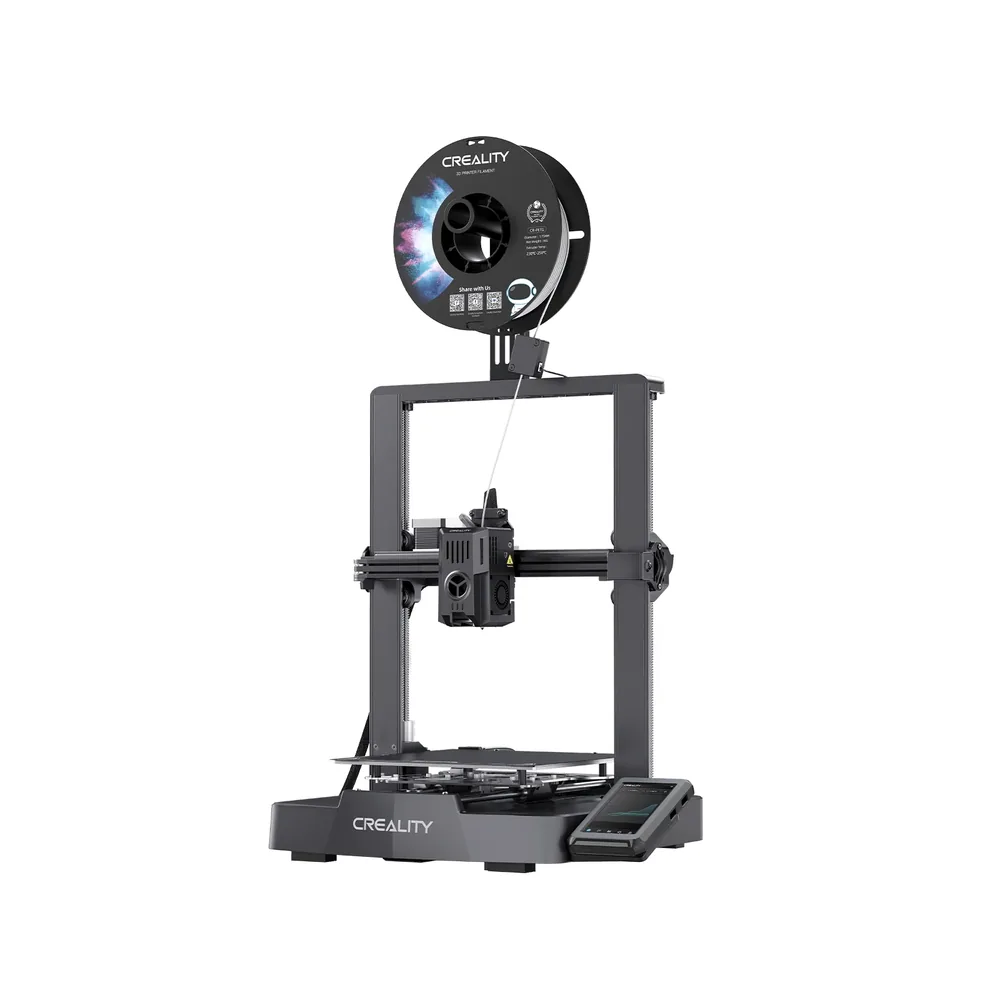
Creality Ender-3 V3 KE
220 × 220 × 240 mm
Klipper firmware, a direct-drive extruder, and a linear rail on the X axis for a top speed advertised at 500 mm/s.
Open frame: ABS and ASA call for a ventilated, draft-free room, since there is no enclosed chamber.
Specifications and seller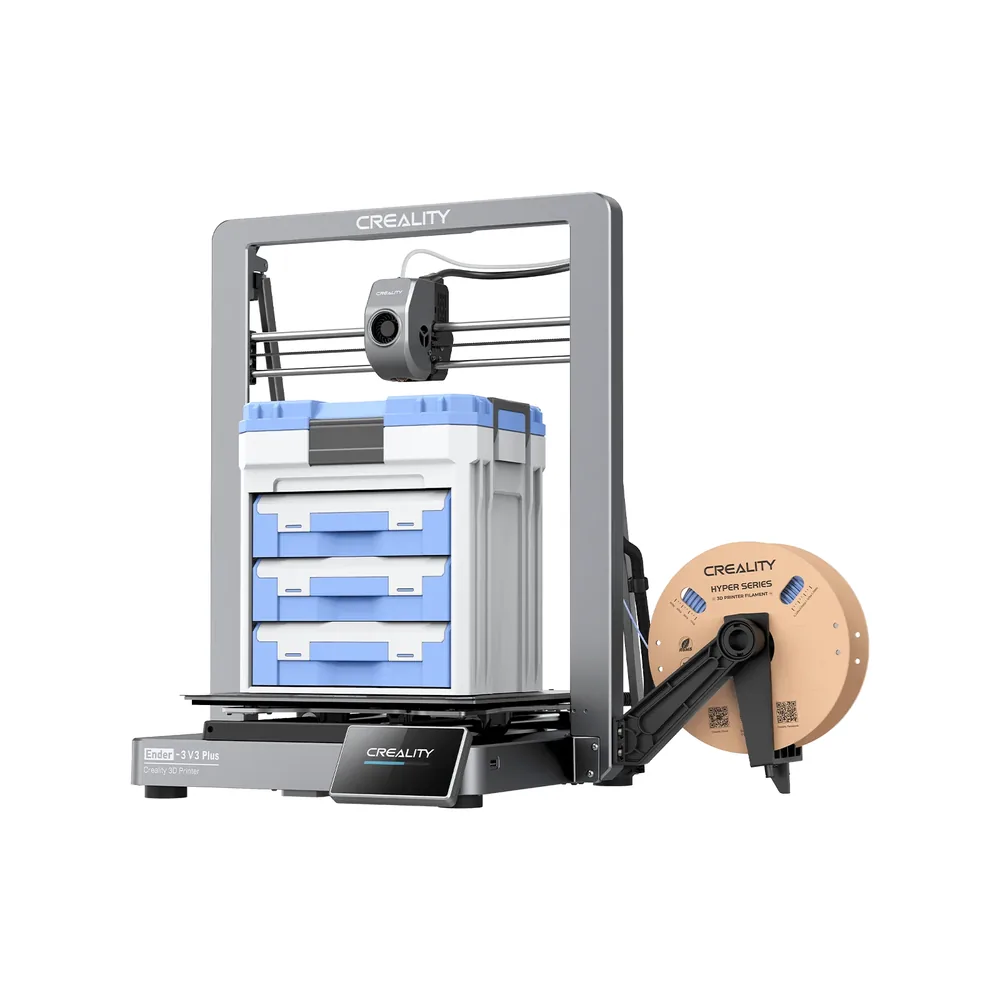
Creality Ender-3 V3 Plus
300 × 300 × 330 mm
A much larger bed than the standard Ender-3 V3, with the same CoreXZ kinematics and dual Y-axis motors to keep the speed up.
Open frame despite the larger footprint: no enclosure for ABS or ASA, and a bigger bed heats and stabilizes more slowly.
Specifications and seller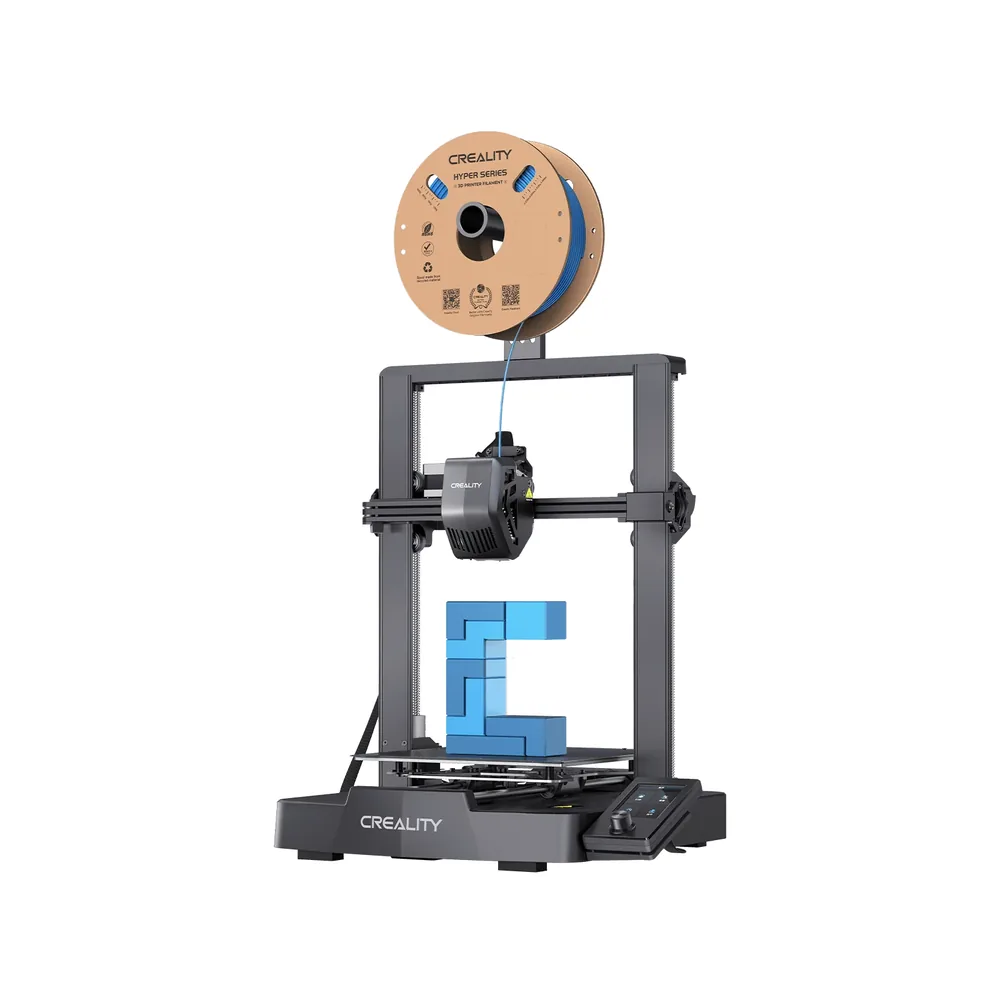
Creality Ender-3 V3 SE
220 × 220 × 250 mm
A roughly 20-minute assembly per Creality, automatic CR Touch leveling and a strain sensor for Z-offset, with no manual tuning on first boot.
Open frame: no enclosure for ABS or ASA in regular use. The announced 250 mm/s top speed still depends on the filament and the part being printed.
Specifications and sellerSources and limits
- Creality — Ender-3 V3 KE
- Creality — Ender-3 V3 Plus
We organize manufacturer and community documentation; we have not measured these products ourselves. The manual for your exact model takes precedence over general guidance.
A clearer shortlist starts with your projects.
Use the free buying checklist and budget worksheet before comparing offers.