
Bambu Lab P1P discontinued: what it means for owners and what to buy instead
Bambu Lab officially retired the P1P on February 10, 2026. If you own one, nothing stops overnight: the printer keeps running and the company has committed to parts and service. If you were planning to buy one, the real question is whether the P1S or the P2S fits what you need.
Find My 3D Printer editorial team·Published October 7, 2026·Manufacturer documentation, no hands-on tests claimed

The short answer
The end of life of the Bambu Lab P1P, effective February 10, 2026, means only that the printer is no longer manufactured or sold. According to the official Bambu Lab blog, spare parts and service continue for five years, until February 10, 2031, and most parts are shared with the P1S, which stays in production. For a new purchase, the P1S is the direct heir with its factory-enclosed chamber, while the P2S keeps the same compact footprint and adds a servo extruder, a touchscreen, AI error detection and a quick-swap nozzle. Which one to pick comes down to budget and how much you value those automations.
What end of life actually changes for a printer you already own
In its farewell post, Bambu Lab spells out what end of life (EOL) means for the P1P: the printer is no longer manufactured or sold, and that is the whole of it. Your machine does not stop working. It still takes jobs from Bambu Studio, still talks to its AMS, and still turns out parts the way it did last month. The company points out that hundreds of thousands of units are still running worldwide, from home workshops to print farms producing end-use parts around the clock.
Bambu Lab frames the decision as a straightforward business call. Once the P2S launched, keeping two P1-series models on the shelf made less and less sense. The blog adds that buyers had already been choosing the P1S over the P1P for a long time, or going straight to the newer P2S. The market had effectively made the call before the company did.
So the practical change is limited to new purchases. You can no longer add a factory-fresh P1P to an existing fleet. If you need another machine, the P1S remains in production and the P2S is the modern successor. The rest of this guide walks through which one makes sense for your situation.
Spare parts, AMS and service: the five-year commitment
The question most owners ask first is about parts. The Bambu Lab blog commits to technical support and spare parts availability for five years, through February 10, 2031. For a desktop printer, that is a comfortable runway that covers most of the useful life of the mechanics.
The second reassuring detail is that most spare parts are interchangeable between the P1P and the P1S, according to the same post. Since the P1S stays in production with no end date announced, those shared parts will keep flowing regardless of how much P1P-specific stock is left. Everyday wear items are therefore not tied to a dwindling inventory.
On the AMS side, nothing changes for you. The multi-material system you already run belongs to your printer, and the EOL notice only concerns manufacturing of the printer itself. Bambu Lab mentions no software cutoff. If you plan to grow your setup, note that the P2S Combo ships with the AMS 2 Pro, which the company says dries filament faster thanks to an active venting system. Our multicolor buying guide covers what a system like that changes in daily use.
P1S: the closest thing to a new P1P
If you liked the P1P for its no-nonsense reliability, the Bambu Lab P1S is the obvious continuation. Launched a few months after the P1P, it is described by Bambu Lab as an expanded version: same mechanical core and electronics, with a factory-enclosed build chamber and a set of upgrades aimed at more demanding materials.
For a former P1P user, that brings three concrete benefits. First, you keep your habits. Profiles in Bambu Studio, the leveling routine and the general workflow carry over without relearning anything. Second, parts compatibility makes a mixed P1P and P1S fleet easy to maintain, since most components cross between the two. Third, the enclosed chamber gives ABS and ASA a far better environment than the open frame of the P1P, which matters if you print anything that likes to warp.
Bambu Lab is explicit that the P1S is not being phased out and that it has no plans to do so in the foreseeable future. For a shop that wants to standardize on one machine without changing how it works, the P1S is the low-risk pick.
P2S: what the reengineered P series adds
The Bambu Lab P2S is pitched by the company as a ground-up reengineering of the P1 series. It keeps the compact footprint that print farms rely on and folds in technologies introduced with the H2D and H2S.
The spec sheet lists a lot. The PMSM servo extruder delivers up to 8.5 kg of extrusion force, 70 percent more than its predecessor, and samples resistance and position at 20 kHz to catch filament grinding and clogs in real time. An eddy current sensor calibrates flow dynamics automatically. The Adaptive Airflow system pulls cool air from outside the chamber so you can print PLA with the doors closed, then switches to a heat-preserving mode with a carbon filter for warp-prone materials.
On top of that you get a 5-inch touchscreen running the second-generation UI, AI error detection that flags spaghetti, nozzle blobs and air printing, a 1080p high-frame-rate camera, and a quick-swap hotend released with a single clip and no wiring to disconnect. The default nozzle is 0.4 mm, with 0.2, 0.6 and 0.8 mm supported. For a side-by-side breakdown, see our P1S vs P2S comparison.
Picking between P1S and P2S for your workflow
The right answer depends on what the P1P was doing for you. If it was a production tool running PLA, PETG or ASA, in a farm or for batches of parts, the P1S fills that role exactly. Same core, still manufactured, shared parts with the rest of your fleet. It is the entry point to Bambu Lab's enclosed lineup and the logical choice for standardizing several machines.
If you are buying a single all-rounder, the P2S deserves a hard look. The touchscreen and guided interface flatten the learning curve. AI error detection, plus the pre-print check that the build plate and nozzle match the slicer settings, cuts down on failed jobs when you monitor remotely. The clip-release hotend makes switching nozzle diameters painless. Those conveniences push the P2S into mid-range territory compared with the P1S.
For multi-color work, both are sold as Combo bundles with an AMS. The P2S Combo includes the AMS 2 Pro with its filament drying feature. Before you decide, price out the full setup, printer, AMS and consumables, with our startup budget tool.
Keeping your P1P, buying used, or modding it
Nothing forces you to replace a working P1P. With five years of parts and service ahead, it remains a sound machine. Bambu Lab's farewell post calls it one of the most frequently modified FFF printers, thanks to its open design. Side panel kits and full cosmetic transformations shared on MakerWorld, such as the Companion Cube or the Minecraft Block by neil3dprints, are still available and do not require touching the electronics.
The end of production will also feed the used market. A second-hand P1P can be a reasonable entry point, as long as you check the mechanics carefully and clarify what warranty, if any, remains. Our used 3D printer guide lists what to inspect before paying.
Finally, if the P1P was a stepping stone toward something bigger, our X1C alternative guide covers the top of the Bambu Lab range. For most former P1P owners, the decision tree is short: keep the P1P, buy a P1S to standardize, or buy a P2S to modernize.
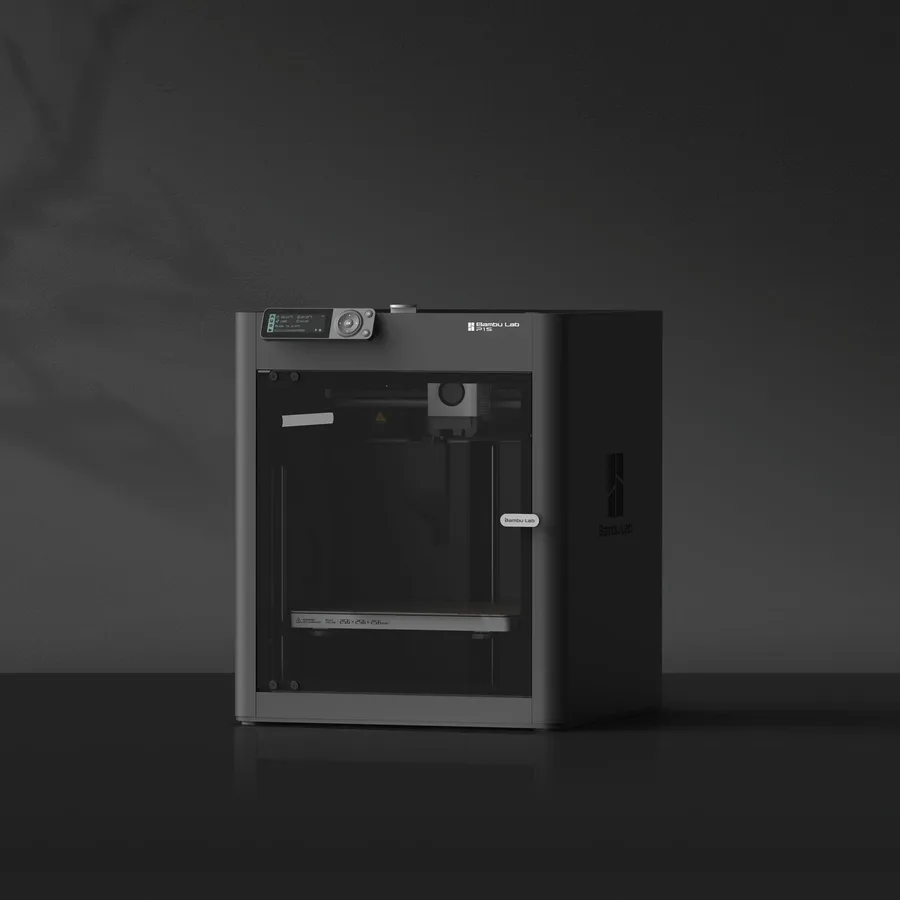
Bambu Lab P1S
256 × 256 × 256 mm
The same nominal volume as the A1, with an enclosure and a different motion system.
Check the precise AMS version, adapters and accessories included. Enclosure alone does not establish material suitability.
Specifications and seller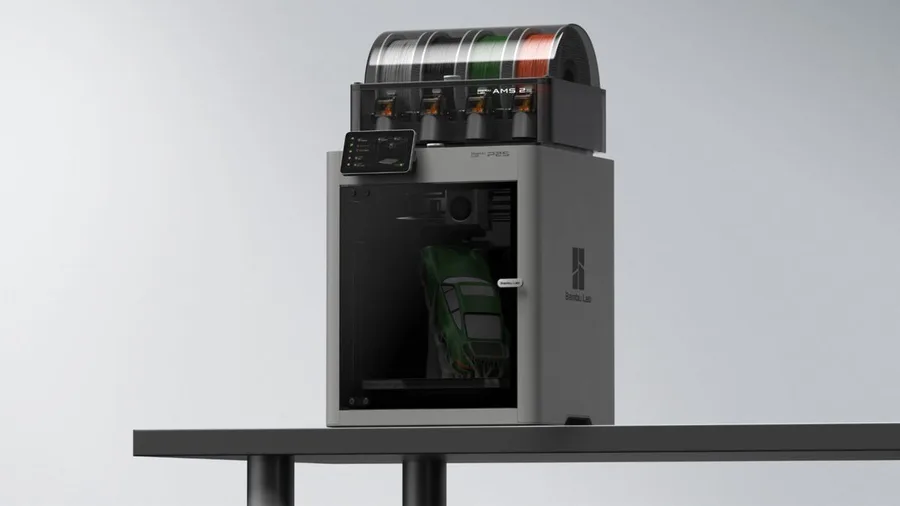
Bambu Lab P2S
256 × 256 × 256 mm
The enclosed frame, hotend up to 300°C and bed up to 110°C support a broader material discussion than an open-frame machine.
AMS 2 Pro and drying capabilities depend on the package selected. Advertised automation is not a measured reliability score.
Specifications and sellerSources and limits
- Bambu Lab Blog — A farewell to P1P
- Bambu Lab Blog — The Icon Redefined: meet the P2S
We organize manufacturer and community documentation; we have not measured these products ourselves. The manual for your exact model takes precedence over general guidance.
A clearer shortlist starts with your projects.
Use the free buying checklist and budget worksheet before comparing offers.