
Bambu AMS 2 Pro: printer compatibility, power adapter and drying requirements
The AMS 2 Pro is the second generation of Bambu Lab's multi-material system, and the first with built-in drying. Before you order one, three questions come up: which printer accepts it, what adapter or accessory you have to add, and what the drying actually does. This guide answers each one using the Bambu Lab product page, without going beyond what it publishes.
Find My 3D Printer editorial team·Published October 20, 2026·Manufacturer documentation, no hands-on tests claimed

The short answer
Bambu Lab's FAQ checked on October 20 separates automatic feeding from drying: each AMS 2 Pro needs a Switching Adapter to dry when connected to an A1, P1 or X1 printer. H2, P2 and X2D printers can power one unit for drying; additional units drying simultaneously need their own adapters. The stated maximum is 65 °C, reached under the manufacturer's condition of an ambient temperature above 25 °C, and asterisk-marked materials cannot be completely dried in this unit. Standalone drying without a connected, powered-on printer is not supported. Check the exact printer upgrade kit and the firmware requirements in the connection guide separately before buying.
Which Bambu Lab printers accept the AMS 2 Pro
The Bambu Lab product page states that the AMS 2 Pro is compatible with all Bambu Lab printers. That sounds simple, but the same page adds a condition that matters when you order. It says the AMS requires specific accessory configurations for various Bambu Lab printers and asks you to add the required accessories from a printer selector. Compatibility is universal, but the exact kit is not. Pick your printer in that selector before checkout and write down what it shows.
The FAQ distinguishes printer families chiefly by how they power drying. A1, P1 and X1 require one Switching Adapter for each AMS 2 Pro that dries filament. H2, P2 and X2D can power a first unit for this function without that adapter; when multiple units dry simultaneously, each additional unit needs its own adapter. This distinction does not by itself specify the tubes or connection kit required. Select the exact printer and follow its connection instructions before assembling the accessories.
The manufacturer lists up to four AMS 2 Pro and eight AMS HT units connected for twenty-four filaments in total. That ceiling is not a reason to buy more equipment: start with the colors and material references your project actually uses. Then account for the boxes, PTFE routing and power required for simultaneous drying cycles. Adding the capacities does not establish the correct wiring configuration; the connection guide still matters.
Power adapter, cabling and what ships in the box
The AMS 2 Pro heats and ventilates to dry filament. The box list includes the unit, desiccant, PTFE tubes in several lengths and a 6-pin Bambu Bus cable. That list alone cannot tell you whether an additional power supply is needed: use the power FAQ for your printer family. The specification lists a nominal 24 V, 4 A input; this is not a measured energy figure for a drying cycle.
The page separates the drying-power requirement from the rest of the connection setup. It specifies one Switching Adapter per drying unit on A1, P1 and X1. On H2, P2 or X2D, the printer can power a first unit for drying; for additional units drying simultaneously, plan one adapter for each additional unit. Separately confirm the cables, couplers and any upgrade kits shown for the exact printer in the selector.
Plan for the footprint as well. The spec sheet gives the unit as 372 by 280 by 226 mm. Whether it sits on top of the printer or beside it, the 900 mm tube needs a clean path without tight bends. Think about your wall outlet and power strip too, especially if you chain several units, since each AMS 2 Pro and each accessory you add takes up room and connections near the machine.
Firmware and simultaneous drying: check your printer-specific guide
The FAQ says that certain models currently support drying while printing and refers readers to the wiki for the minimum firmware and operating instructions. Accepting an AMS 2 Pro does not therefore prove that every function works on an older software version. Check the guide for the exact printer and function you intend to use. A general recommendation to update software does not replace that compatibility check.
The second software-dependent feature is RFID. According to the page, the AMS 2 Pro reads the tag on official Bambu Lab spools and auto-matches the drying settings, with no manual input. With third-party filament, you declare the material yourself in Bambu Studio or on the screen, and the drying follows whatever you entered. Declaring the wrong material risks applying settings that do not suit the spool actually loaded.
Keep in mind that these conditions change with updates. A product page is a snapshot, and Bambu Lab regularly adjusts firmware, software and compatibility rules. Before buying, or before moving the unit to a different printer, reread the current page and the multi-unit connection guide the store references rather than relying on memory or a forum thread.
How the built-in drying works
The drying system rests on three elements described on the page. An electro-magnetic air vent opens during drying to push humid air out, then closes to seal the compartment. A brushless motor handles the airflow. Finally, the spools rotate automatically during the cycle so heat reaches the filament more evenly, rather than only warming the outer wraps that face the air stream.
The stated maximum drying temperature is 65 °C. A note says the maximum is reached only when ambient temperature is above 25 °C; below that, heat dissipation may prevent it. The same specification says asterisk-marked materials require a higher drying temperature and cannot be completely dried by the AMS 2 Pro. Bambu recommends an AMS HT for better drying of those materials. Read the note together with the material list rather than treating the list alone as a drying guarantee.
A second limit concerns standalone use: the FAQ requires a 6-pin bus connection to a powered-on printer set to filament-drying mode. The AMS 2 Pro therefore does not operate as an independent dryer disconnected from the printer. To recover a wet spool, compare the exact material's requirements with these limits and with a suitable filament dryer. The feeding specification also requires PVA and BVOH to be dry before use.
Supported filaments, excluded filaments and spool sizes
The official supported list covers PLA, PETG, ABS, ASA, PET, PA, PC, PVA and BVOH as long as they are dry, PP, POM, HIPS, Bambu PLA-CF, PAHT-CF and PETG-CF, Support for PLA and PETG, and TPU for AMS. That last one is a specific Bambu catalog item, not generic flexible filament, its listing does not extend compatibility to generic TPU.
The page explicitly excludes TPE, generic TPU, damp PVA and BVOH, Bambu PET-CF, TPU 95A, and any filament containing carbon fiber or glass fiber outside the three Bambu references named above. The Bambu page for TPU 85A and 90A confirms this: both are marked not compatible with the AMS, AMS lite and AMS 2 Pro, but compatible with the AMS HT. If you print a lot of flexibles, the AMS HT is the unit to look at, and our TPU filament page covers what these materials demand.
The last filter is spool size. The spec sheet accepts widths from 50 to 68 mm and diameters from 197 to 202 mm. A wider, narrower or smaller spool will not seat properly even when the material is on the approved list. Check the spool dimensions on each third-party brand's spec sheet before ordering, especially for large economy spools.
Filament changes, tube access and day-to-day upkeep
Beyond drying, Bambu Lab highlights a new motor. The page describes a permanent magnet synchronous servo motor that speeds up filament feeding by 60 percent, which the company translates to an average of ten minutes saved per 100 filament changes. On a multicolor print that runs through several hundred changes, that adds up on total print time, especially if most of your prints use several colors.
The other change is maintenance. On the first-generation AMS, removing snapped filament meant pulling every spool and opening the shell by removing two screws, three to five minutes according to Bambu Lab. The AMS 2 Pro gives direct, tool-free access to the filament tubes from the top. The filament inlets are ceramic, with a stated Vickers hardness of 1200 to resist wear from the approved filled filaments.
To place the accessory in a budget, think in total cost rather than unit price: printer, AMS 2 Pro, the accessories the selector requires, compatible spools and possibly a separate dryer for demanding materials. Our startup budget tool lets you line those items up and see whether the whole setup stays at an entry-level budget or moves into mid-range territory.
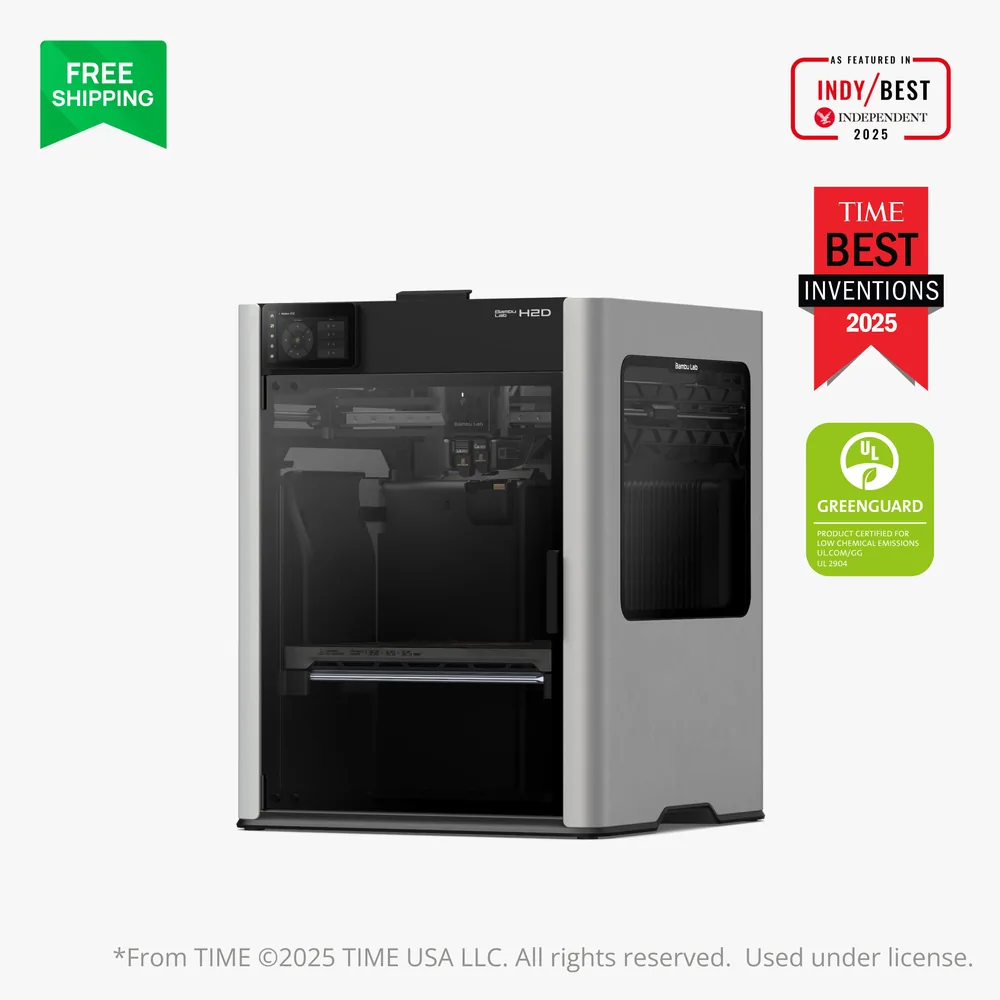
Bambu Lab H2D
350 × 320 × 320 mm
A quick-swap dual nozzle, an actively heated chamber, and an optional laser/cutting module make this a rare multi-purpose base in Bambu Lab's lineup.
The AMS 2 Pro, high-temperature nozzles, and laser module are sold separately, so actual contents depend entirely on the bundle a retailer lists.
Specifications and seller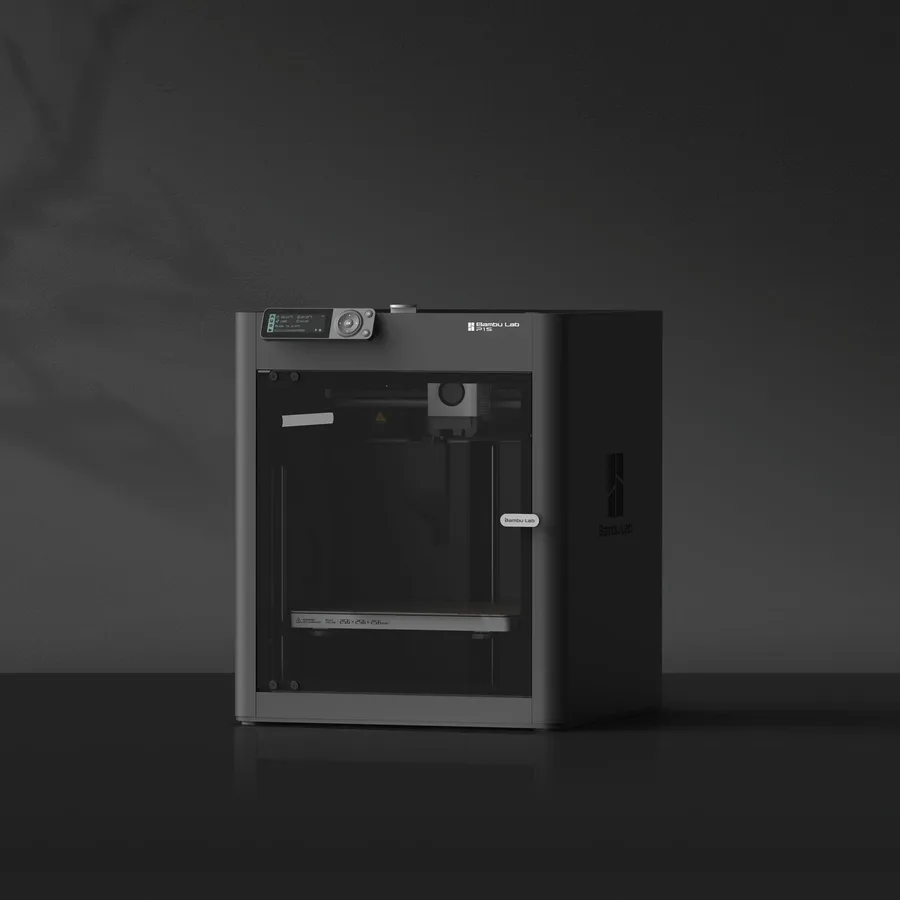
Bambu Lab P1S
256 × 256 × 256 mm
The same nominal volume as the A1, with an enclosure and a different motion system.
Check the precise AMS version, adapters and accessories included. Enclosure alone does not establish material suitability.
Specifications and seller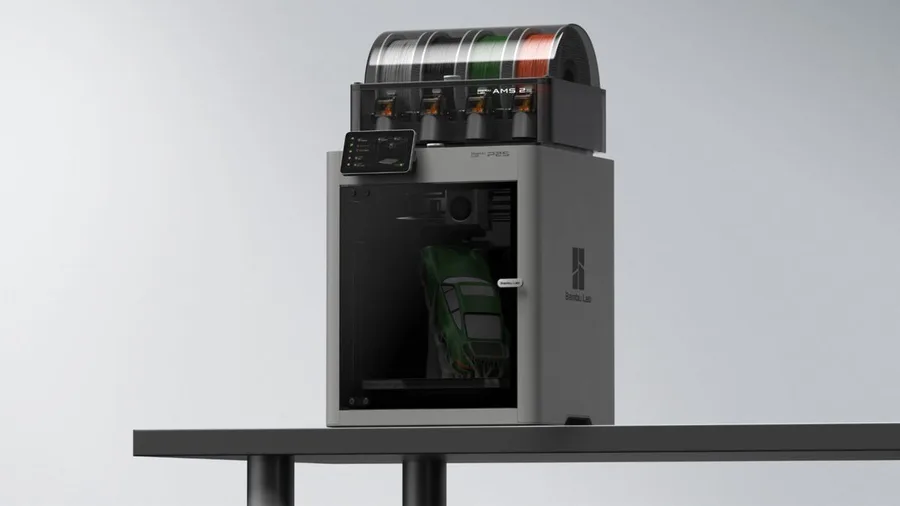
Bambu Lab P2S
256 × 256 × 256 mm
The enclosed frame, hotend up to 300°C and bed up to 110°C support a broader material discussion than an open-frame machine.
AMS 2 Pro and drying capabilities depend on the package selected. Advertised automation is not a measured reliability score.
Specifications and sellerSources and limits
- Bambu Lab AMS 2 Pro - Automatic Material System | Bambu Lab EU Store
- TPU 85A / TPU 90A | Bambu Lab EU Store
We organize manufacturer and community documentation; we have not measured these products ourselves. The manual for your exact model takes precedence over general guidance.
A clearer shortlist starts with your projects.
Use the free buying checklist and budget worksheet before comparing offers.