
For an enclosed large-format CoreXY
Anycubic Kobra S1 Max
An enclosed CoreXY FDM printer with a 350 × 350 × 350 mm nominal build volume, a nozzle advertised up to 350°C, and a 65°C heated chamber per Anycubic.
In short The Anycubic Kobra S1 Max is an enclosed filament (FDM) 3D printer with a 350 × 350 × 350 mm (13.8 × 13.8 × 13.8 in) build volume. Anycubic claims a 600 mm/s top speed, a 350 °C (662 °F) nozzle and active chamber heating to 65 °C (149 °F); the printer measures 502.7 × 483 × 584 mm (19.8 × 19 × 23 in) and weighs 25.7 kg (56.7 lb).
Documentary analysis · Not personally tested
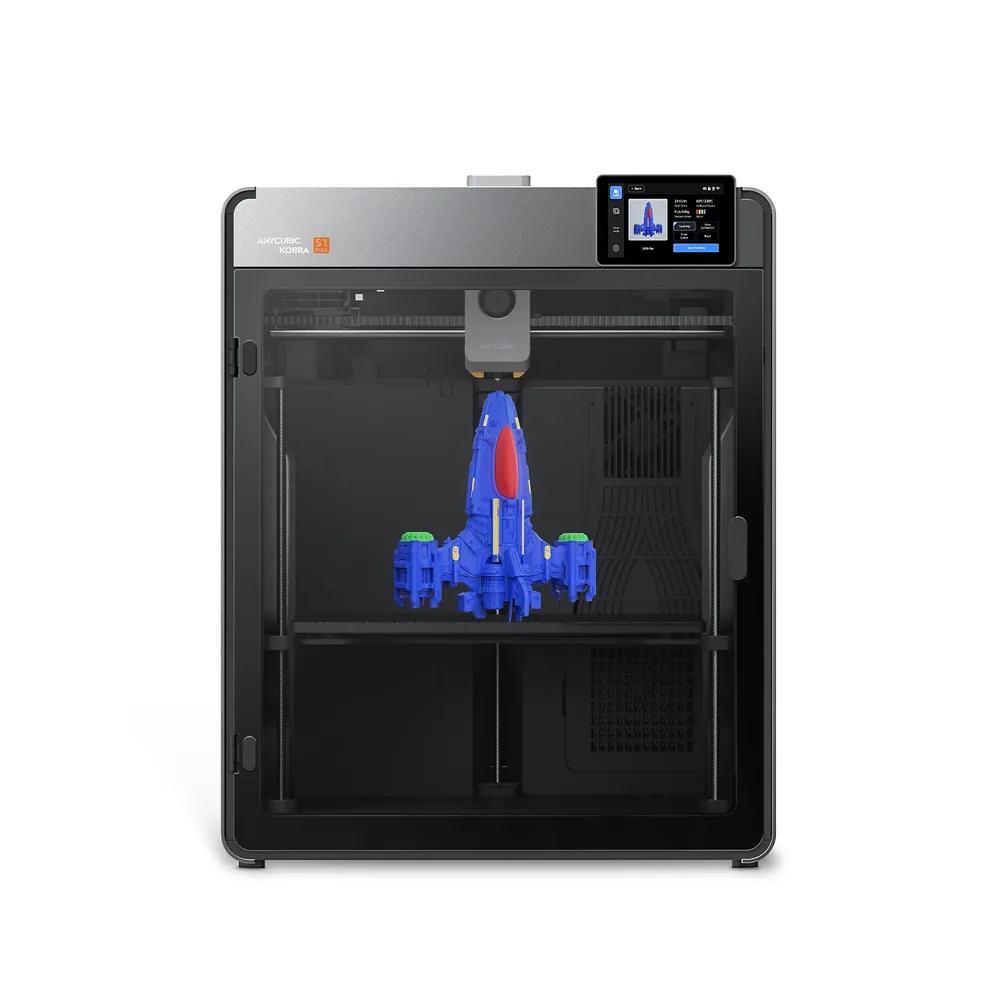 FDM · Enclosed
Why consider it?
A 350 × 350 × 350 mm volume in an enclosed CoreXY chassis, an active 65°C heated chamber, a nozzle advertised up to 350°C, and dual external cooling fans per Anycubic.
What to verify
Multicolor isn't included as shipped: one or more ACE 2 Pro modules remain separate accessories. Check the exact bundle contents (included nozzles, plate) on the retailer's listing.
Anycubic Kobra S1 Max specifications
- Technology
- Filament (FDM)
- Build volume
- 350 × 350 × 350 mm (13.8 × 13.8 × 13.8 in)
- Printer dimensions
- 502.7 × 483 × 584 mm (19.8 × 19 × 23 in)
- Weight
- 25.7 kg (56.7 lb)
- Enclosure
- Enclosed, active heating up to 65 °C (149 °F)
- Claimed top speed
- 600 mm/s
- Claimed acceleration
- 20,000 mm/s²
- Max nozzle temperature
- 350 °C (662 °F)
- Max bed temperature
- 120 °C (248 °F)
- Multicolor
- The base machine is single-color; one or more ACE 2 Pro modules are sold separately to add multicolor, up to 16 colors advertised with several units.
- Materials
- PLA, PETG, ASA, and specialty filaments (high-speed PLA, silk PLA, metal PLA) per Anycubic, thanks to a hardened nozzle up to 350°C.
- Screen
- 4.3-inch touchscreen
- Built-in camera
- Yes
- Connectivity
- Wi-Fi, Ethernet, USB
- Listed features
- Auto bed leveling, filament runout sensor, built-in air filtration
How much space does it need?
The Anycubic Kobra S1 Max measures 502.7 × 483 × 584 mm (19.8 × 19 × 23 in) for a 350 × 350 × 350 mm (13.8 × 13.8 × 13.8 in) build volume: the dashed box is the printer, the solid cube the nominal build volume, about 30% of the machine’s volume. Add room for the spool or multicolor unit, cables and ventilation.
Source: official Anycubic pages (store.anycubic.com), checked September 28, 2026. Manufacturer claims, not our measurements. Build volume is nominal: orientation, supports and reserved zones can reduce the usable space.
Which projects is it for?
The Kobra S1 Max targets enclosed large-format printing with a nominal build volume of 350 × 350 × 350 mm per Anycubic, a plate suited to bulky parts, batches, or several objects spread out without moving up a machine tier.
An enclosed CoreXY architecture paired with dual external cooling fans aims to sustain print speed even on a plate this size, per Anycubic, rather than slowing down noticeably compared with the smaller Kobra S1.
Materials and setup
A hardened nozzle advertised up to 350°C and a chamber actively heated to 65°C per Anycubic cover PLA, PETG, ASA, and specialty filaments like high-speed PLA, silk PLA, or metal PLA.
Multicolor isn't built into the base machine: Anycubic offers one or more ACE 2 Pro modules as separate accessories, with up to 16 colors advertised when combining several units.
What the bundle includes or not
The base machine ships with a pre-installed 0.4 mm hardened steel nozzle based on offers seen from Anycubic, with an optional 0.6 mm hardened steel nozzle and support for 0.25 mm brass or 0.8 mm hardened steel nozzles; the exact contents (extra nozzles, plate, accessories) vary between the standalone machine and "Combo" packs with an ACE module.
The dual external cooling fans and enclosed chassis aim for thermal stability suited to regular use on a 350 × 350 × 350 mm plate, an important detail for anyone printing large batches back to back.
Alternatives to compare
For a more compact format in the same lineup, the Kobra S1 stays a more accessible base with the same heated chamber. For an open frame and a tighter budget, the Kobra 3 covers a different use case.
The multicolor buying guide helps weigh whether one or more ACE 2 Pro modules are worth the extra investment on this machine.
Similar printers to compare
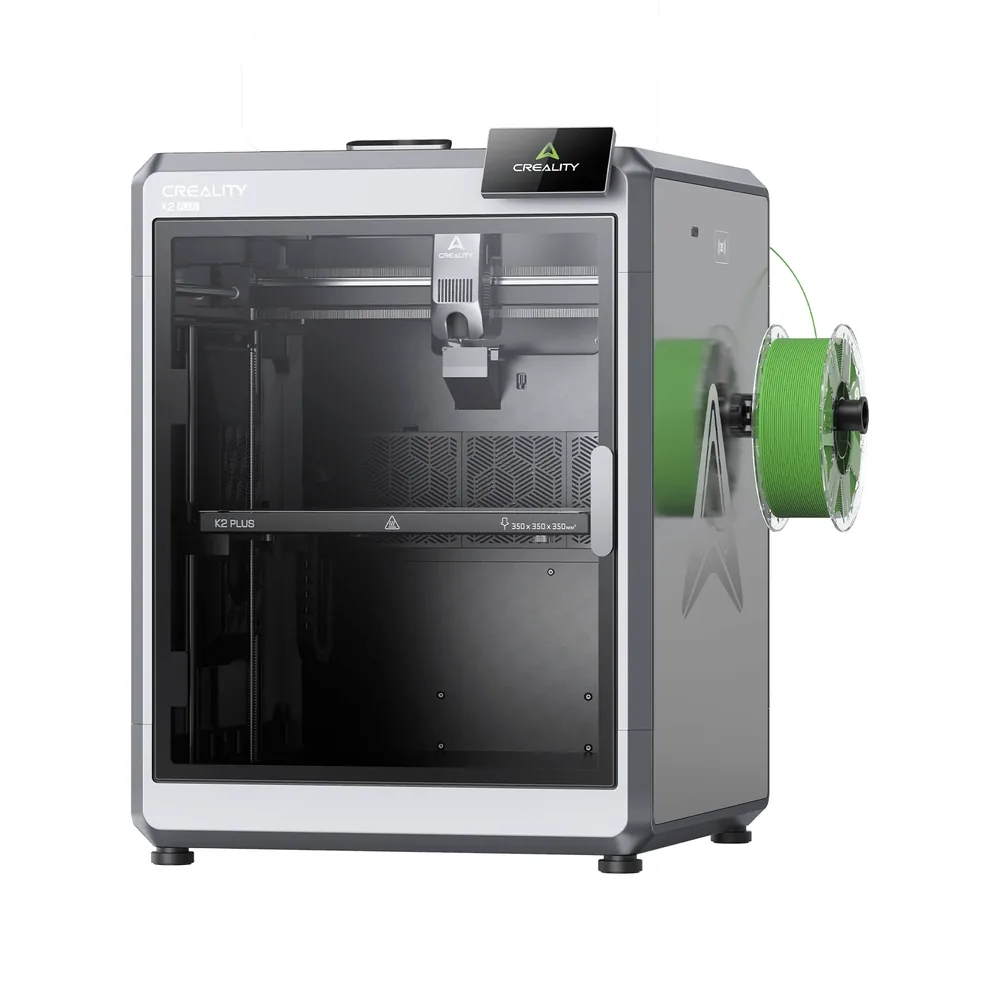
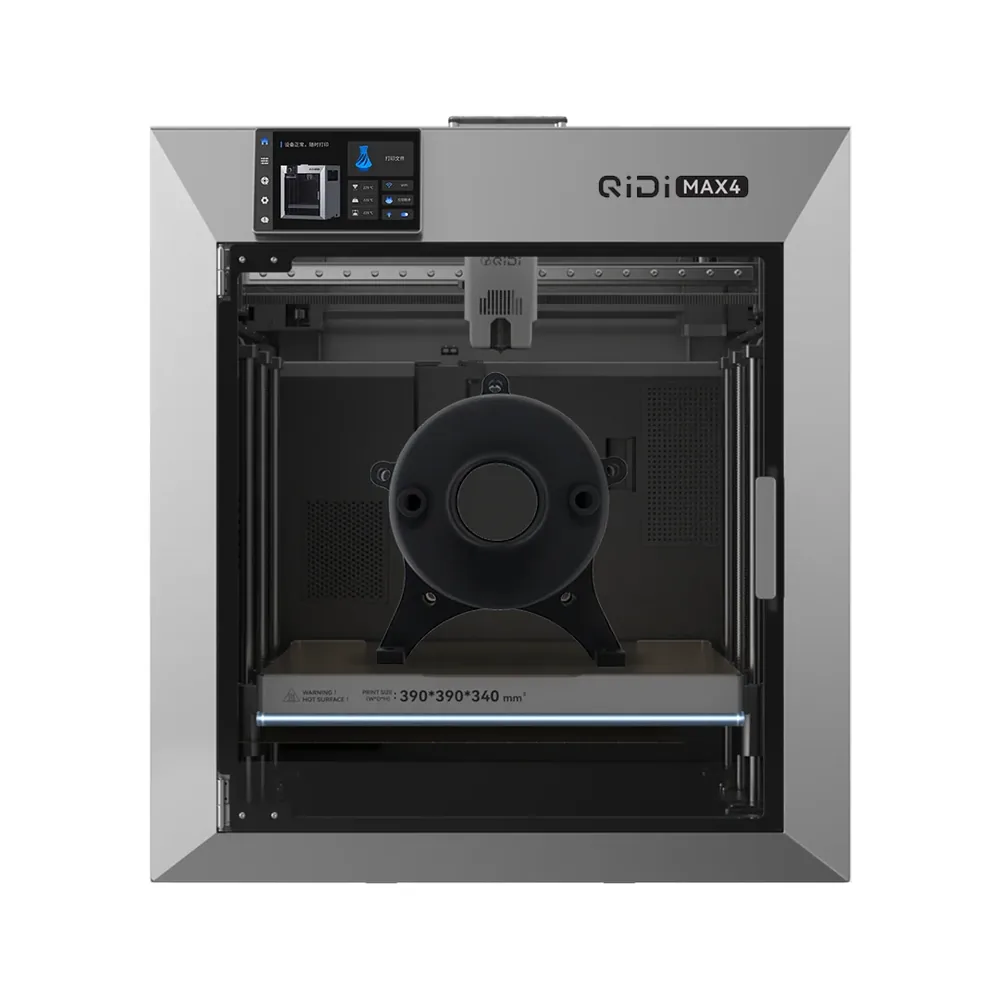
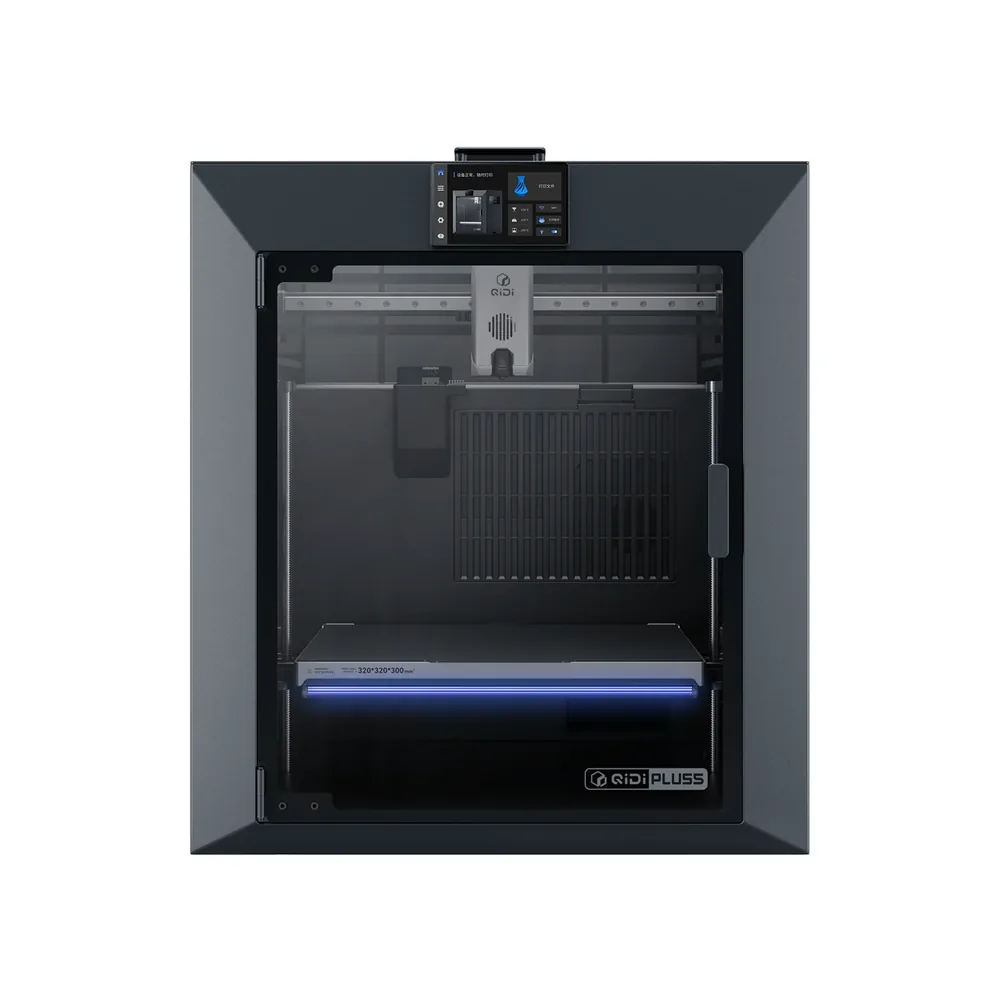
Sources and limits
- Source: official Anycubic pages (store.anycubic.com), checked September 28, 2026. Manufacturer claims, not our measurements.
- How we assess specifications
We have not measured noise, real printing speed, accuracy or reliability, so none of these is rated here.