
For a faster standard-size printer
Anycubic Kobra 2 Pro
An open-frame FDM printer with a 220 × 220 × 250 mm nominal build volume and a top speed advertised at 500 mm/s.
In short The Anycubic Kobra 2 Pro is an open-frame filament (FDM) 3D printer with a 220 × 220 × 250 mm (8.7 × 8.7 × 9.8 in) build volume. Anycubic claims a 500 mm/s top speed, a 260 °C (500 °F) nozzle and a 110 °C (230 °F) bed; the printer measures 435 × 463 × 486 mm (17.1 × 18.2 × 19.1 in) and weighs 8.4 kg (18.5 lb).
Documentary analysis · Not personally tested
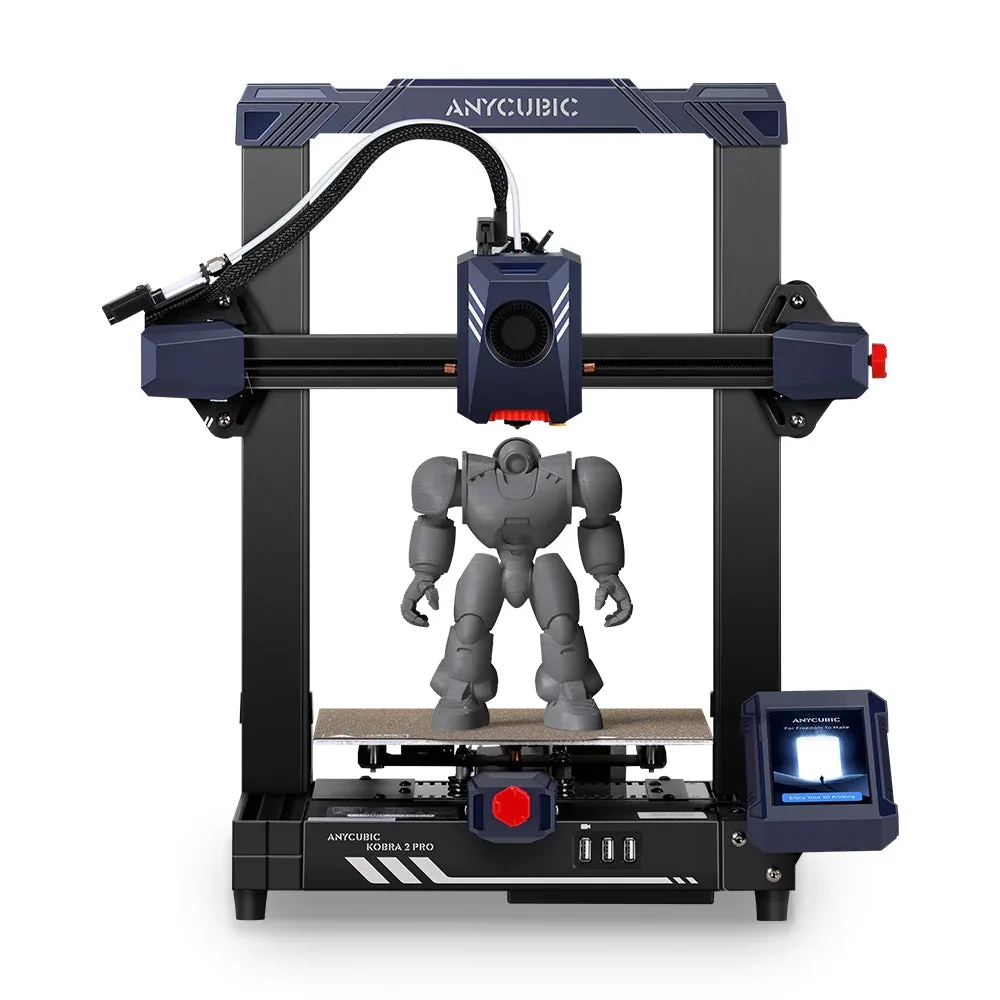 FDM · Open frame
Why consider it?
A Cortex-A7 1.2GHz processor, acceleration advertised up to 20,000 mm/s², and automatic LeviQ 2.0 leveling.
What to verify
No multicolor printing; same footprint as the Kobra 2 Neo, with top speed being the main real difference.
Anycubic Kobra 2 Pro specifications
- Technology
- Filament (FDM)
- Build volume
- 220 × 220 × 250 mm (8.7 × 8.7 × 9.8 in)
- Printer dimensions
- 435 × 463 × 486 mm (17.1 × 18.2 × 19.1 in)
- Weight
- 8.4 kg (18.5 lb)
- Enclosure
- Open frame
- Claimed top speed
- 500 mm/s
- Max nozzle temperature
- 260 °C (500 °F)
- Max bed temperature
- 110 °C (230 °F)
- Multicolor
- No multicolor system; a single-nozzle extruder per Anycubic.
- Materials
- PLA, ABS, PETG, and TPU per Anycubic.
- Screen
- 4.3-inch touchscreen
- Connectivity
- USB
- Listed features
- Auto bed leveling, filament runout sensor
How much space does it need?
The Anycubic Kobra 2 Pro measures 435 × 463 × 486 mm (17.1 × 18.2 × 19.1 in) for a 220 × 220 × 250 mm (8.7 × 8.7 × 9.8 in) build volume: the dashed box is the printer, the solid cube the nominal build volume, about 12% of the machine’s volume. Add room for the spool or multicolor unit, cables and ventilation.
Source: official Anycubic pages (store.anycubic.com), checked September 28, 2026. Manufacturer claims, not our measurements. Build volume is nominal: orientation, supports and reserved zones can reduce the usable space.
Which projects is it for?
The Kobra 2 Pro is an open-frame FDM printer with a 220 × 220 × 250 mm nominal build volume per Anycubic, launched in September 2023 alongside the rest of the Kobra 2 series. It suits regular use where speed matters: rapid prototyping, repeated parts, batches of small objects.
The advertised top speed of 500 mm/s, with 20,000 mm/s² acceleration, clearly outpaces the Kobra 2 Neo thanks to a Cortex-A7 1.2GHz processor that handles more path calculations per second per the manufacturer.
The open frame and the absence of any enclosure also mean ambient room temperature affects print quality more than on a closed-chamber machine, something worth factoring in if you plan to print ABS regularly rather than occasionally.
Materials and setup
The printer runs PLA, ABS, PETG, and TPU per Anycubic, with a nozzle advertised up to 260°C and a bed up to 110°C. Automatic LeviQ 2.0 leveling computes Z-offset without manual input before each print.
The extruder stays single-nozzle: this machine is not built for multicolor. For that feature within the brand, look at the Kobra 3 and its optional ACE Pro.
What the bundle includes or not
Anycubic's listing shows a "what's in the box" section illustrated with photos rather than a full text list: power supply, USB cables, nozzles, plate, leveling sensor, manual, and a test model appear there.
Before buying, compare the spec sheet and box-content photos provided by the retailer rather than relying on a generic list, especially for the number of spare nozzles included.
Warranty terms and technical support can also differ between Anycubic's own store and a third-party retailer, worth checking before comparing two similarly priced offers. Since filament beyond the test spool is not included, it's also worth budgeting for ongoing material costs as part of the overall setup.
Alternatives to compare
For a lower price in the same lineup, the Kobra 2 Neo shares the same volume with a more modest top speed. For a larger bed, the Kobra 2 Max carries over a similar architecture at a bigger scale.
The Anycubic page covers the rest of the manufacturer's lineup, and the beginner's buying guide helps compare this model against other entry-level options.
Similar printers to compare
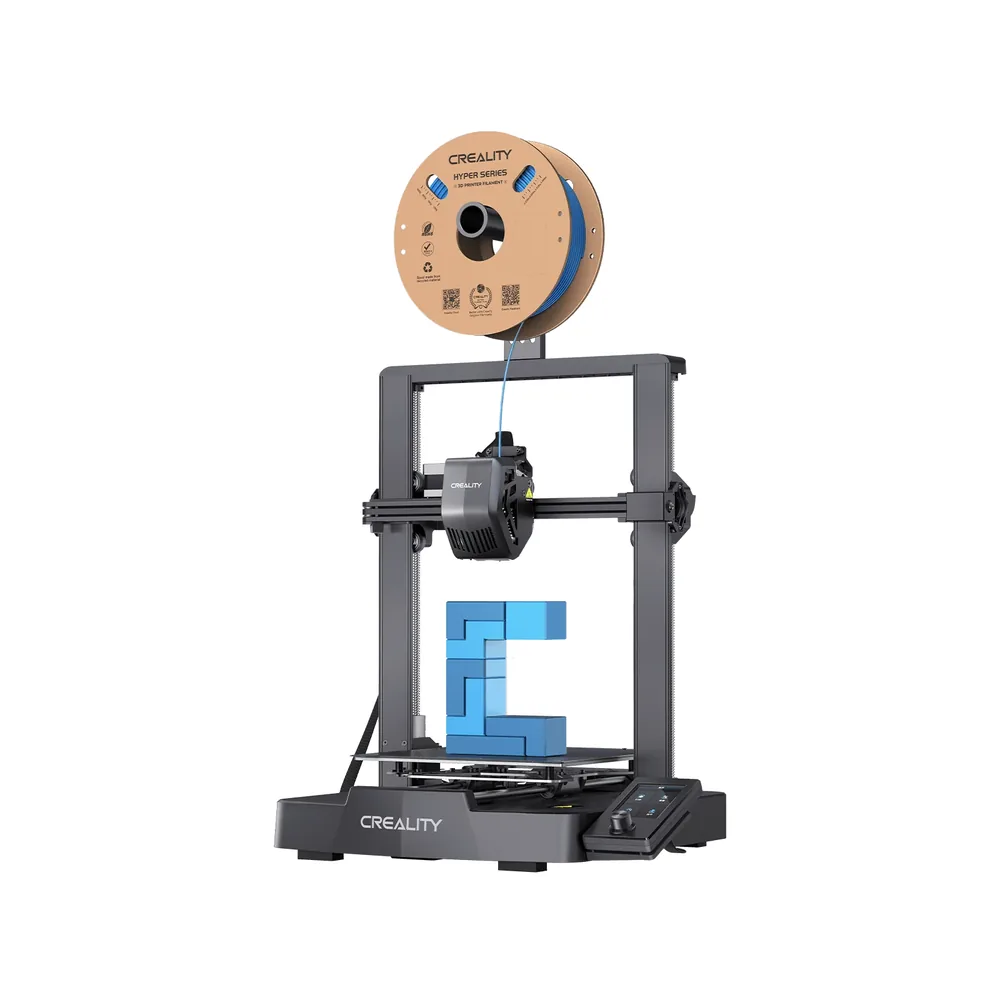
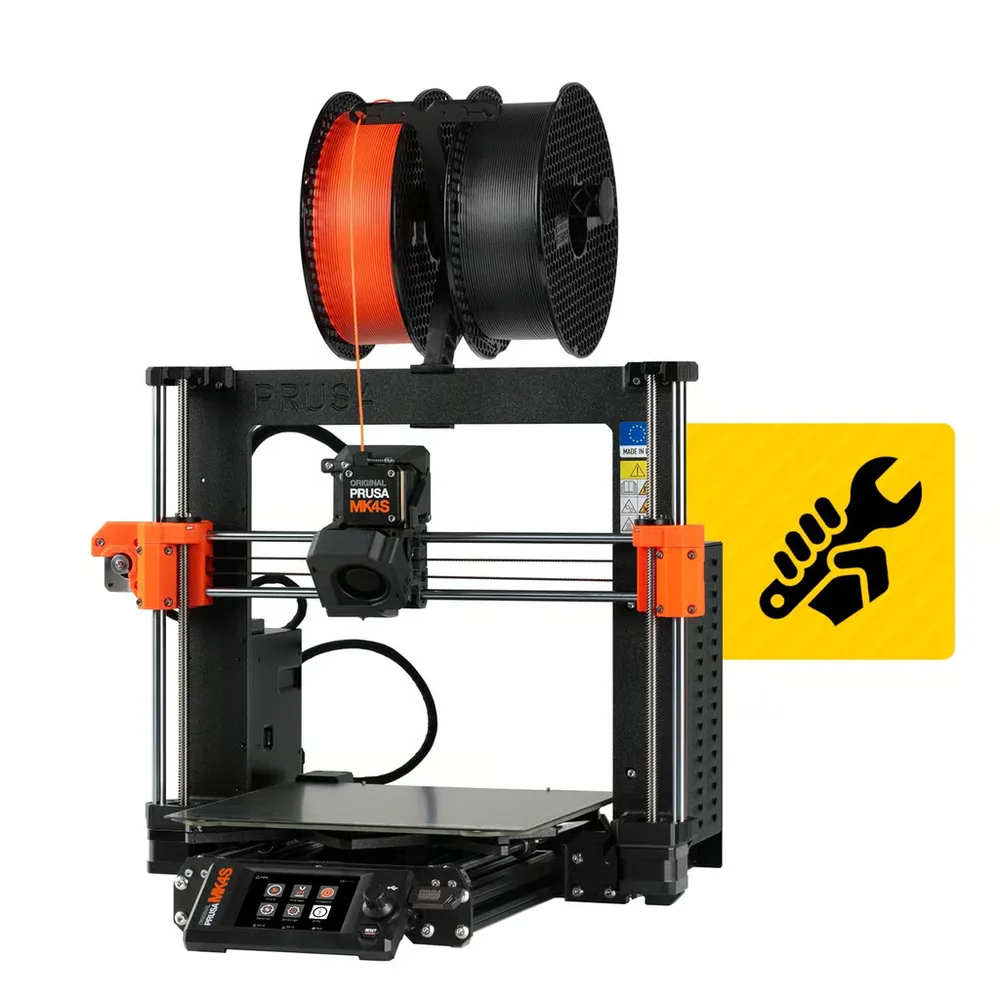
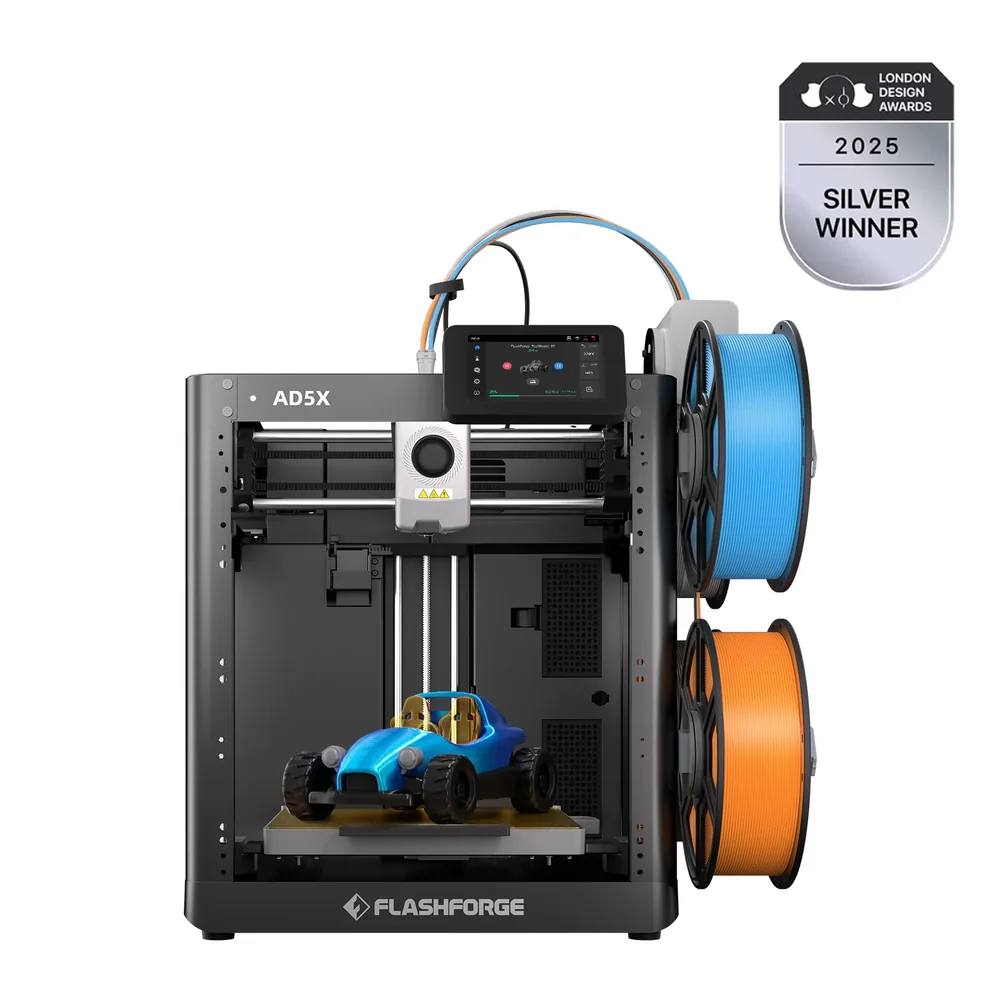
Sources and limits
- Source: official Anycubic pages (store.anycubic.com), checked September 28, 2026. Manufacturer claims, not our measurements.
- How we assess specifications
We have not measured noise, real printing speed, accuracy or reliability, so none of these is rated here.