
Bambu AMS Lite: spools, materials and required accessories
The AMS Lite is Bambu Lab's open multi-material unit, listed for its A1 and A2 series printers. It differs from the enclosed AMS in construction, in the filaments it accepts, and in how it holds spools. This page walks through the Bambu Lab product page and the [Bambu Lab A1 mini](/3d-printers/bambu-lab-a1-mini) page to show what to check before you load a spool, what ships in the box, and what you still need to buy, without mixing up the two AMS families.
Find My 3D Printer editorial team·Published October 20, 2026·Manufacturer documentation, no hands-on tests claimed

The short answer
Bambu Lab lists AMS Lite for its A1 and A2 series, with one unit and four spools per printer. Spools must be 40–68 mm wide with a 53–58 mm inner diameter, using 1.75 mm filament. Check both the AMS Lite material list and your printer's list: a feedable material is not necessarily recommended on the A1 mini. TPU and TPE are excluded from the unit; spools without RFID require manual material selection.
Which printers take the AMS Lite, and which do not
Bambu Lab's product page draws a clear line. The AMS Lite is listed as compatible with the A1 and A2 series, and explicitly not compatible with the X, P and H2 series. An A1 series printer can connect to only one AMS Lite, which caps a single job at four colors or four materials. If your project needs a fifth spool, no slicer setting changes that limit.
The A1 mini page adds the other half of the picture. In its FAQ, Bambu states that the AMS is enclosed while the AMS Lite is not, and that the AMS Lite does not work with X1 or P1 printers or with other brands. The same page notes that an AMS HUB accessory, part number SA013, is required to connect the A1 mini to the AMS, AMS 2 Pro or AMS HT. Check the compatibility line at the time you buy, because the Bambu AMS 2 Pro serves a different setup.
This page stays within the series Bambu names. A similar connector or an identical PTFE tube on another printer family is not evidence of compatibility.
Spool limits: width, inner diameter and cardboard spools
The AMS Lite spec table gives two measurements to verify before loading. Spool width must fall between 40 and 68 mm, and the inner diameter between 53 and 58 mm. That rules out very narrow sample spools and wide refill spools even when the filament itself is on the supported list. Measure with calipers rather than trusting a listing.
The spool sits on a spring-loaded rotary holder that grips the center hole. Bambu Lab presents this as an improvement in spool compatibility, especially for cardboard spools. Four of these holders come in the box, one per slot.
The only filament diameter listed is 1.75 mm. If you use reusable spools and refills, confirm that the assembled spool stays inside the published width range and that the hub bore matches the inner diameter range.
Supported, not recommended and unsupported filaments
The AMS Lite page sorts filaments into three groups. Listed as supported are PLA, PETG, ASA, PET, PA, PC, dry PVA, dry BVOH, PP, POM, HIPS and Bambu PLA-CF. Bambu adds a footnote that this list reflects loading and unloading only, and that filament-to-printer compatibility must be checked separately. That second check is covered below.
The not-recommended group covers Bambu PLA Glow, Bambu PETG-CF and generic glow-in-the-dark PLA. Bambu's footnote says these can trigger loading errors or wear AMS Lite components faster. You can run them, but you accept the wear.
The unsupported group includes TPE, TPU, wet PVA, wet BVOH, Bambu PET-CF, PA6-CF and TPU 95A, plus any other brand's filament containing carbon or glass fiber. Bambu summarizes the logic as too soft, too brittle or too abrasive. The page on TPU for AMS explains why flexibles cause trouble in these feeders. The split between dry and wet PVA is a reminder that a long-opened spool can change category without changing its label.
What the A1 mini can actually print from those spools
A filament the AMS Lite can feed is not automatically a filament the printer should run. The A1 mini page lists PLA, PETG, TPU and PVA as supported. It lists ABS, ASA, PC, PA, PET and carbon or glass fiber reinforced polymers as not recommended, explaining that they need higher bed and chamber temperatures. The same page gives a maximum build plate temperature of 80 °C and a stainless steel nozzle as standard.
Reading the two pages together gives the practical overlap. PLA, PETG and dry PVA are both feedable by the AMS Lite and listed as supported by the printer. ASA, PA and PC load in the AMS Lite but the A1 mini page advises against them. TPU is the reverse: supported on the printer, excluded from the AMS Lite, which leaves the external spool holder listed in the printer's box.
PVA for soluble supports lands in the useful overlap only while it is dry. The PVA soluble supports page covers how to store it.
What ships in the box and what you still need
For the standalone AMS Lite, Bambu lists the AMS Lite body, the stand, four rotary spool holders, an H2 Allen key, dedicated PTFE tubes, five screws for the stand and a four-pin Bambu Bus cable. The A1 mini Combo page lists the stand, body, four holders and three PTFE tubes as add-ons to the printer. Depending on which version you buy, confirm that the bus cable and screws are present or already fitted.
Nothing in either list addresses storage or drying. The AMS Lite is an open unit: its translucent shell shows the mechanism, which Bambu frames as a maintenance advantage, but it does not shield spools from room air. Because Bambu distinguishes dry PVA from wet PVA, a way to dry and store filament belongs on your shopping list. The filament dryer page covers the options.
The page names PTFE tubes dedicated to the AMS Lite. If you ever need to replace one, start from that reference rather than tubing of unknown bore.
RFID identification and settings for third-party spools
Bambu Lab filaments carry an RFID tag that the AMS Lite reads. According to the product page, the tag identifies the material, applies matching settings and syncs that information to Bambu Studio. For other brands, none of that is automatic: Bambu states that non-Bambu filaments must be configured manually in Bambu Studio or on the printer.
In practice, a third-party spool needs its material and profile set in Bambu Studio or on the printer before you start. The page also describes an automatic backup: the AMS Lite can load a new spool when the current one runs out. The page does not detail how that feature must be configured; check Bambu Lab's documentation before relying on it.
Set the overall budget before buying. The AMS Lite sits on top of the printer, extra spools and drying gear. The startup budget tool lets you add those items up without forgetting consumables.
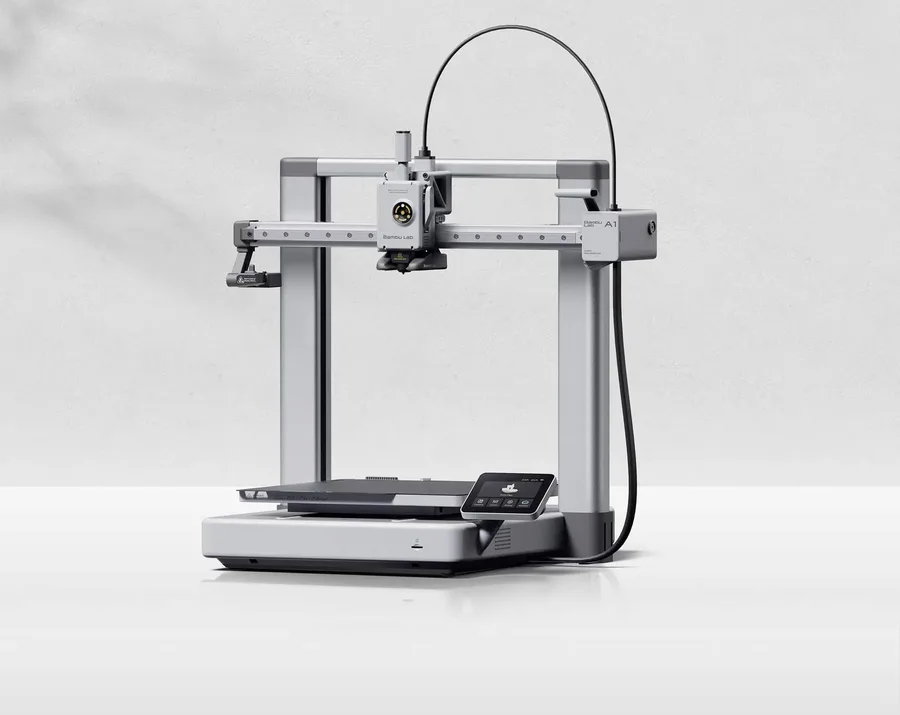
Bambu Lab A1
256 × 256 × 256 mm
More space on every axis than the A1 mini, while keeping the A1 family workflow.
An open frame does not provide the same thermal conditions as an enclosed printer. Choose materials accordingly.
Specifications and seller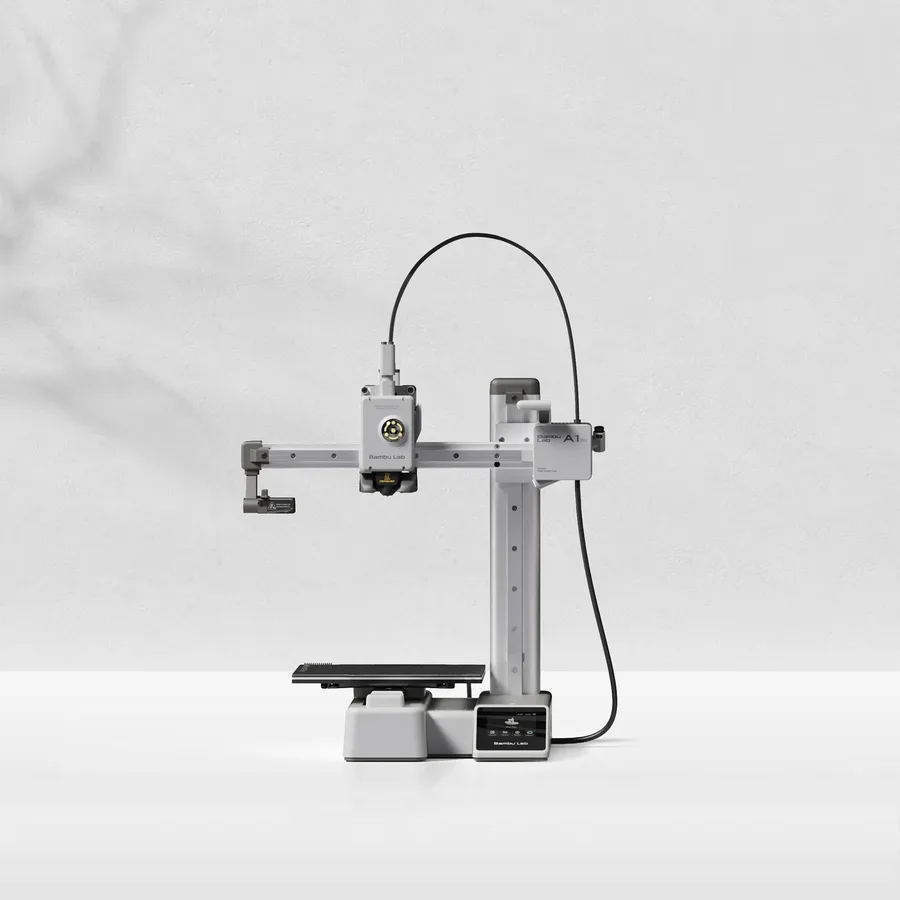
Bambu Lab A1 mini
180 × 180 × 180 mm
A candidate when your models fit within an 18 cm cube, allowing room for supports and the selected orientation.
Larger objects may need splitting and assembly. Check moving-bed clearance as well as the printer footprint.
Specifications and sellerSources and limits
- Bambu Lab AMS lite - Automatic Material System | Bambu Lab EU Store
- Bambu Lab A1 mini 3D Printer | Bambu Lab EU Store
We organize manufacturer and community documentation; we have not measured these products ourselves. The manual for your exact model takes precedence over general guidance.
A clearer shortlist starts with your projects.
Use the free buying checklist and budget worksheet before comparing offers.