
Bambu AMS HT: supported materials and workshop role
The AMS HT sits apart from the rest of the Bambu Lab lineup: a single spool slot, a drying cycle rated up to 85°C, and a separate outlet for soft, brittle or fiber-filled filament. This page separates three jobs that often get lumped together, automatic feeding, drying and sealed storage, then goes material by material through what Bambu Lab's spec sheet allows and what it rules out. You'll also see how the unit hooks up to a [Bambu Lab P2S](/3d-printers/bambu-lab-p2s), an X2D or an H2D, and where it fits next to an AMS 2 Pro.
Find My 3D Printer editorial team·Published October 20, 2026·Manufacturer documentation, no hands-on tests claimed

The short answer
The AMS HT holds one spool and combines feeding, drying rated up to 85°C and airtight storage according to Bambu Lab. Check the automatic-feeding and drying material lists separately. Filaments assigned to the bypass port are not automatically loadable; the TPU covered by that instruction must be pushed by hand. Drying requires external AC power and a connected printer that is powered on and in drying mode. It cannot run while a print is fed through the bypass.
Three jobs in one box, and why they don't always overlap
Bambu Lab's product page frames the AMS HT as a module built for high-performance materials rather than a cut-down AMS with one slot. The manufacturer lists three distinct roles: feeding the printer through a brushless servo motor, drying the spool with a stated maximum of 85°C, and keeping the filament in a sealed volume behind an electromagnetic air vent that opens during drying and closes afterward.
Those roles aren't always available at the same time. The product FAQ states the unit can't run a drying cycle while it feeds a print through the bypass outlet. Drying while printing through the normal outlet depends on the printer model and a minimum firmware version, which Bambu Lab points to its wiki for. In practice, depending on the filament and the port you use, you get a feeder, a dryer, or both.
Sealed storage is listed without any mode condition: the spec sheet lists temperature and humidity monitoring with readouts on the module's own screen, the printer UI, Bambu Studio and Bambu Handy, plus top-lid open detection. Keep in mind that dry air inside the box doesn't by itself mean dry filament. Only the drying cycle treats a spool that has already absorbed moisture.
Materials supported for automatic feeding
The spec sheet keeps two separate lists. For printing with automatic loading, the AMS HT supports PLA, PETG, ABS, ASA, PET, PA, PC, PP, POM, HIPS, support material for PLA and PETG, and Bambu's own PLA-CF, PAHT-CF and PETG-CF. PVA and BVOH appear only when dried; the "not supported" line explicitly names damp PVA and damp BVOH. TPU labeled "for AMS" is also on the automatic feeding list.
That list includes nylon, polycarbonate and three Bambu composites, which matches the "high-performance materials" positioning on the product page. The ceramic filament inlets, rated at a Vickers hardness of 1200, are advertised by the manufacturer for durability; the page doesn't tie them to any specific filament. If most of your work is nylon or PC, this normal feed port is the one that matters, with drying done ahead of the print.
One methodological note: these are manufacturer statements. They say nothing about how a specific third-party brand behaves, or about the mechanical performance of a finished part. Before buying for a particular material, confirm it appears on the "Filament Supported" line under Printing, not just on the list of materials the unit can dry.
The bypass outlet: soft, brittle and fiber-filled filament
The second port, called the bypass outlet on the spec sheet, is reserved for filament that automatic feeding handles poorly. Bambu Lab lists TPE, generic TPU, its own PET-CF and TPU 95A, and other filament containing carbon or glass fiber, apart from the three Bambu composites listed on the normal port. The FAQ walks through the TPU workflow: the spool sits inside the AMS HT, the PTFE tube connects to the TPU output port, and you push the filament by hand until it reaches the extruder.
Two documented limits come with this mode. First, for TPU through the bypass, the FAQ states that automatic load and unload aren't available; the unit then works as a dry box that keeps the spool away from moisture. Second, the AMS HT can't start a drying cycle while a print is being fed through this port. Note too that the drying list on the spec sheet names neither TPE, generic TPU nor Bambu PET-CF and TPU 95A: for those references, the page does not establish a drying cycle inside the unit.
That distinction changes how to read the product. For a shop that prints a lot of flexible material, the AMS HT remains useful as a sealed spool holder, but it doesn't eliminate manual handling. The guide on TPU for AMS covers which Bambu Lab references feed automatically and which ones go through this bypass port.
85°C drying: conditions and which materials qualify
The drying list on the spec sheet nearly mirrors the feeding list: PLA, PETG, PLA and PETG supports, ABS, ASA, PET, PA, PC, PVA, BVOH, PP, POM, HIPS, Bambu PLA-CF, PAHT-CF, PETG-CF and TPU for AMS. The maximum temperature is 85°C, with over-temperature protection described as an accurate sensor plus a physical failsafe. During the cycle the spool rotates for more even drying and the vent pushes moisture out of the enclosure.
The operating conditions are strict and worth knowing before you buy. Drying needs an external AC power supply, with the dedicated cord in the box, because the printer can't deliver that power. More importantly, the unit must be connected to the printer with the 6-pin bus cable, with the printer powered on and set to drying mode. The FAQ states standalone drying isn't possible without that connection.
For official Bambu Lab filament, RFID identification loads the drying settings automatically. For third-party spools you enter the parameters yourself. The spec sheet lists an average power draw of 150 W, which adds up if you chain several units. The general rules of filament drying still apply: a cycle dries the spool, while sealed storage only keeps it from picking moisture back up.
Connecting it to a P2S, X2D, H2D or an older series
The configurator on Bambu Lab's store lists the compatible families: A1, X1/P1, P2S, H2S, H2D/H2C, X2D and A2L, with a note that the AMS HT will be compatible with all of the brand's products. Required accessories vary by model and are sold separately. For an X1 or P1, the page names a filament buffer or AMS hub, a PTFE tube coupler and a 4-pin cable; those series accept up to four AMS units in total, AMS HT included.
On the Bambu Lab H2D, the printer's own page states that a 4-in-1 PTFE adapter is needed beyond two AMS units. The H2D FAQ gives the ceiling: four AMS 2 Pro and eight AMS HT at the same time, for twelve units and 24 slots, and up to 25 colors if the other nozzle uses an external spool holder. That math confirms each AMS HT counts as a single slot.
The same H2D page notes the first-generation AMS stays compatible for multi-color work but doesn't support the drying function, and that the AMS lite isn't supported on the H2D at all. For the P2S and X2D, the AMS HT configurator offers both models, but the exact accessories depend on your setup. Check the manufacturer's multi-AMS connection guide rather than assuming a direct plug-in.
Where it fits next to an AMS 2 Pro
In a shop already running a Bambu AMS 2 Pro, the AMS HT doesn't replace the four-spool module for everyday color changes in PLA or PETG. Its documented role is different: hold the demanding spool, nylon, polycarbonate or a composite, dry it at up to 85°C, and keep it sealed between prints. The spec sheet describes drying "optimized for high-temperature materials," which targets exactly those uses.
Two practical constraints limit which spools you can use. The sheet requires 1.75 mm filament and spools between 50 and 68 mm wide with a diameter of 197 to 202 mm. A wider or oversized spool won't fit inside the sealed volume. The module measures 114 by 280 by 245 mm and weighs 1.21 kg, in a PC/PA shell rated UL 94 V-0 according to the manufacturer.
The advertised feeding speed gain from the brushless motor is a Bambu Lab claim, not an independent measurement. Likewise, compatibility is limited to the models and versions named on the product page. To decide whether one unit is enough or you need to chain several, start from how many engineering materials you actually print, then size the spend with the site's startup budget tool.
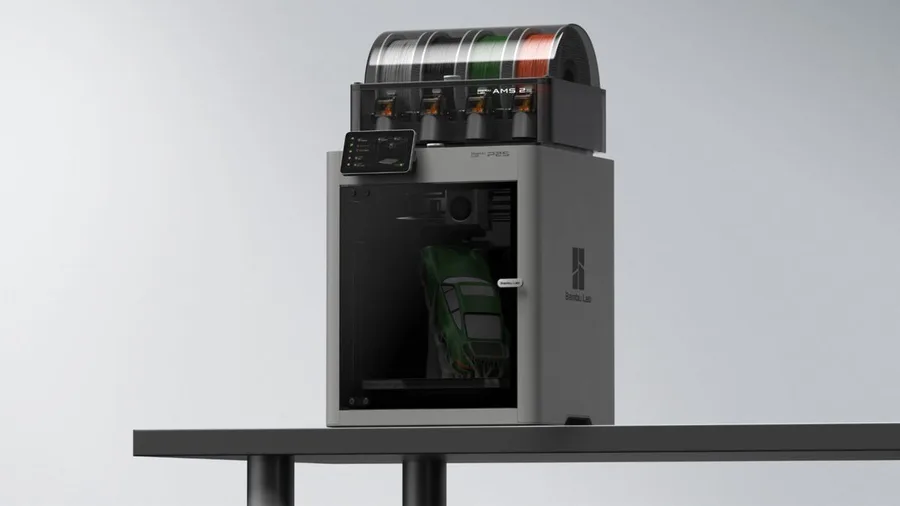
Bambu Lab P2S
256 × 256 × 256 mm
The enclosed frame, hotend up to 300°C and bed up to 110°C support a broader material discussion than an open-frame machine.
AMS 2 Pro and drying capabilities depend on the package selected. Advertised automation is not a measured reliability score.
Specifications and seller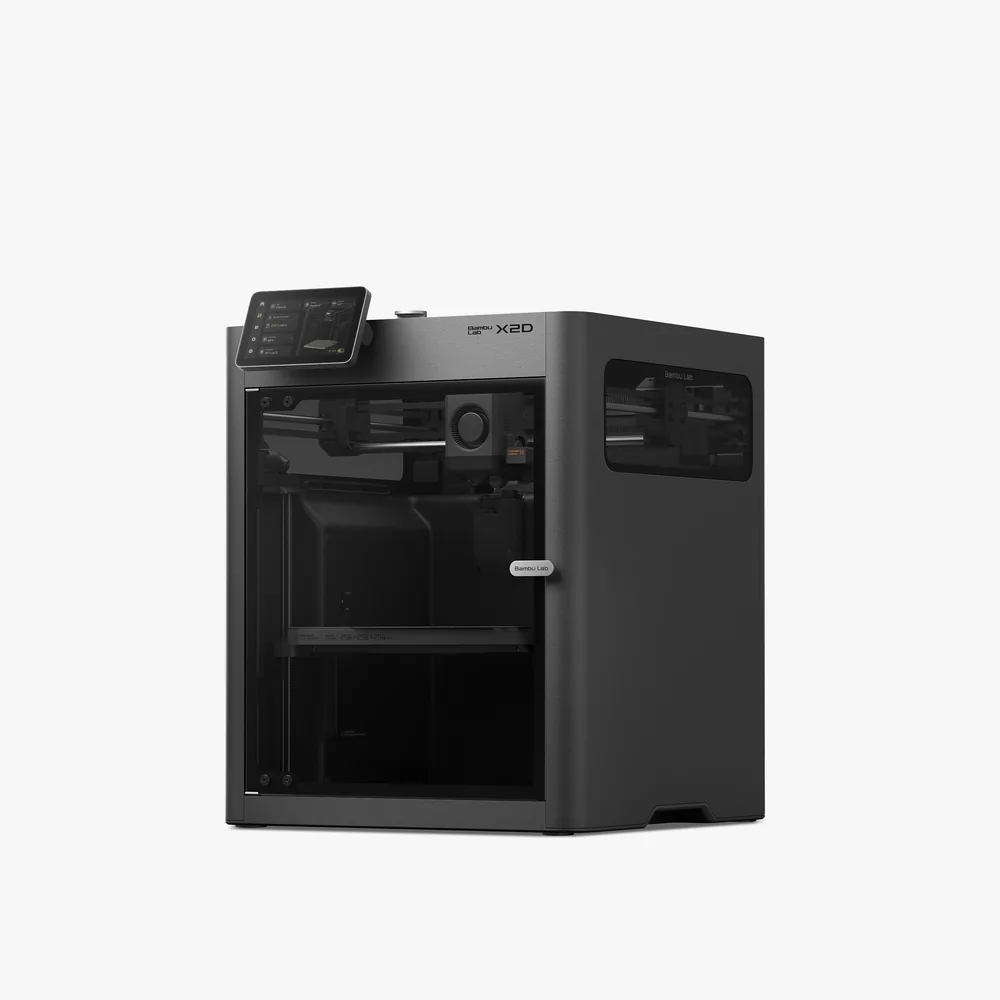
Bambu Lab X2D
256 × 256 × 260 mm
A second nozzle promoted for support material that peels away cleanly, a 65°C heated chamber, a 300°C nozzle, and a 256 × 256 × 260 mm nominal volume per Bambu Lab.
Beyond two materials, an AMS is still needed for full multicolor, and dual-nozzle printing reduces the volume to 235.5 × 256 × 256 mm. Check the exact bundle contents (Combo vs. standalone) on the retailer's listing.
Specifications and sellerSources and limits
- Bambu Lab AMS HT - Automatic Material System | Bambu Lab EU Store
- Bambu Lab H2D | Dual Extruder 3D Printer | Bambu Lab EU Store
We organize manufacturer and community documentation; we have not measured these products ourselves. The manual for your exact model takes precedence over general guidance.
A clearer shortlist starts with your projects.
Use the free buying checklist and budget worksheet before comparing offers.